

How to use HRV without a subscription
A careful Android setup for following your own HRV trend: consistent measurement, Health Connect, and on-device context rather than a one-number verdict.
Inside Kinoku
The app surfaces behind this story
 Open full-size image ↗
HRV in context
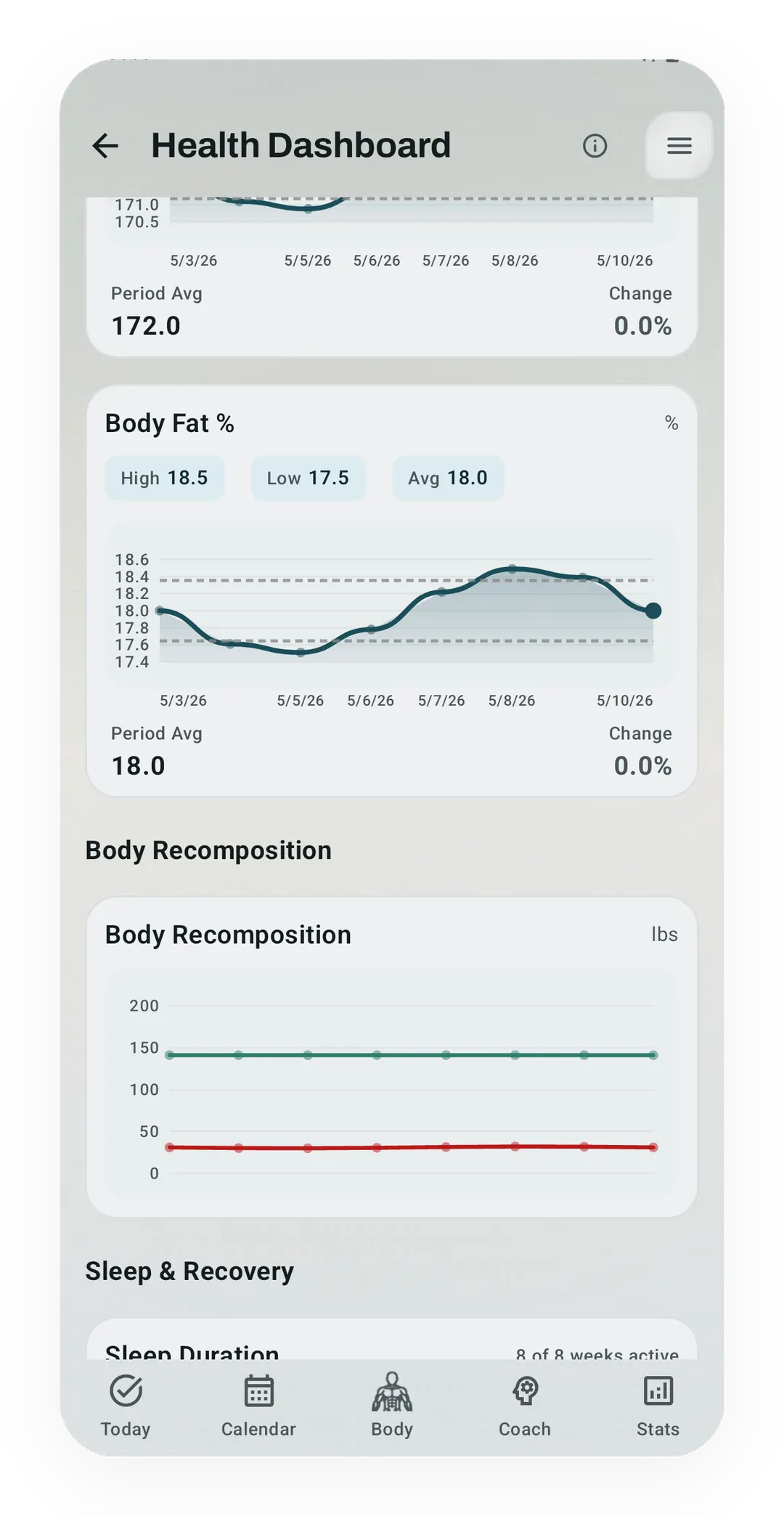
The Health Dashboard combines HRV with the other recovery signals that make it useful.
Heart rate variability (HRV) is the change in the gap between one heartbeat and the next. It can add context to training, but one number knows less than it seems to. This post is about keeping an HRV record with no subscription and no verdict attached.
You do not need a monthly fee to keep an HRV record on Android. You need a device that records it, the same reading habit each day, and an app that can read the result from Health Connect. The result arrives as RMSSD records (root mean square of successive differences, the standard way a device sums up those beat-to-beat gaps in milliseconds). Kinoku can be that last layer, and it does so without sending your training history to a Kinoku server.
What the number is
Kinoku reads RMSSD, which lands in Health Connect as a HeartRateVariabilityRmssdRecord. The Health Connect record page defines both the measure and its one valid data field.
A higher number is not automatically better
HRV moves with training, sleep, illness, drink, stress, breathing, posture, the time of day you take it, age, and the sensor itself. It is not a direct meter for “fight or flight,” and a higher value is not always a good sign. Current measurement guidelines warn against reading HRV as a simple stress-versus-rest switch.
The comparison that helps is most often you versus your own recent pattern, taken the same way each time. The rest of this post follows one runner whose watch writes a reading every morning, because two weeks of those mornings say more than any single number.
Make the measurements comparable
A trend is only as good as the habit behind it, and four things keep readings on the same footing.
- Use the same source when possible. Switching between devices can add a change that belongs to the sensor rather than to your recovery.
- Measure at the same time of day and in the same posture. Morning and overnight readings can both work, so the habit matters more than picking one “best” moment.
- Look at a few days, not one lone dip. Day-to-day movement is normal, so the trend is read beside sleep, sore muscles, mood, resting heart rate, and the session you did.
- Treat missing or odd readings as missing evidence. A value taken under other conditions is a weak reason for a training call.
A review of HRV monitoring in endurance athletes points at the same issues: timing, length, posture, recording quality, age, sex, and training context all change what a reading means.
How to use it without letting it run the program
HRV can be one input to a daily call, not the call itself. Back to the runner, whose reading drops after a late night:
- Near your recent range: nothing to act on, so the plan stands unless other signs disagree.
- Outside your range for more than one reading: look for context, because lost sleep, illness, travel, drink, a hard block, or a changed reading habit can all matter.
- Low HRV plus poor sleep, odd tiredness, sore muscles, or signs of illness: an easier session or a rest day is one option, and your own judgment decides.
Research on training guided by HRV in endurance sport is promising but not a rule for everyone. Small randomized trials (where runners were placed in a group by chance) found gains in some groups, while other work found that self-reported stress could be at least as telling. See the trials in professional runners and recreational runners. The lesson is to read the signal beside how you feel and what the program is trying to do.
HRV is not a diagnosis, an injury predictor, or a reason to ignore symptoms that will not go away. If a reading comes with chest pain, fainting, an odd racing or fluttering heartbeat, or other worrying signs, that is a case for medical advice. A training app is the wrong place to take it.
The Android setup
1. Confirm that your source writes RMSSD to Health Connect
A device may show HRV in its own app without exporting it. Before buying anything, check the maker’s current pages and then confirm the result inside Health Connect under data and access. Support changes over time, so this article keeps no brand-and-price shopping list.
2. Enable Health Connect access
Health Connect is Android’s shared store for health data, and you control which app may read what. On supported Android versions it has an HRV RMSSD record type and its own read permission. The data-type list is the one to trust.
3. Let Kinoku read the record
Kinoku uses HRV in two Readiness surfaces, and they differ. Health-signal Readiness gives up to 40 points to sleep, 30 to resting heart rate, and 30 to HRV, and it rescales the parts it has when one is missing. This is the surface the Health Dashboard and the optional readiness adaptation use. Pro Analytics Readiness instead mixes sleep (35%), muscle recovery (25%), lifting ACWR (25%), and HRV (15%). ACWR is short for acute to chronic workload ratio, which sets your recent lifting load against your longer-term average. Without HRV that score uses 40/30/30 across the other three inputs. The two scores answer related questions, but they are not the same score. The app also shows when a piece is missing rather than filling in a complete-looking number.
Take the runner on a morning when the watch fails to record HRV. Health-signal Readiness then rescales sleep and resting heart rate, so the missing 30 HRV points do not count as a zero.
The math runs on your phone. The device maker may still use its own account or cloud before writing data into Health Connect. That line belongs to the device and its own app, not to Kinoku.
What this setup gives you
- A portable Android HRV record when your source supports Health Connect.
- A personal trend beside sleep, resting heart rate, training, and how you said you felt.
- On-device Kinoku analysis with a breakdown you can read.
- No required Kinoku account and no Kinoku cloud holding your training history.
A few limits are Kinoku’s own. Kinoku is Android only, and it reads HRV only from a source that writes to Health Connect. A watch that keeps the number inside its own app leaves Kinoku’s Readiness without HRV. There is also no cloud sync between devices, so the record lives on the one phone unless you carry a backup file across yourself.
Android backup may still copy eligible app data into your Google account. Health Connect has its own Android permissions and backup behavior. Those system services are not the same thing as Kinoku uploading your training history.
The honest takeaway
HRV is most helpful when the reading repeats the same way and the reading of it stays modest. What is settled is that your own trend, taken the same way each morning, tells you more than any single number. What can still change is how far HRV-guided training helps outside the small trials that tested it. So the sensible use is a signal that starts a question beside sleep, stress, symptoms, and training load.
That is a better use of the signal than turning one morning number into permission to train hard or an order to stay home.
Related features
Once Kinoku has enough data, the Kinoku Score sums up your recent training, recovery, and health signals. Until then, it shows a learning state instead of a made-up number.
Kinoku reads and writes Android Health Connect data without passing it to a cloud. Period flow import is a Pro feature and read-only. Kinoku never writes cycle data back to Health Connect.
Mark rest days by hand, on a schedule, or let Kinoku spot them. They carry across streaks, Pulse, achievements, and Coach, so a real rest day never breaks your record.
Try Kinoku
Core tracking works offline. No mandatory account. No Kinoku-hosted training-history cloud.
Get on Google Play →