

Swim and Gym Tracker for Android: Pool Logging, Free
Log pool and open water swims by stroke, distance and time, with swim volume that rolls into your Kinoku score and weekly training load.
Real app capture
What this feature looks like with data
 Open full-size image ↗
A pool session, logged
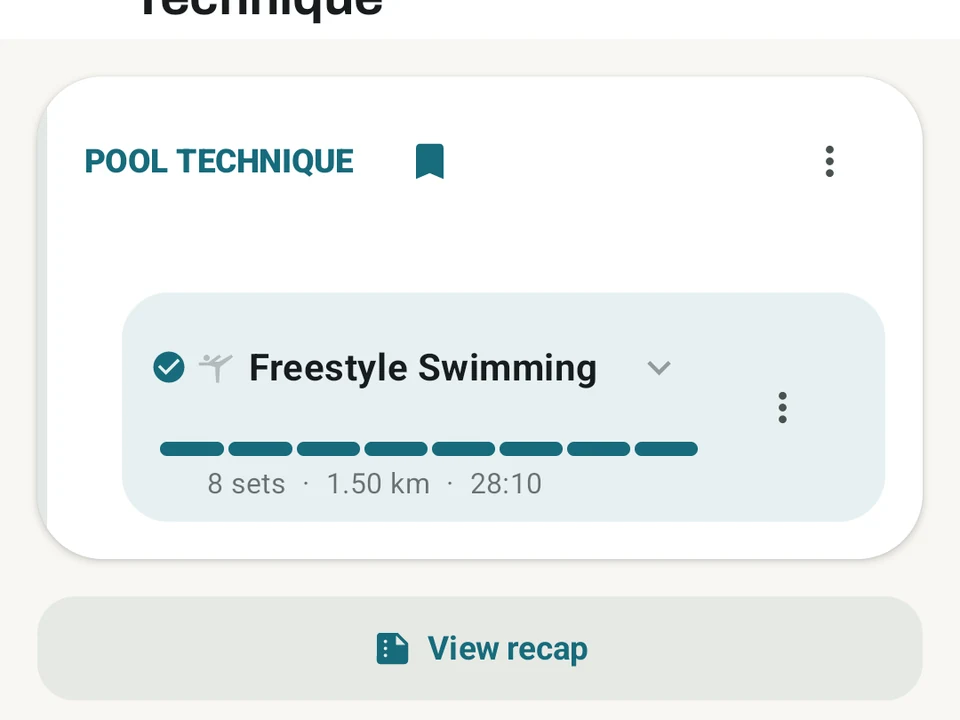
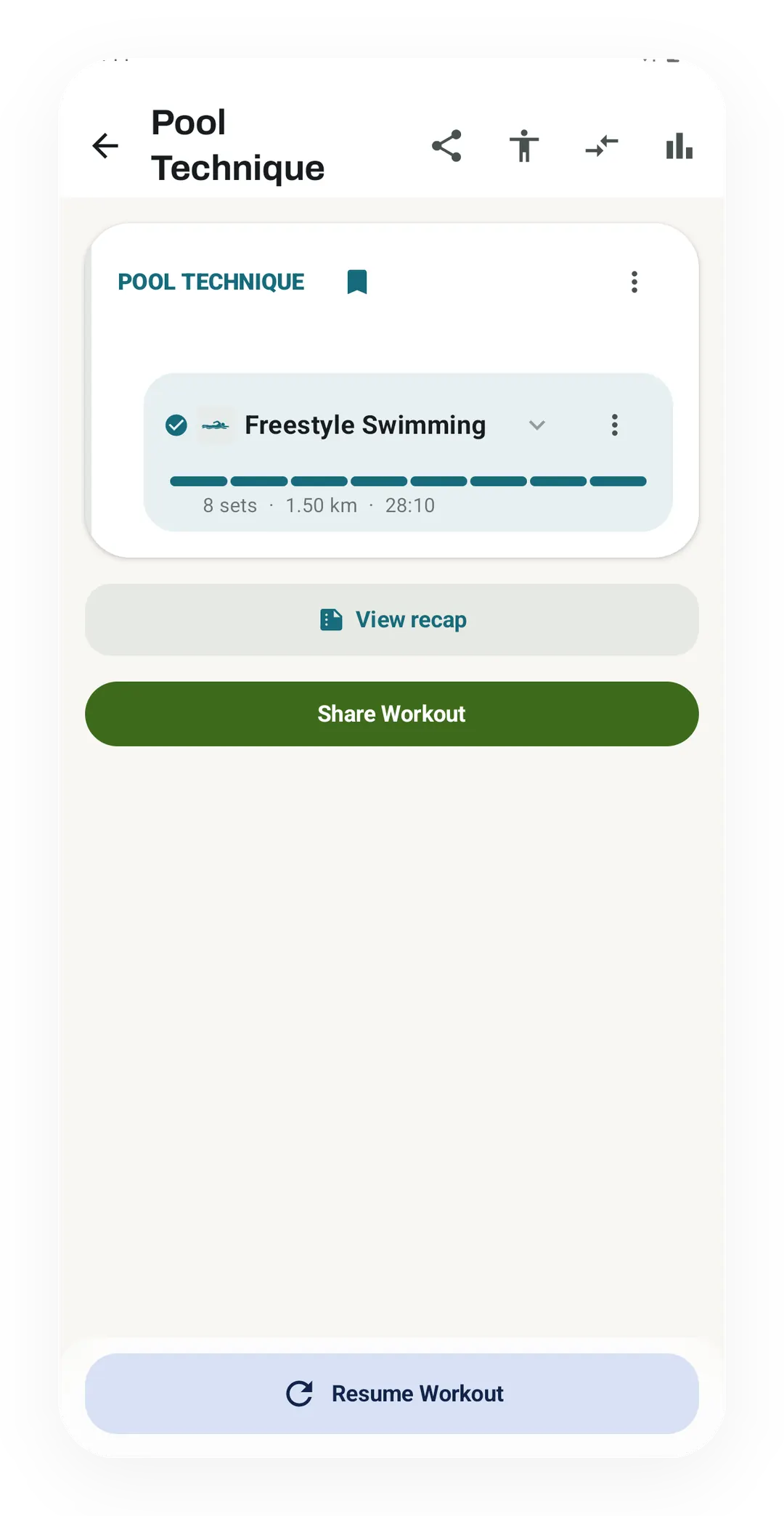
A pool session sits in your history like any workout. Pool Technique here holds 8 sets of freestyle, 1.50 km in 28:10, with a recap one tap away.
What it is
Swim Training is pool logging inside the app you already use for the gym and the road. Your sets, distances, times and strokes all land in one history. Swim work feeds your Kinoku score and your weekly training load next to your lifts and runs. A 2 km session on a Tuesday shows how the pieces fit together.
Stroke types
Each stroke is its own exercise: freestyle, backstroke, breaststroke, butterfly, the individual medley (IM), kickboard drills, pull buoy drills, swim sprints, open water swimming and treading water. You log the distance and the time for each set, and treading water takes the time only. Because every stroke is a separate exercise, the 2 km Tuesday reads as its parts, with a total for each stroke, rather than as one round number. Swim achievements arrive as the distances add up.
Why swim volume counts toward your week
Most trackers treat swimming as a separate world, with its own screen and its own totals. The week then looks lighter than it really was. Kinoku rolls swim volume into the same load as everything else. So that 2 km lifts your Pulse training score and shows up in the timeline beside your gym sessions. A week of three swims and two lifting days reads as five sessions of training.
Pool scene
The built-in Pool scene switches the Today screen to cardio in one tap, so the exercise list drops the barbell lifts and the swims are easy to reach with wet hands. It does not track GPS, because a pool has no route to draw. Swims sit in the same history as your lifts, runs and steps, and the all-in-one fitness tracker apps list shows which other apps name swims too.
What it does not do
Kinoku does not count your laps or work out a pace per 100 m, because the log is yours to fill in. You enter the distance and the time for each set, at the wall or later from memory, and the Wear OS app has no swim mode. A session logged that way is only as good as your memory of it, which is worth knowing before you read much into two swims a month apart.
Free, forever
Pool logging, the stroke types, the Pool scene, and the swim volume that feeds your score all cost nothing. Swimming is training, and it counts the same as a session in the squat rack. Swimming gets less depth here than running does today, which is worth weighing before you move your whole log across.
Try it for yourself.
Available on Google Play. Core access starts on the free tier.
Get on Google PlayRelated surfaces
Live pace, splits, a route map, and audio cues. Your run record is not uploaded to Kinoku; map tiles load when you view maps, and weather is a clear opt-in.
Plan workouts on one calendar, with no limit on how many plans you keep or how far ahead you plan. Pro adds repeating schedules (weekly, custom days, or every few weeks), drag-to-move, bring-to-today, repeat-day, and day copy.
Build custom interval workouts step by step: warm-up, work, recovery, and repeats. Or copy a built-in one and tune it.