

Form Band
A fitness-and-fatigue curve (CTL / ATL / TSB) across gym, run, and brisk-step load. On your phone, offline, no account.
Real app capture
What this feature looks like with data
 Open full-size image ↗
Training Form chart
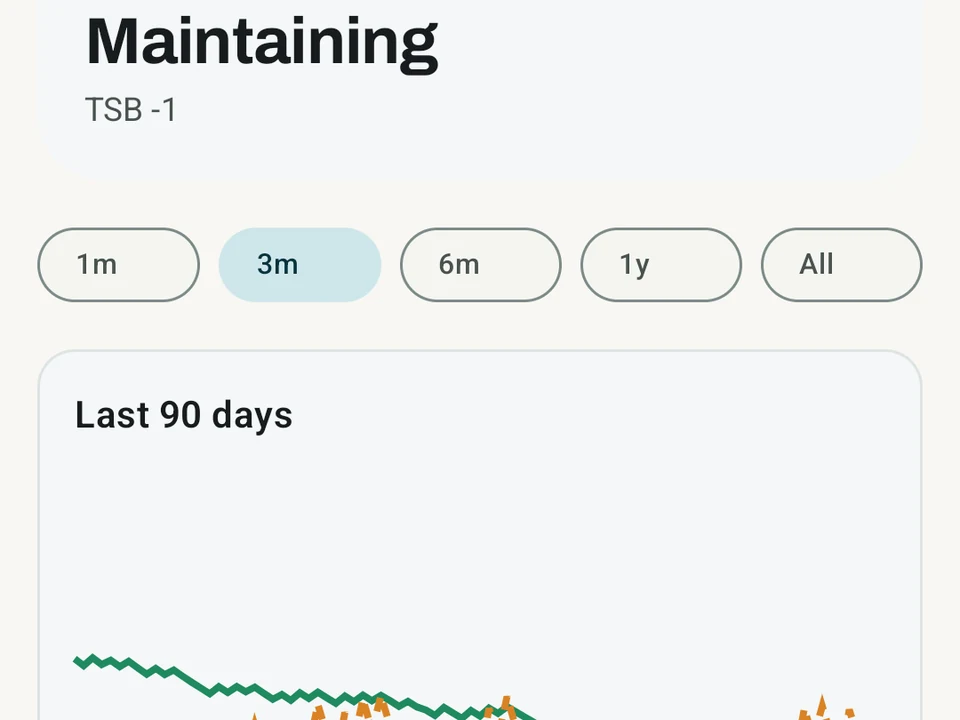
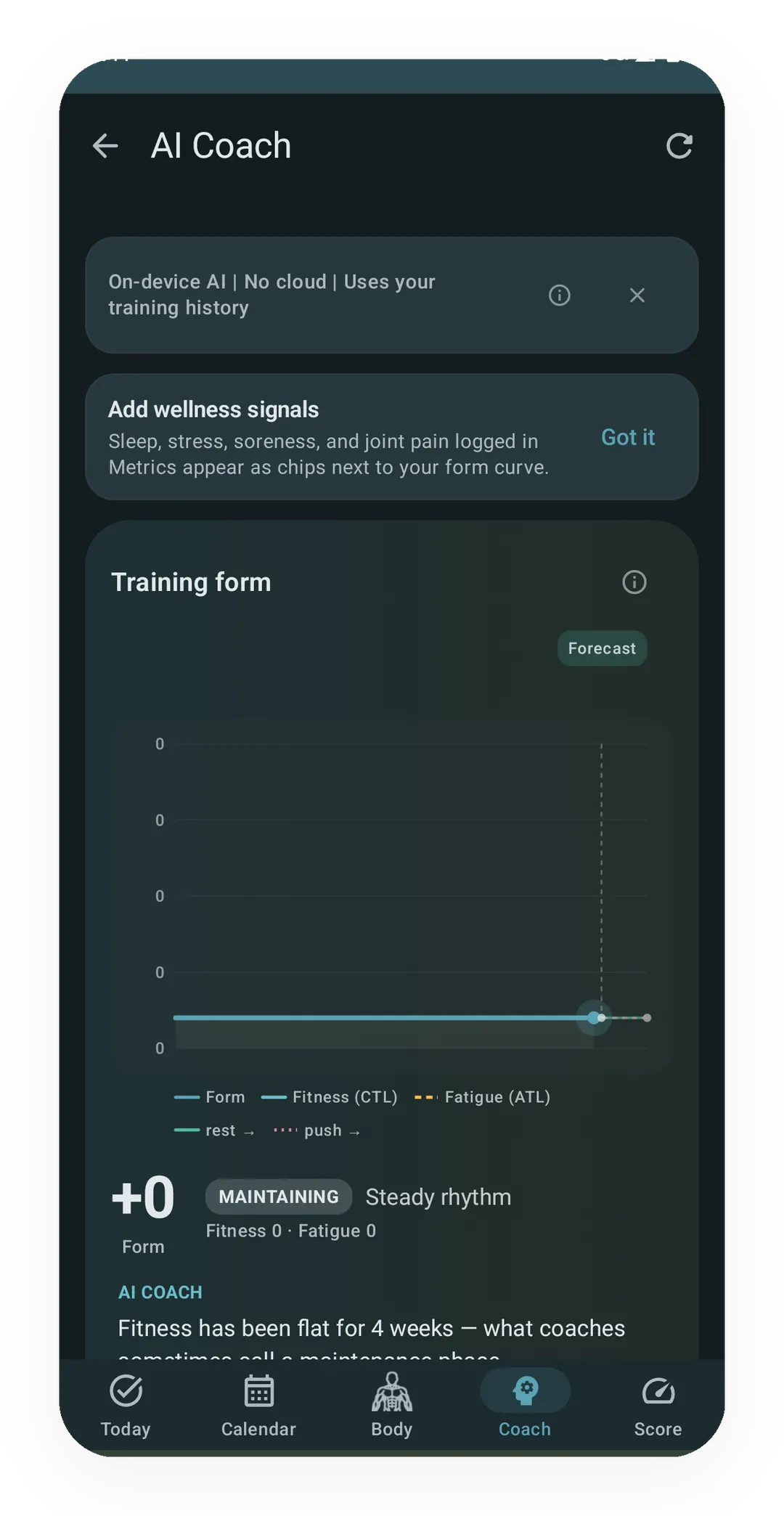
Real capture. The fitness-and-fatigue curve on the Coach screen. Form (TSB) sits next to Fitness (CTL) and Fatigue (ATL) with a forecast tail. A state pill reads MAINTAINING, and a plain-language note below explains the curve.
What it is
Form Band is a fitness-and-fatigue curve. It tracks three things over time: how fit you are, how tired you are, and how fresh you feel today. It is the same kind of curve TrainingPeaks and Intervals.icu made familiar to runners, widened here so your gym days count as well. The calculation runs on your phone, with no mandatory Kinoku account and no Kinoku-hosted training history. Eligible app data may still enter Android system backup in your Google account.
The clearest case is a three-week build followed by an easy week, which this page comes back to.
The three curves
Training builds you up and wears you down at the same time, and the three curves track both halves:
- Fitness (CTL) is a slow, 42-day average of your daily training load, so it builds slowly and fades slowly.
- Fatigue (ATL) is a fast, 7-day average of the same load, so it jumps after a hard week and drops away during an easy one.
- Form (TSB) is fitness minus fatigue, and it reads as how fresh you are. A negative number means tired from hard training, and a positive number means fresh.
Across the three-week build, Fatigue climbs faster than Fitness and Form goes negative. In the easy week after it, Fatigue falls away while Fitness holds, and Form crosses back above zero.
90-day curve
The Pro Analytics Recovery tab plots all three across the last 90 days and marks five bands:
- Peaked (Form +25 or above) is very fresh, and it reads best next to the fitness trend, because a long break pushes Form this high too.
- Fresh (Form from +5 to below +25) is fresh enough for a race, a test, or a hard session.
- Steady (Form from −10 to below +5) means fitness and fatigue sit close to each other.
- Overreaching (Form from −30 to below −10) means you are more tired than fit. The band reads best alongside sleep, soreness, your plan, and how you feel.
- Highly overreaching (Form below −30) is a very tired state, and it wants the same wider context.
Kinoku schedules a refresh every 24 hours, though Android may run it a little later to save battery. A change to your training can trigger one as well.
What counts as load
Form Band covers more than one sport, and it adds up four kinds of work:
- Gym work, weighted so a heavy 5×3 squat counts for more than a light 5×10 curl. Your rating of perceived exertion (RPE) tunes that weighting when you log one.
- Runs, scored by a run stress score built from your heart rate or your pace, whichever is richer.
- Timed sessions, meaning a swim, a class, a rowing machine, or a mobility flow. These score from how long the session ran and how hard it felt. Rate the session and Kinoku uses your number, and skip the rating and it estimates the effort from the activity itself.
- Brisk steps, where time spent walking above your brisk pace turns into a steady load.
You get one curve for all your training rather than a separate curve per sport, which is the main difference from run-only tools that skip your gym days.
Why the curve matters
Losing track of when you are fresh or worn down is easy. The gap tends to show up only when a session feels flat, or when a week feels harder than planned. The curve gives you something to read earlier than that:
- You can check whether a planned peak is landing in the fresh zone.
- You can watch load build before a single session makes it obvious.
- You can back a rest week with a chart instead of a hunch.
- You can see whether your easy weeks clear the fatigue or only move it later.
How Kinoku works it out
The curve uses a model first written down by Banister in 1975, with later work by Calvert and Skiba. The exact math, the decay rates, and the way the three curves combine sit on the methodology page.
For the longer story on why this works and how to read it day to day, the Banister pillar article covers it. To see how the curve compares against a workload ratio, read ACWR (acute to chronic workload ratio) beside the fitness-fatigue model.
Wellness signals
The load model knows your training and nothing else, so it cannot tell how you slept or how your knee feels. Kinoku shows a small Today’s Signals row under the Form Band card for that, surfacing up to three chips from the wellness you have logged:
- Sleep last night.
- Stress.
- Soreness.
- Joint pain.
- Heart rate variability (HRV).
Each chip reads against your own 14-day baseline rather than a fixed number. A tap tells you “above your usual” or “below your usual” instead of a raw score. Your typical night might be 6 hours or 8, and the chip frames today against you rather than against anyone else.
When the load model and your body disagree, a small dot appears on the chip. Say Form has climbed through that easy week while your sleep sat below your usual on 4 of the last 7 nights, and the dot marks the mismatch. A tap describes the pattern in plain words. The signals sit next to the Form score rather than blended into it, so the model stays clean and the reading stays yours.
Form Band and readiness
You can also switch on a Readiness layer, which is Pro as well, and it reads Form Band along with your sleep and heart rate variability. From those it can adjust tomorrow’s planned weights and reps. Low Form with poor sleep trims the session a little, and high Form with good sleep adds a little. When readiness adaptation is on, Kinoku applies a reversible next-session adjustment, and your manual choices take precedence over it.
Part of Pro
Form Band is Pro, while the Coach screen shows you a form curve for free. Pro adds the three-curve view, the 90-day window, and the wellness signals behind it. How much any of it tells you depends on how much of your training you log, which is the honest limit on all three lines.
Related surfaces
A Pro hub with five core tabs, plus a Cycle tab when cycle tracking is on. Its 20+ features include strength scores like DOTS, IPF GL, Wilks, and FFMI, the Banister Form Band, plateau alerts, ACWR, muscle balance, and cycle links.
A 4-phase planning stack. The builder, all 15 templates, named programs with auto-progression, the custom model, and unlimited active programs are free. Pro adds volume targets, readiness tuning, and auto set changes.
Coaching screens that run on your phone and explain what changed in your training and why it matters.
The lead card on the Coach screen shows how fresh or tired you are right now. One Form line sits over three soft bands: Fresh, OK, and Tired, with a state pill beside it. Tap Show fitness details for the fitness and fatigue lines behind it. The base chart is free for all. Pro adds forecast lines and a note in plain words.