

Muscle Map
A full-body map that shows which muscles you train hard, and which ones you skip.
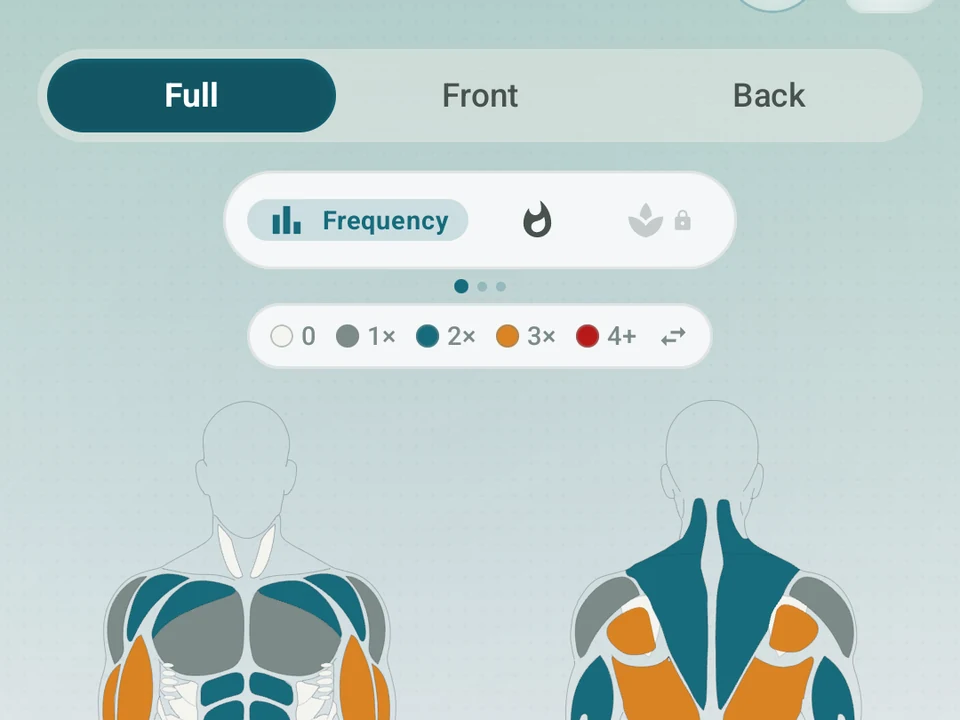
Three views, one body
Frequency, Intensity, Recovery
Tap a tab to switch the muscle-map view. Every shot is a real capture from the app.
Real app capture
What this feature looks like with data
 Open full-size image ↗
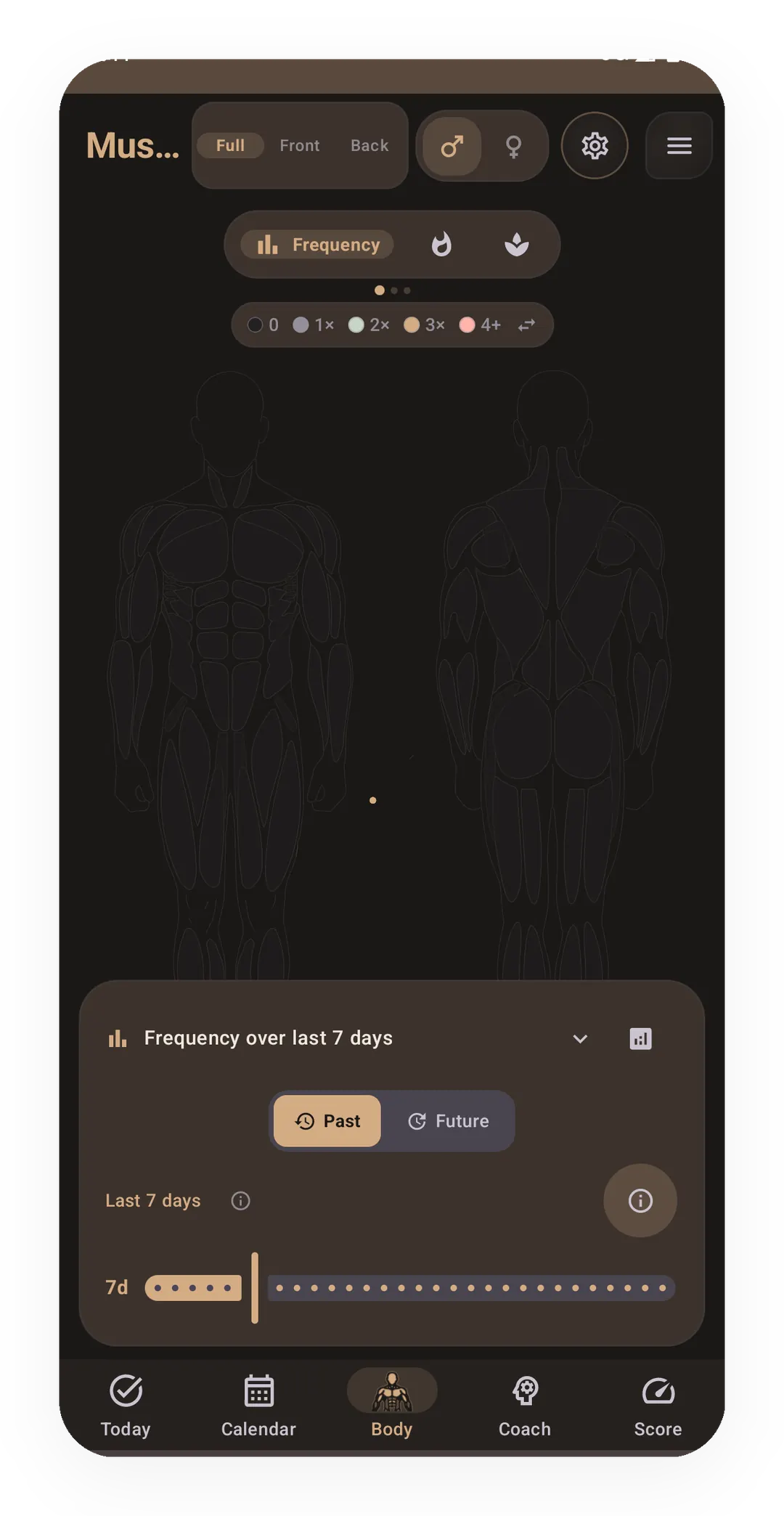
Body tab: Muscle Map
Real capture: the Body tab rendering muscle activations from logged workouts. Lotus theme.
Tier shape
How access changes by tier
Frequency and training-volume views, time windows, muscle detail, and history.
Recovery estimates, readiness context, and exercise picks for muscles that look ready.
What it is
The Muscle Map is a full body figure, front and back, that colors each muscle by how much you train it. Rear delts are the example this page follows, because they are the muscle lifters lose track of first.
Three modes
Frequency mode colors each muscle by how often you trained it in a window you pick, counting sessions rather than effort. Blue means too little, orange too much, and green sits between them, so rear delts you touched once all month read blue.
Heatmap mode colors each muscle by total volume, weight times reps, and it scales to your own past rather than a global chart. The same rear delts can look green by count and stay pale by volume, when every set was light.
Recovery mode (Pro) adds a guess at how rested each muscle is, plus picks for the muscles that look ready. Recovery here means the rest a muscle wants before you train it again, and the mode shades each muscle by a readiness score from your sleep and heart data.
What it’s for
- Spot a gap fast, because a lopsided week shows up as color, like more chest than back.
- Plan tomorrow by finding the muscles you missed and picking a session that fills them.
- Watch the map change as you scroll back through earlier weeks.
- Tap any muscle to open its recent exercises, a volume trend, and the day you last trained it.
Why it matters
Most apps show a list of exercises and call that tracking, while the map turns that log into a picture of your body. The picture is also what pulls you back between sessions, when you wonder what to train next.
The map only knows the sets you logged
One limit sits beside every claim here: the map colors saved sets and nothing else. A session you never wrote down leaves no color, so a blue muscle is a gap in the record before it is a gap in your training.
Frequency and Heatmap are free, and Pro adds Recovery mode, the picks, and rest guesses tuned by sleep and heart data rather than time alone. The two free modes stay free, the color scale can still shift as we tune it, and the next session is your call.
Try it for yourself.
Available on Google Play. The core here is free. Pro adds optional extras.
Get on Google PlayRelated surfaces
Charts per exercise, PRs, your best one-rep estimate, volume trends, and date filters. Every exercise type gets a chart that fits it: Best, Total, and Avg Time for holds, Best and Total Reps for rep work, and Best and Total Distance for distance work, not just weight charts.
A 4-phase planning stack. The builder, all 15 templates, named programs with auto-progression, the custom model, and unlimited active programs are free. Pro adds volume targets, readiness tuning, and auto set changes.
A Pro hub with five core tabs, plus a Cycle tab when cycle tracking is on. Its 20+ features include strength scores like DOTS, IPF GL, Wilks, and FFMI, the Banister Form Band, plateau alerts, ACWR, muscle balance, and cycle links.