

Rest Day Tracker
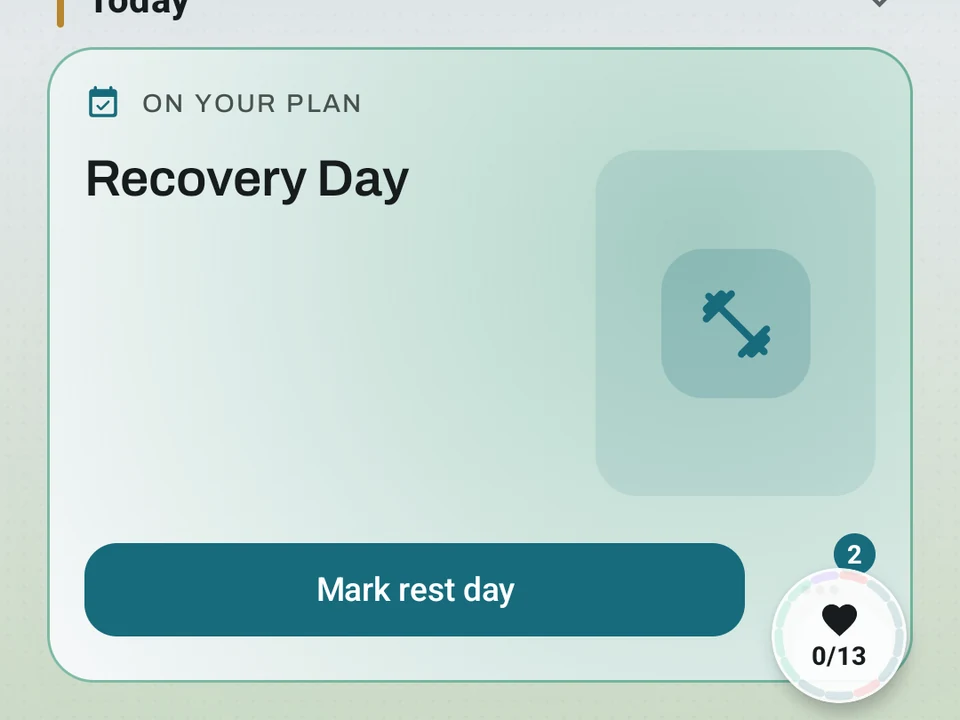
Mark a day as rest and the whole app agrees. Your streak stays intact and Pulse skips the day instead of scoring it a zero.
Real app capture
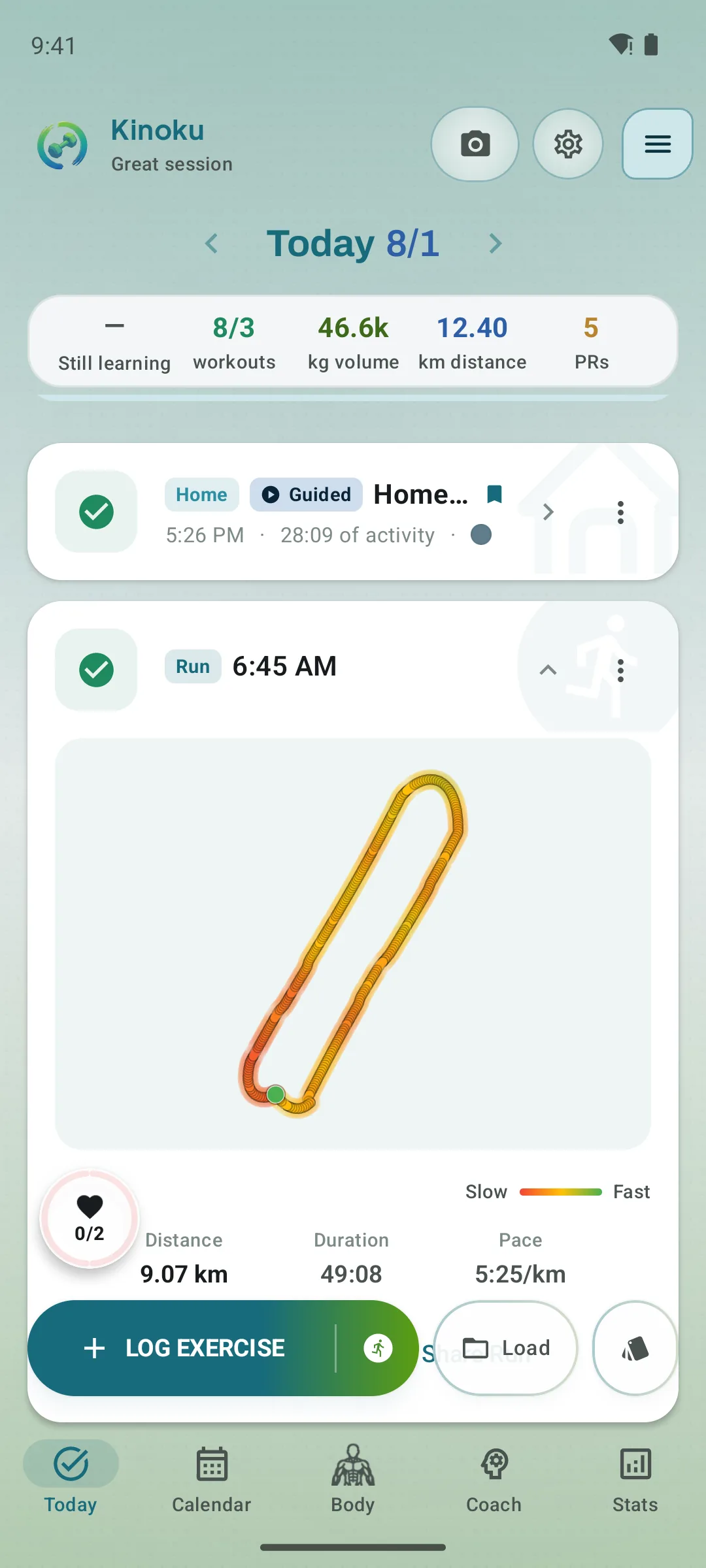
What this feature looks like with data
 Open full-size image ↗
Rest is a real plan state
Today can explicitly recommend rest and still show the score and context behind that choice, instead of treating an empty day as missing data.
Tier shape
How access changes by tier
Tap a day to mark it rest, and unmark it if you change your mind, with the change carrying to Wear OS.
Plan rest days into your week or training block ahead of time, and let readiness signals like HRV, sleep, and recent load suggest one.
What it is
The Rest Day tracker lets you mark a day as rest, and the whole app then agrees with you instead of reading the gap as a miss. Your streak stays intact, the Kinoku Score skips the day rather than scoring it a zero, Coach adjusts its weekly recap, and most achievement progress keeps running. The tracker replaces the old Steps-only “Pause today” toggle, so one rest day now reaches every part of the app.
Three ways to mark a rest day
Manual (FREE)
Tap a day in the calendar or on the Log screen to mark it rest, and tap again to undo. Nothing is deleted either way, so you can change your mind later, and the change reaches your Wear OS watch right away.
Scheduled ahead (PRO)
Plan rest days into your week or your training block before they arrive: a Sunday off every week, a lighter mid-block week, a planned easy stretch. Each one shows up in the calendar with its own chip, so the plan stays readable at a glance.
Auto-detection (PRO)
Readiness is a daily read on how recovered you are, drawn from sleep, heart-rate signals, and recent training load. Pro can mark a detected rest day for you, and you keep a 24-hour undo plus a manual override whenever the call looks wrong.
What a rest day changes
Mark a day as rest, and it flows through:
- Streak counter: rest days are skipped, so a steady program with planned rest stays a streak.
- Kinoku Score: the day is skipped, not scored as a zero.
- Coach screen: the weekly recap and Today’s Focus adjust how they read.
- Achievements: “in a row” checks count the rest day as part of the run.
- Social Bets: streak bets respect the rest day too.
- Zone Training: weekly zone balance skips the day instead of counting it as missing.
- Training Calendar: a rest chip shows up in the week view, so the plan stays honest.
- Wear OS: the rest state reaches the watch with the rest of your settings.
What happens if you train on a rest day
Consider a Sunday marked as rest where you log a workout anyway: Kinoku asks whether to clear the rest flag or keep it. If Kinoku set that day for you, it clears the flag by default, because the signal was off and the record should match what you did. If you set the day yourself, the flag stays and the workout sits next to it, since a short mobility session on a rest day is more common than you might expect.
Achievements
The Rest Day tracker has its own achievements in the RECOVERY group:
- Your first marked rest day.
- 10, 50, and 100 rest days logged in total.
- A full month where Kinoku found every rest day for you (PRO).
Why it matters
In most fitness apps a deliberate rest day looks like a missed day, so a careful program ends up looking like a broken streak. Kinoku records the rest and counts it as part of the training, which keeps the record honest about your whole week rather than only the loud parts.
Where it can be wrong
Auto-detection reads readiness signals and guesses, so it will sometimes call a rest day you never took. The 24-hour undo and the manual override are there for that, and the free manual mark never guesses at all.
Related
- Readiness: the recovery signal behind auto-detection.
- Kinoku Score: your daily state score, which skips rest days.
- AI Coach: the Coach surface that adjusts for rest days.
The free layer
Marking a day as rest is free, taking the mark off again is free, and it carries to Wear OS either way. Pro lets you plan rest days ahead and can mark one automatically when the configured readiness rules match. Marking by hand stays free whatever those detection rules do later.
Try it for yourself.
Available on Google Play. The core here is free. Pro adds optional extras.
Get on Google PlayRelated surfaces
Once Kinoku has enough data, the Kinoku Score sums up your recent training, recovery, and health signals. Until then, it shows a learning state instead of a made-up number.
Coaching screens that run on your phone and explain what changed in your training and why it matters.
Daily steps, streaks, brisk minutes, and an hour-by-hour view of how you moved.