

Trash & 30-day Undo
Deleted workouts and progress photos remain recoverable for 30 days. Restoring a workout rewinds your program, resyncs Health Connect, and updates bet progress.
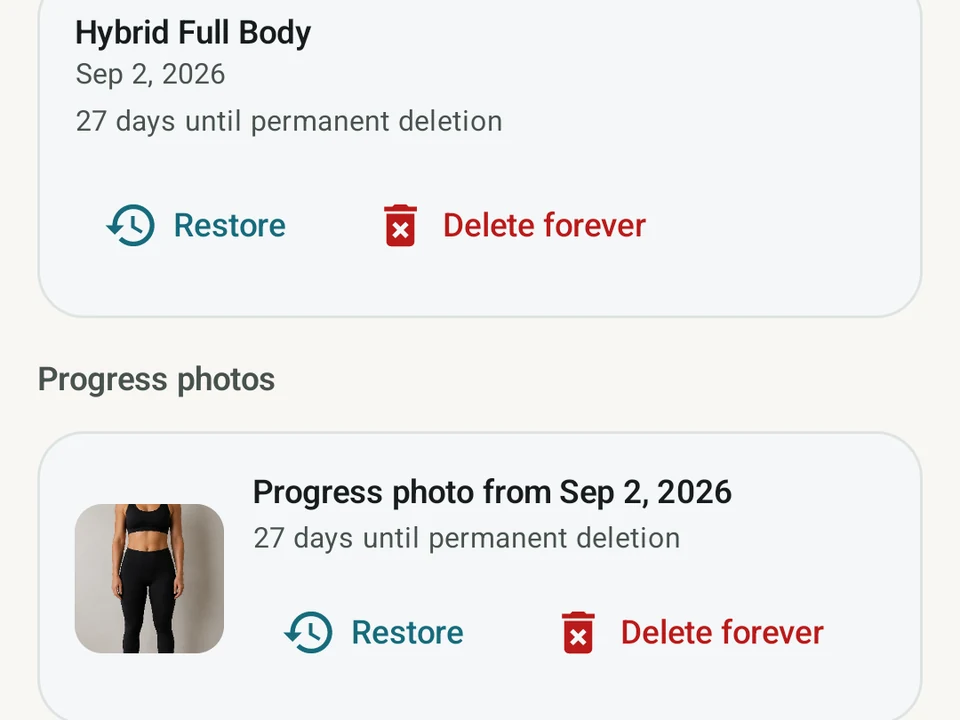
Real app capture
What this feature looks like with data
 Open full-size image ↗
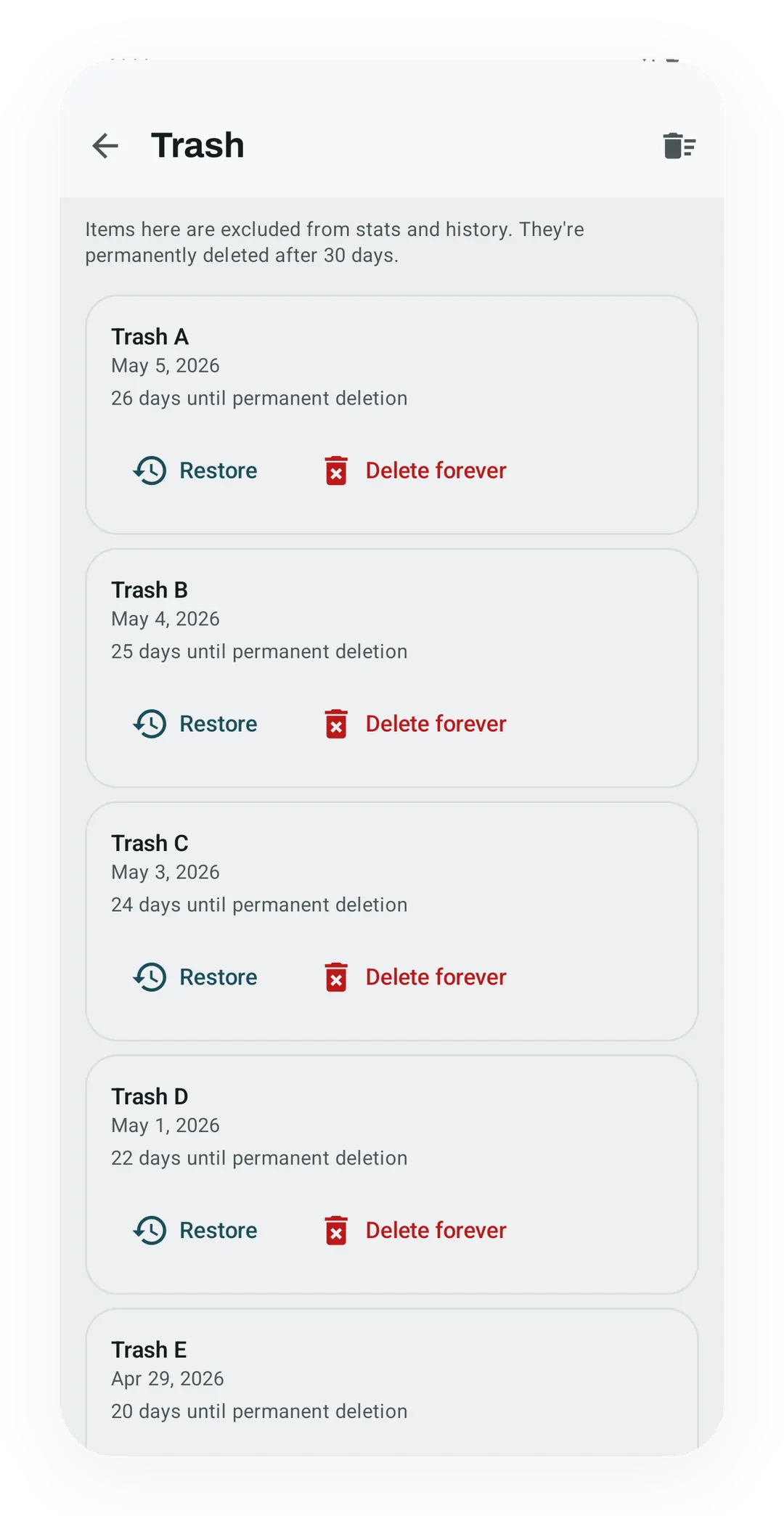
Recovery before permanent deletion
The Trash screen keeps deleted workouts and photos recoverable during the retention window, with clear restore and purge actions.
What it is
Trash is a holding area for the things you delete, and it keeps them for at least 30 days. A deleted workout or progress photo moves there instead of vanishing, so one wrong tap on your best session costs a few seconds rather than months of history. You reach it under Settings, then Data & Storage, then Trash.
What a trashed workout does
While a workout sits in Trash it stays hidden from your history list and from everything else that reads your training. Stats, personal records (PRs), the Kinoku Score, Social Bets, Zone Training, Coach, the calendar, and achievements all behave as though the session never happened. Nothing inside it is thrown away, because every set, rep, note, photo link, and routine link is still sitting there.
An undo bar also slides up at the bottom of the screen the moment you delete, and one tap on it brings the workout back without any trip to the Trash screen.
The 30 days are a floor
A background job clears old items out for good, and it acts only when two things are true at once. The item has to be more than 30 days old, and you have to have opened the app at least once since it went in. Leave your phone in a drawer for two months and nothing is lost, because the clock waits until you have had a real chance to look.
What restoring puts back
One delete carries the rest of this page: Wednesday’s squat session, removed by mistake, sitting on a 5/3/1 program and holding a new best. Restoring that single workout does more than un-hide a row in your history.
- Program weights. A workout inside a named program like 5/3/1, GZCLP (a beginner barbell program), or nSuns rewinds the program, so the next session prescribes the right weight again.
- Health Connect. The workout syncs back to Android Health, and the rest of your phone falls into step with it.
- Social Bets. Its progress counts again toward any bet still running.
- Kinoku Score. The days it touched are marked for a refresh.
- Records. Kinoku rechecks the restored sets and puts the record back if they still beat everything else.
- Achievements. They are worked out again for that day.
When people reach for it
Most people open Trash once, after a mistake, and then forget it exists. A few use it as a soft filter instead, deleting a batch of test workouts and emptying the bin once they are sure nothing useful is left in there. Both habits work, and neither of them needs a setting.
The limit worth knowing
Once the purge has run, the workout is gone from the app for good, and only a backup you made yourself will bring it back. Trash buys you a month of second thoughts rather than a permanent archive of everything you ever deleted.
Why this is free
Charging you to undo a tap is not something we would ask for. If you trust an app with years of training, handing that record back is the least it owes you, which is why Trash sits on the free side beside backup and import. Every tier gets the same 30 days.
Related
- Change History: read when an item moved to Trash, was restored, or was removed for good.
- Backup & Import: device-local backup and CSV or Strava import.
- Logging: the session flow that creates workouts in the first place.
The Data Sovereignty page has the wider picture of how Kinoku handles your training data.
Try it for yourself.
Available on Google Play. Core access starts on the free tier.
Get on Google PlayRelated surfaces
See saved edits as plain before-and-after changes, including imports and deleted targets. The history stays local, and private cycle changes stay in their own database.
Lossless backup, open CSV and JSON import, Strava import, and a scoped Export for AI handoff.
Every set, one tap. Track how hard each set felt, your rest timers, set types, and notes.
Charts per exercise, PRs, your best one-rep estimate, volume trends, and date filters. Every exercise type gets a chart that fits it: Best, Total, and Avg Time for holds, Best and Total Reps for rep work, and Best and Total Distance for distance work, not just weight charts.