

Backup & Import
Make a lossless backup, move portable data by CSV or JSON, or hand a scoped training file to an AI app you choose.
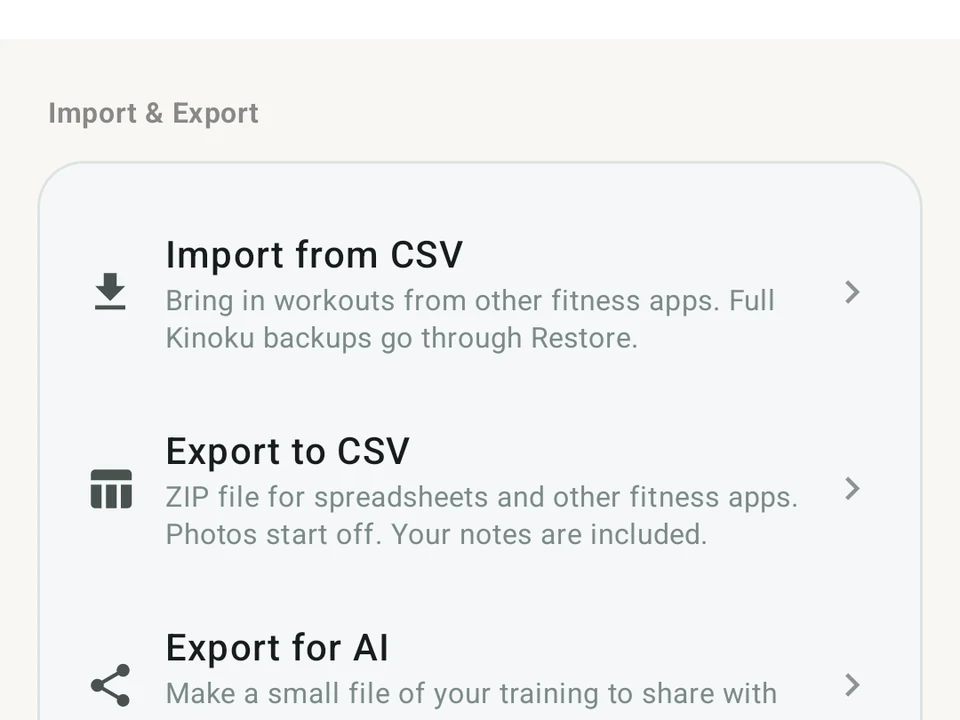
Real app capture
What this feature looks like with data
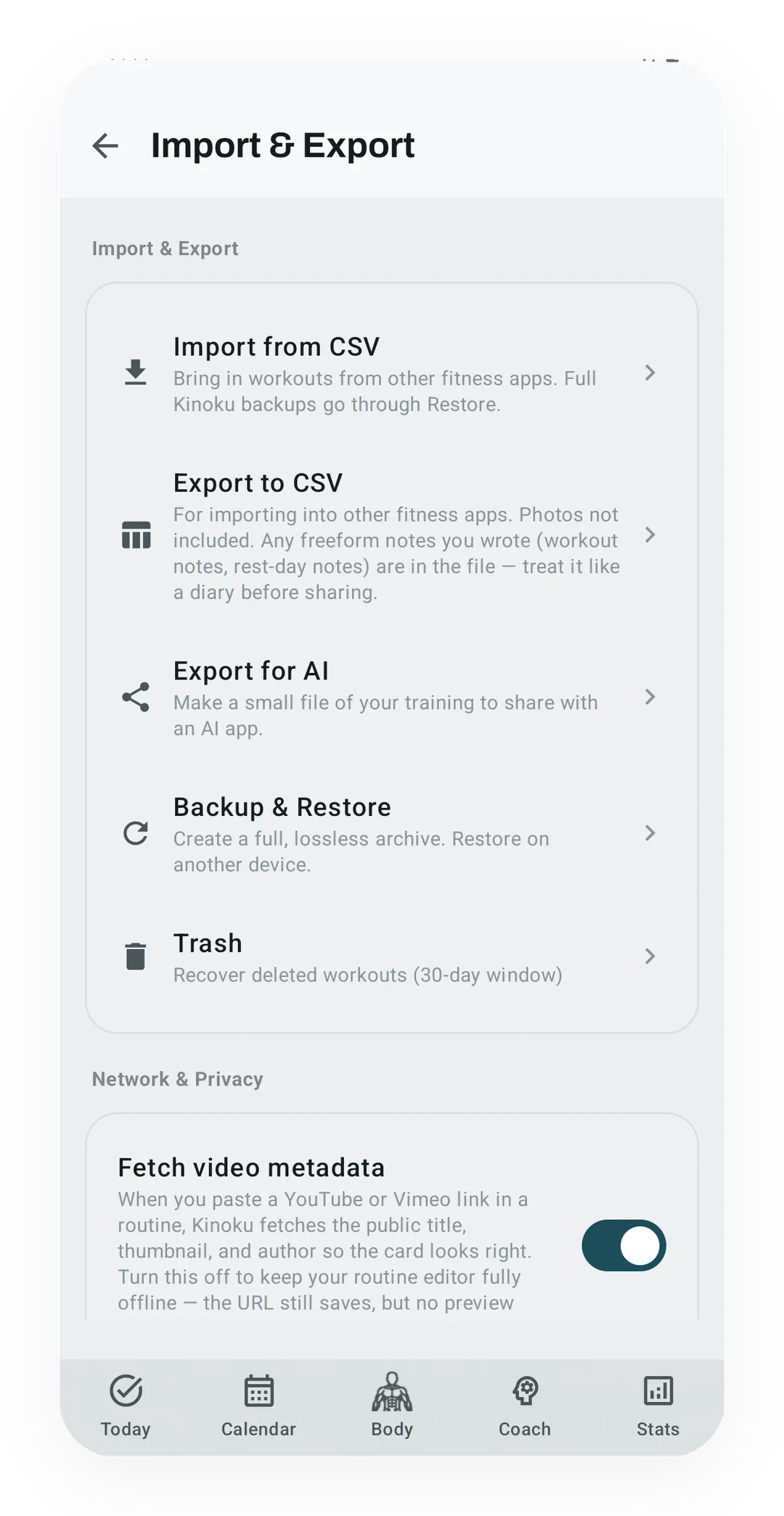 Open full-size image ↗
Local data controls
Backup, restore, import, export, and deletion controls live together in Data & Storage so ownership is easy to find.
Backup & Import is the set of tools that move your Kinoku data in and out of the app. There are three of them, because one file cannot be both a perfect restore and a small file you can read.
- Backup & Restore writes a full Kinoku archive for another phone.
- Export to CSV writes plain tables a spreadsheet or another app can read.
- Export for AI writes a smaller training file you hand to an assistant on purpose.
All three are free, and none of them uploads your training to a Kinoku account or history server.
Backup & Restore
Open Settings → Import & Export → Backup & Restore when you want a full Kinoku-to-Kinoku copy. The ZIP holds the app databases and the user files a full restore needs, including progress photos and the dedicated cycle database. The archive also carries a checksum, so Kinoku can refuse a damaged or altered archive before it replaces your live data. The file can live wherever you trust it, on your own drive, a USB stick, or a cloud drive you pick in Android’s file picker.
On a new phone you install Kinoku, open the same screen, and choose Restore. That is the right path when bringing everything back matters more than reading the file in a spreadsheet.
Android can also back up eligible main-app data to your Google account through Android system backup. The dedicated cycle database is excluded from that automatic cloud backup, so a manual Kinoku ZIP or a device transfer you start is the complete path you control.
Export to CSV
Open Settings → Import & Export → Export to CSV for a copy other tools can read. Kinoku builds a ZIP with one table per kind of record. The tables cover workouts, sets, routines, metrics, challenges, achievements, scenes, and settings.
CSV is useful for spreadsheets and migration, but it is not the lossless backup. Progress photos and dedicated cycle records are excluded, and some app-internal links only survive the full backup. Your own notes travel with it, so the export is worth reading like a diary before you share it.
Bring data in
The importer reads Kinoku’s own CSV and JSON layouts, plus Strava activity archives. It also reads the layouts used by FitNotes, Strong, Hevy, Jefit, RepCount, Liftin, and Fitbod. You can write a file yourself against the published import format.
Before anything is saved, a review screen shows which exercise names matched and lets you correct them. Import History can then undo the whole batch. A file from another app arrives as its own batch, so importing the same one twice can create copies. A Kinoku CSV or JSON file can carry workout IDs, and those IDs let the importer skip a workout it has met before.
Moving from FitNotes? The Kinoku vs FitNotes page shows the CSV header we tested and how to import it. For the whole Strava route path, including GPX tracks, see Strava Import.
Export for AI
Open Settings → Import & Export → Export for AI when you want an assistant to read your training. You pick the last 4, 8, or 12 weeks, or your full history. The file can carry finished workouts, routines, planned days, metrics, and training maxes.
Say you choose the last 8 weeks and turn the smaller-file option on. The file then holds those sessions, the routines behind them, your metrics and your training maxes. It leaves your written notes out, and Health Connect readings stay out too unless you switch them on.
Some records are never offered at all: cycle and pregnancy entries, progress photos, and saved GPS routes. Kinoku sends nothing by itself. Android’s share sheet opens only after you tap Share file, and you choose which app receives it. That app then keeps what you sent under its own privacy terms.
The export is also a Kinoku Import JSON file. You can ask the assistant for a plan in the same shape, then share the reply back into Kinoku, where you still get the preview and Undo. Workouts you sent before carry IDs and get skipped on the way back. Routines, planned days, and metrics have no such key, so it is worth asking for only the new parts.
What a restore leaves behind
Change History writes one plain boundary after a full Kinoku backup is restored. The entry does not claim to compare the old and new databases. Rows that were already inside a Kinoku archive keep their own IDs, so bringing them in again does not multiply them.
One limit belongs beside all of this. Kinoku is Android only, and two phones never sync with each other, so the archive you make yourself is the thing that carries your history across.
Why this is free
Charging you to enter, inspect, or leave with your own history would make the record less yours. So backup, export, import, and the assistant handoff all sit on the free tier. The list of layouts the importer knows can grow as more of them get tested, while the price of walking out with your data stays nothing.
Try it for yourself.
Available on Google Play. Core access starts on the free tier.
Get on Google PlayRelated surfaces
See saved edits as plain before-and-after changes, including imports and deleted targets. The history stays local, and private cycle changes stay in their own database.
Bring your Strava history with no login token. Choose the Strava archive ZIP once; Kinoku reads activities.csv and supported route files from it on your phone. Kinoku never touches Strava's servers.
Kinoku reads and writes Android Health Connect data without passing it to a cloud. Period flow import is a Pro feature and read-only. Kinoku never writes cycle data back to Health Connect.
Coaching screens that run on your phone and explain what changed in your training and why it matters.