

Routines & Programs
Build your own templates. Supersets, drop sets, rest-pause clusters. Reuse or rotate them.
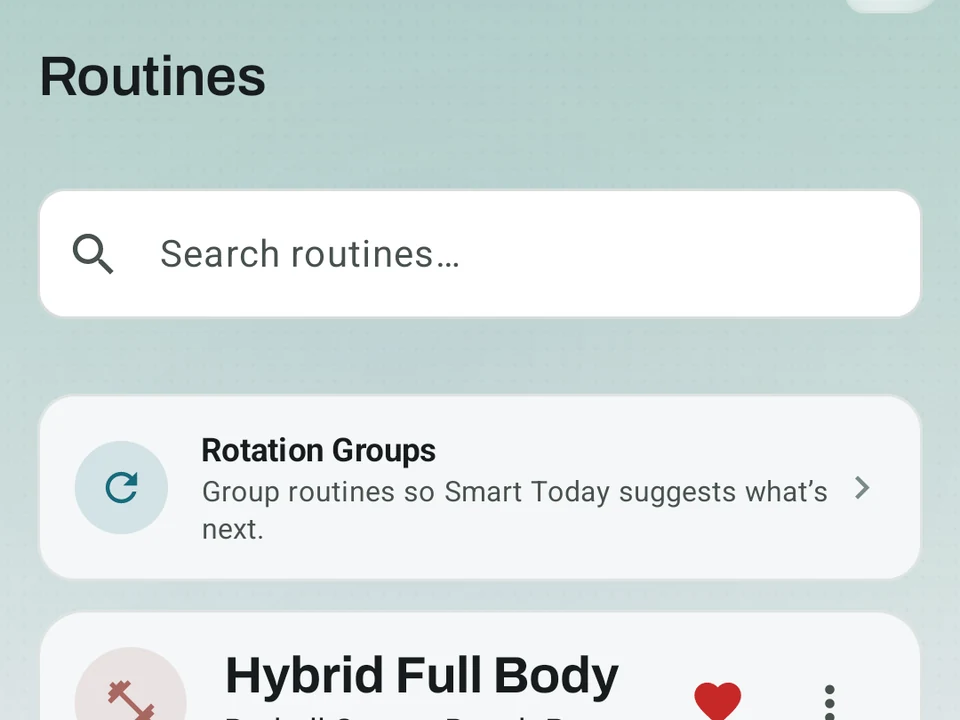
Real app capture
What this feature looks like with data
 Open full-size image ↗
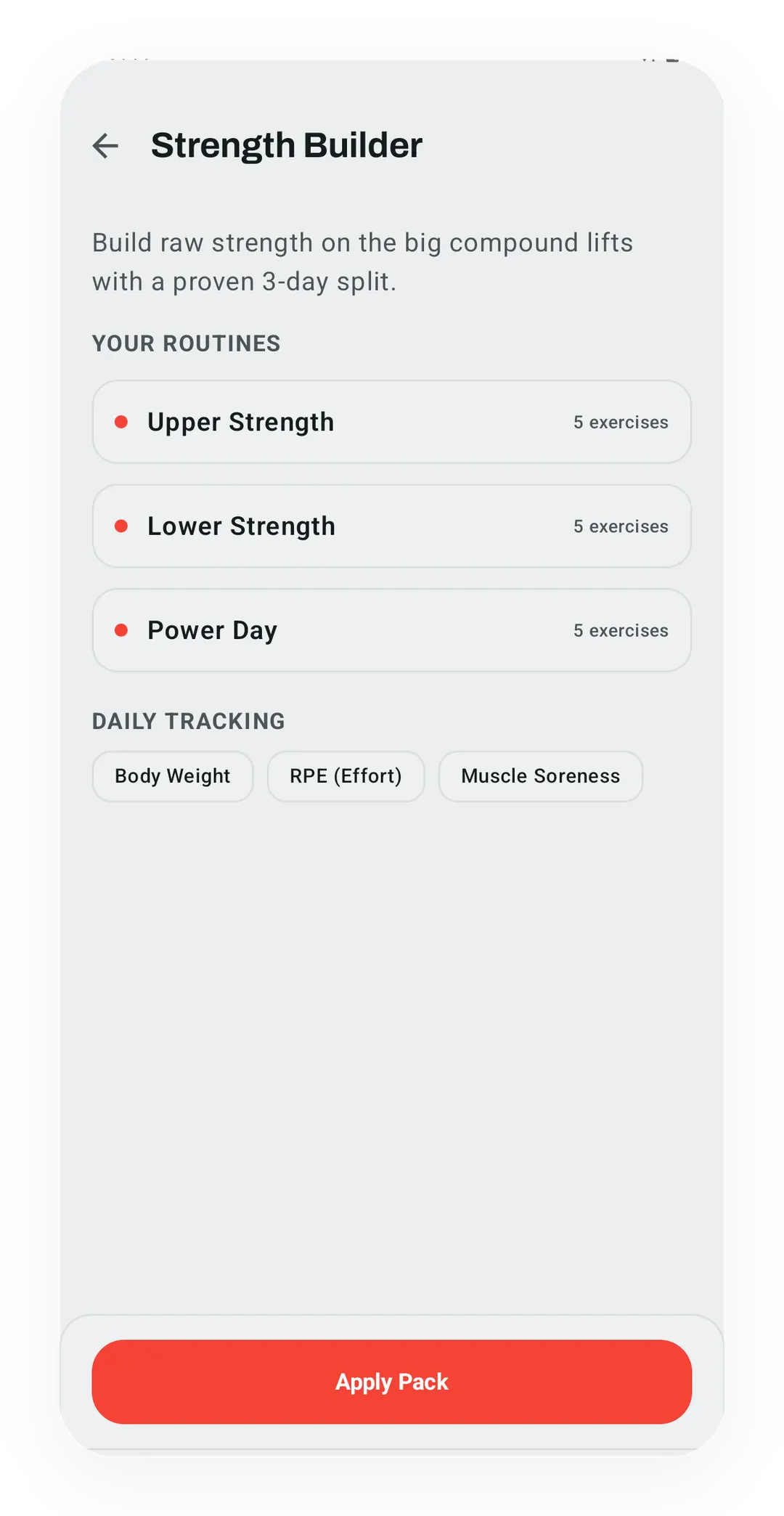
Inspect the exercises before starting
A routine pack exposes its exercises and setup before it becomes part of your training library.
 Open full-size image ↗
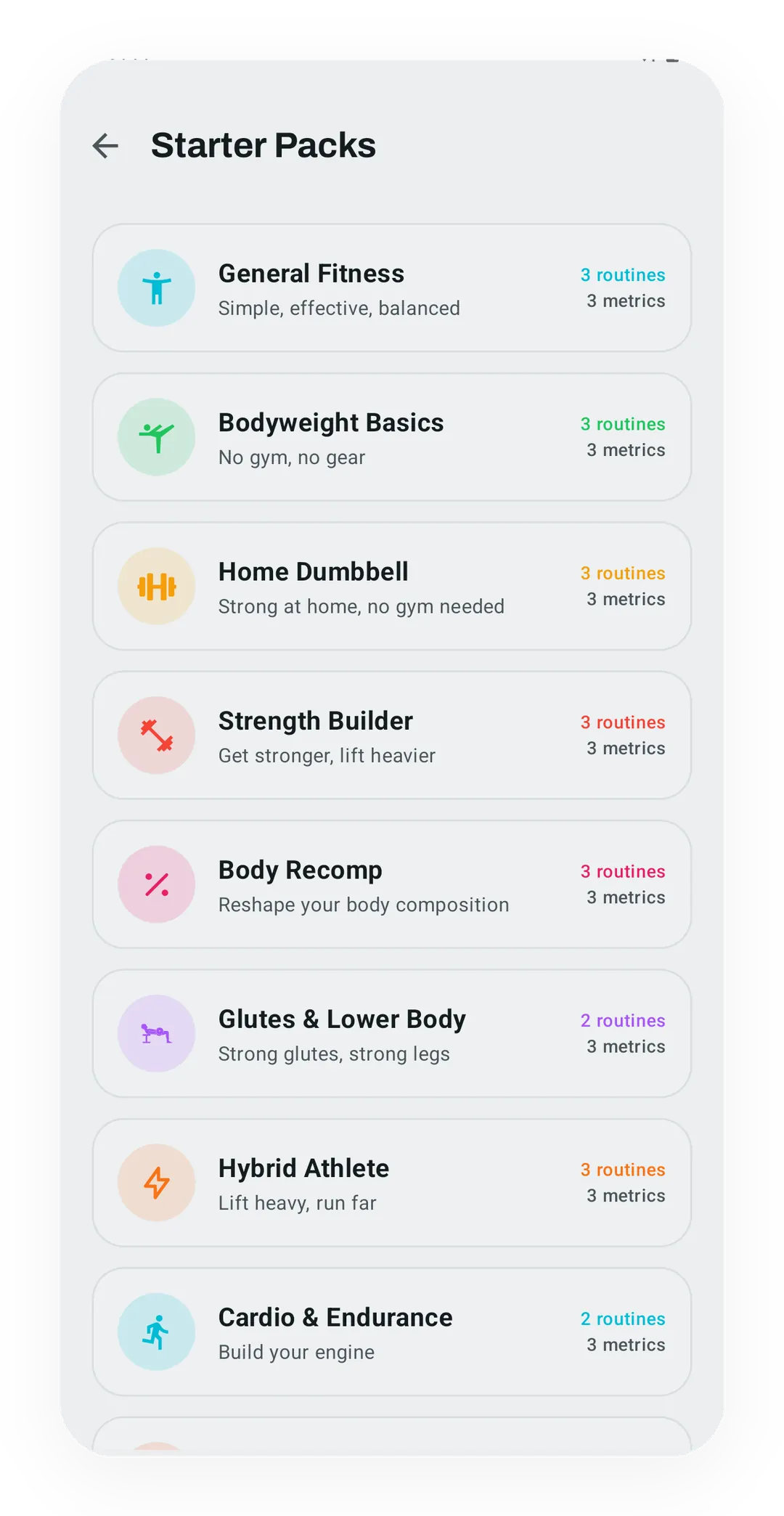
Start with structure
Starter Packs provide populated routines you can inspect and own instead of dropping you into a blank builder.
Tier shape
How access changes by tier
Build, edit, run, and sync as many routines as you want, including follow-along links.
Create Rotation Groups and let Kinoku cycle through their routines in ordered or smart mode.
What it is
A routine is a saved workout template you build once and run as often as you like, with no cap on how many you keep. Shuffle the exercise order on the day, or rotate through your own A, B, and C versions by hand.
Starting a routine fills each set with the numbers from your last session of it. Edit a set inside the routine after that session and your edit wins, because the newer decision is the one you meant.
What you can build
- Straight sets: the standard 3x10, 5x5, or pyramid plan.
- Supersets and giant sets: group moves and rotate through them with no rest between.
- Drop sets: link a working set to the lighter set right after it.
- Rest-pause clusters: log a set, rest 15 seconds, then hit it again at the same weight.
- Circuits: the timer-driven mode has its own page on circuits and interval training.
- Cardio blocks: drop time, distance, or heart-rate intervals into a strength day.
Built-in flexibility
- Per-exercise notes show up while you train, for lines like “use the safety bar” or “warm up shoulders first.”
- Swap on the fly: trade a barbell row for a chest-supported row mid-session, and Kinoku records the swap so the trend survives.
- Weight cues: tell a routine to add 2.5 kg to your bench each week, and it suggests the load each session.
- Routine library: your own routines, plus a set of Starter Packs for anyone who wants a place to begin.
Follow-along videos
Attaching a YouTube or Vimeo link to any routine is free, and the session then runs beside the video. The routine card carries a rough minute count from there on, so you know how long a session runs before you start it.
Build from chapters reads a video’s chapter list and turns each chapter into an exercise with its timestamp pinned, so tapping an exercise jumps the video to that spot. Reading those chapters makes one extra network call, which is why it stays off until you turn it on in Settings, under Privacy and Data, with “Detect chapters from YouTube videos.”
Three ways to start a routine
- Build from scratch: drag exercises in from the library.
- Save a freestyle workout: log a session, tap save, and give it a name.
- Copy and tweak: fork a routine you already have and change it.
Smart Sync: your routine learns from each workout
A bench press with a 2.5 kg weekly cue shows the whole loop. The routine suggests a load, you log what you pressed, and Smart Sync compares the two the moment you finish.
Changes land in a review sheet where you pick what to save, with increases ticked for you. Switch on Auto-apply and increases save themselves. A target can also come down to meet you, though only if you switch that on, and only once your last three sessions all used the same weight and reps. Bigger changes like an added exercise always go to the review sheet, while superset pairs apply together across every linked move. The whole thing is set in Settings, under Advanced Workout Options, as off, smart, or full-auto.
Rotation Groups (Pro)
A Rotation Group is a set of routines Kinoku cycles through for you, so grouping Push, Pull, and Legs hands the next-workout pick to the group. Ordered mode moves through them in turn, while Smart mode picks the most rested one. Before you save, the editor previews the cycle with a line like “3 workouts, 2 per week, one full loop every 1.5 weeks.”
Every number in that preview carries an info icon explaining it: the cadence math, the weekly cap, and the member limit. Drag and hold to reorder an Ordered cycle, and the frosted bottom bar keeps save, discard, and preview in reach without scrolling.
Where routines stop
A routine holds one session, so a block that changes shape week to week belongs in Periodization rather than here. Rotation Groups sit on the Pro side as well, which leaves cycling through your routines by hand as the free path.
Free
Building, editing, running, Smart Sync, follow-along links, and unlimited routine storage cost nothing. Pro adds managed Rotation Groups. Multi-week programs have their own free-plus-Pro split, described on the Periodization page.
Try it for yourself.
Available on Google Play. The core here is free. Pro adds optional extras.
Get on Google PlayRelated surfaces
A 4-phase planning stack. The builder, all 15 templates, named programs with auto-progression, the custom model, and unlimited active programs are free. Pro adds volume targets, readiness tuning, and auto set changes.
Plan workouts on one calendar, with no limit on how many plans you keep or how far ahead you plan. Pro adds repeating schedules (weekly, custom days, or every few weeks), drag-to-move, bring-to-today, repeat-day, and day copy.
Workout contexts with built-in presets, quick-start feel, and custom scenes on Pro.
Paste a YouTube or Vimeo link on a routine. Kinoku can jump to exercise timestamps and, with the optional chapter lookup on, build a routine from chapters. The log stays local; opening the video uses the outside video service.