

Follow-Along Videos
Paste a YouTube or Vimeo link on a routine. The video opens when you start, jumps to each exercise, and the session always counts.
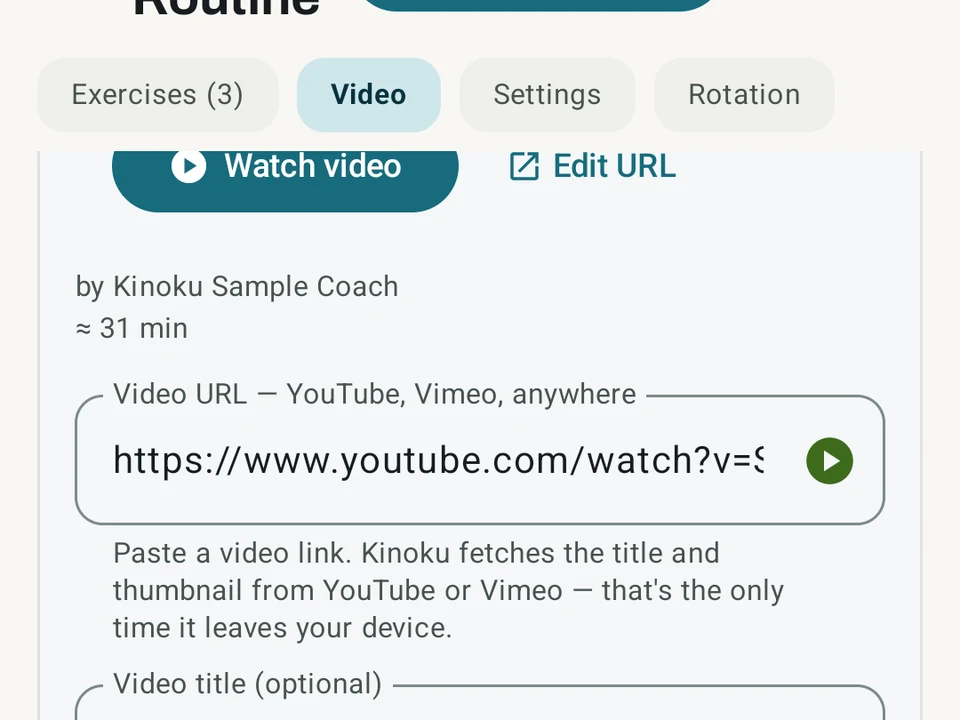
Real app capture
What this feature looks like with data
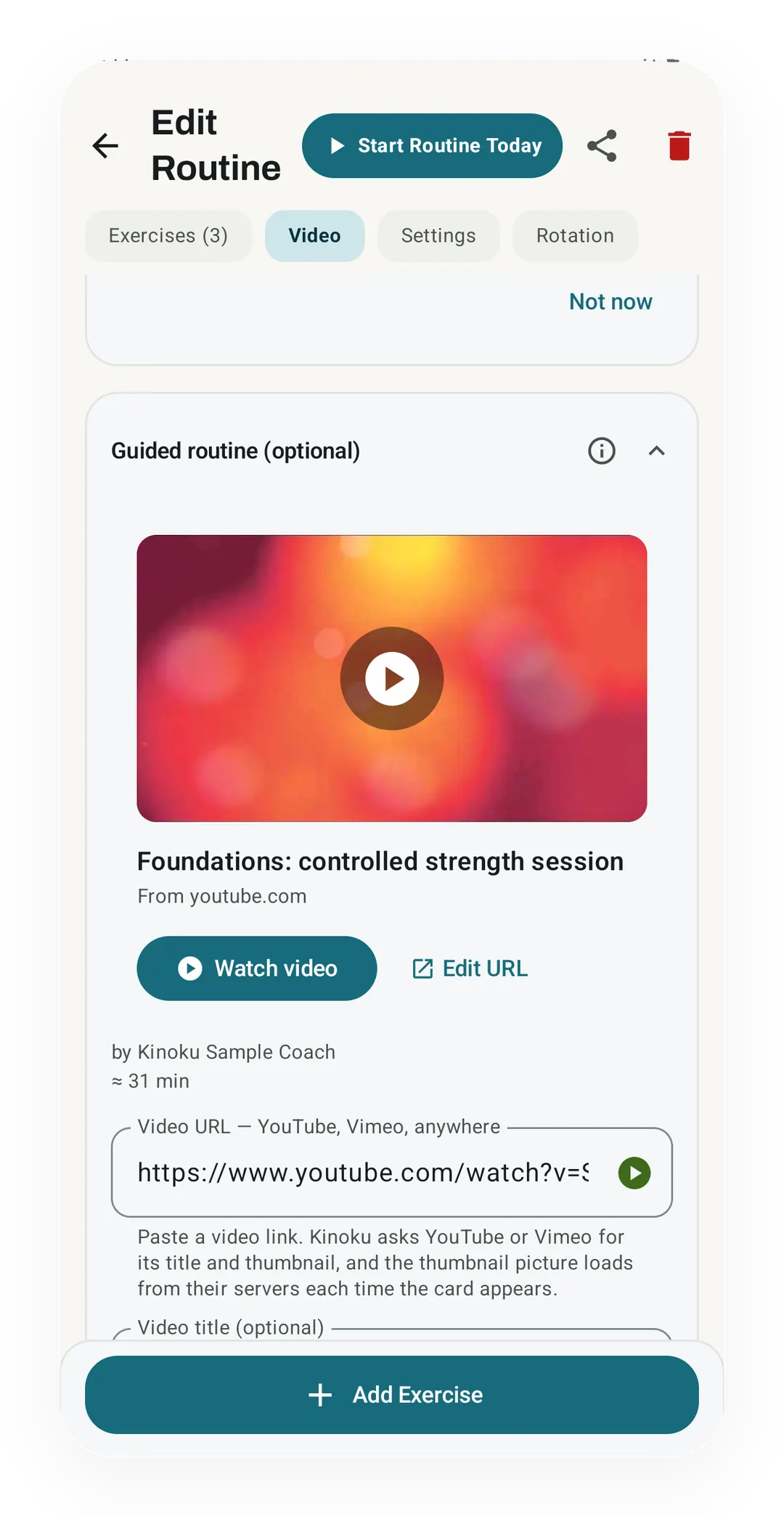 Open full-size image ↗
A video on a saved routine
A guided routine keeps its video on the Video tab, with its title, channel and length, about 31 minutes here. The sets you log sit on the same routine, one tab over.
What it is
A follow-along routine is a normal Kinoku routine with a video link attached to it. Paste a YouTube or Vimeo address onto any routine and your library marks it as guided. A note beside it gives the video’s length, so you know what you are signing up for. Plenty of people already train to a video, and the hard part has always been the tracking. Pausing the video to switch apps and log a set costs you time on every set.
People leaving the Gymshark Training app can see how this compares with apps that ship their own exercise videos on Best Gymshark Training app alternatives.
The video opens for you
Every guided routine carries an auto-open switch. Turn it on and the video starts the moment you start the workout, with no searching and no app switching.
Kinoku opens the video in your own video app rather than playing it inside Kinoku, which is worth saying plainly. With YouTube’s picture-in-picture the video can then float in a small window over your log while you train.
Jump to each exercise
You can pin a moment in the video to each exercise. The exercise card then shows a small chip with that time on it. Tapping the chip sends the video straight to that move, and a preview button lets you check the spot before you save it.
Build the routine from chapters
Consider a video that lists its chapters, starting 0:00 Warm-up, 2:30 Squats, and carrying on down the session. Kinoku can read that list and offer to build your whole exercise list from it. Squats then arrives as an exercise with 2:30 already pinned and a chip on its card. A list you would have typed out by hand becomes one prompt you accept.
Reading chapters costs one extra network call, so it stays off until you switch it on. The setting sits under Settings, then Privacy and Data, then “Detect chapters from YouTube videos”.
Watched it and logged nothing
Some days you follow the video and never touch the log, and that is still training. Coming back from the video, a small chip asks “Watched 32:14. Log this time?”, and one tap saves it. Tap Finish with no sets at all and Kinoku saves a “Watched” entry by itself, so the session lands in your history either way.
Your numbers stay honest through all of that, because watched time never counts as lifted weight. Volume, records, and every progress number see the same clean data they always did.
Built to hold no surprises
- Your history keeps its own copy of the video link and title, so editing or deleting the routine later leaves old workouts intact.
- A routine you import from a friend always arrives with auto-open turned off, and nothing opens a link without your say-so.
- Fetching the video title and length is one small network call, and it has a switch of its own in Settings.
- The training log works offline and without a Kinoku account, while opening YouTube or Vimeo goes through those outside services.
Where it depends on somebody else
Picture-in-picture follows YouTube’s rules rather than ours, and in some countries it needs YouTube Premium. The video itself lives on a service we do not run, so a link can be taken down or made private without warning. The rest of the feature works for everyone, and a routine whose video has vanished still logs sets normally.
Free, forever
Follow-along routines cost nothing, including the chapter reading and the per-exercise jump points. That promise is written down on the promise page. What ships free at Kinoku stays free, so this page describes where the feature is today rather than a trial you are on.
Try it for yourself.
Available on Google Play. Core access starts on the free tier.
Get on Google PlayRelated surfaces
Unlimited routines, Smart Sync, Starter Packs, and follow-along links are free, and so are Rotation Groups that cycle through several routines for you.
1,300+ built-in exercises with muscle data and unlimited custom moves are free. Pro adds custom form photos and assisted sorting.
Plan workouts on one calendar, with no limit on how many plans you keep or how far ahead you plan. Pro adds repeating schedules (weekly, custom days, or every few weeks), drag-to-move, bring-to-today, repeat-day, and day copy.