

Exercise Library
1,300+ built-in exercises with form notes and muscle data. Plus unlimited custom exercises.
Real app capture
What this feature looks like with data
 Open full-size image ↗
Categories
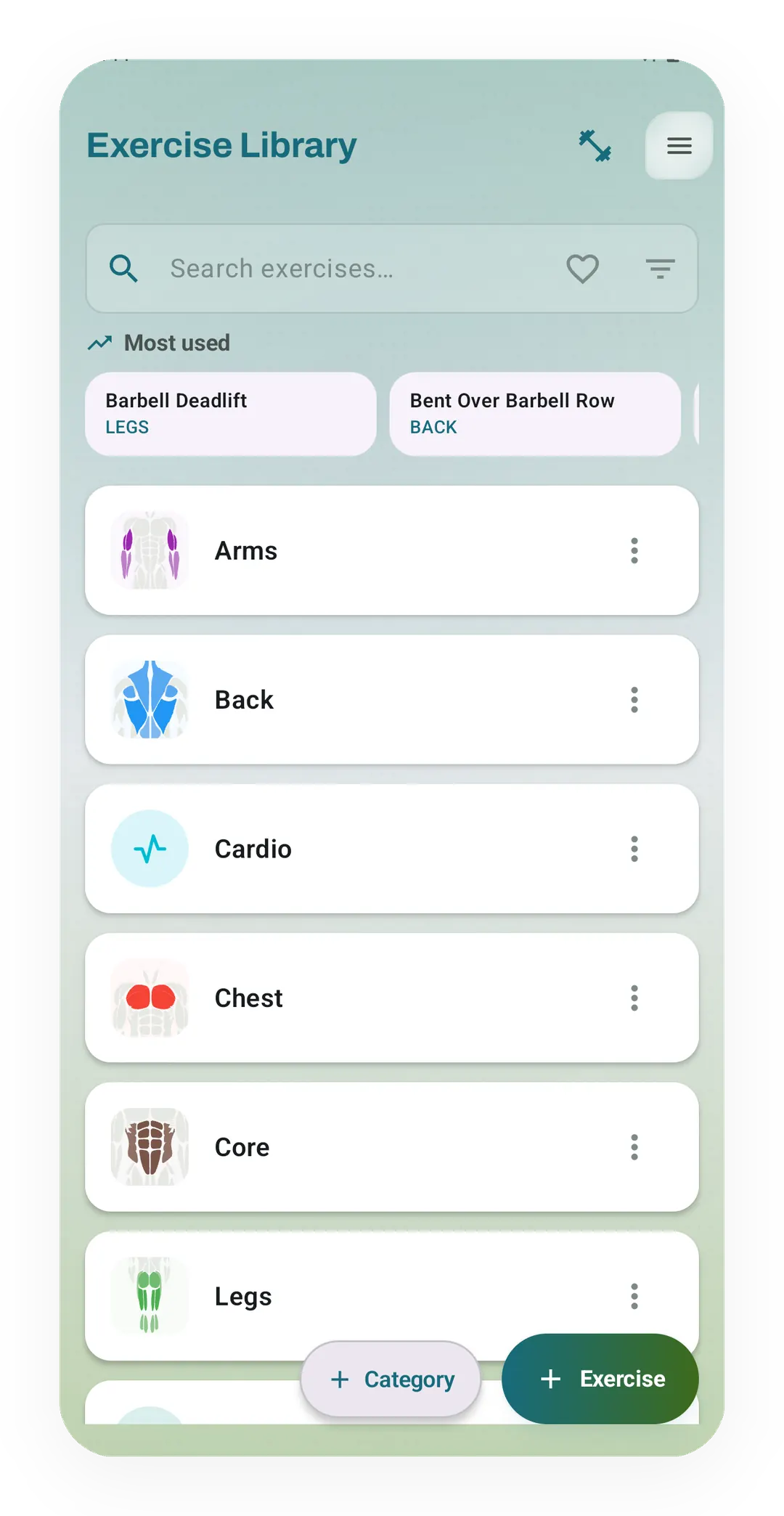
The library opens with a search bar and your most used moves, such as Barbell Deadlift, above categories from Arms to Legs.
 Open full-size image ↗
Inside one move
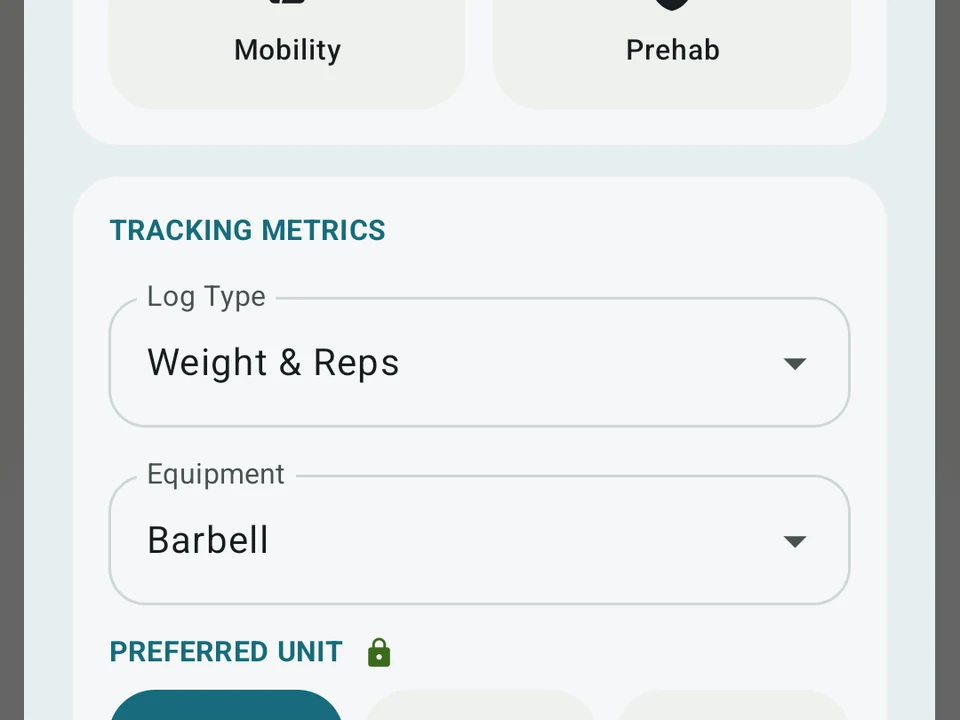
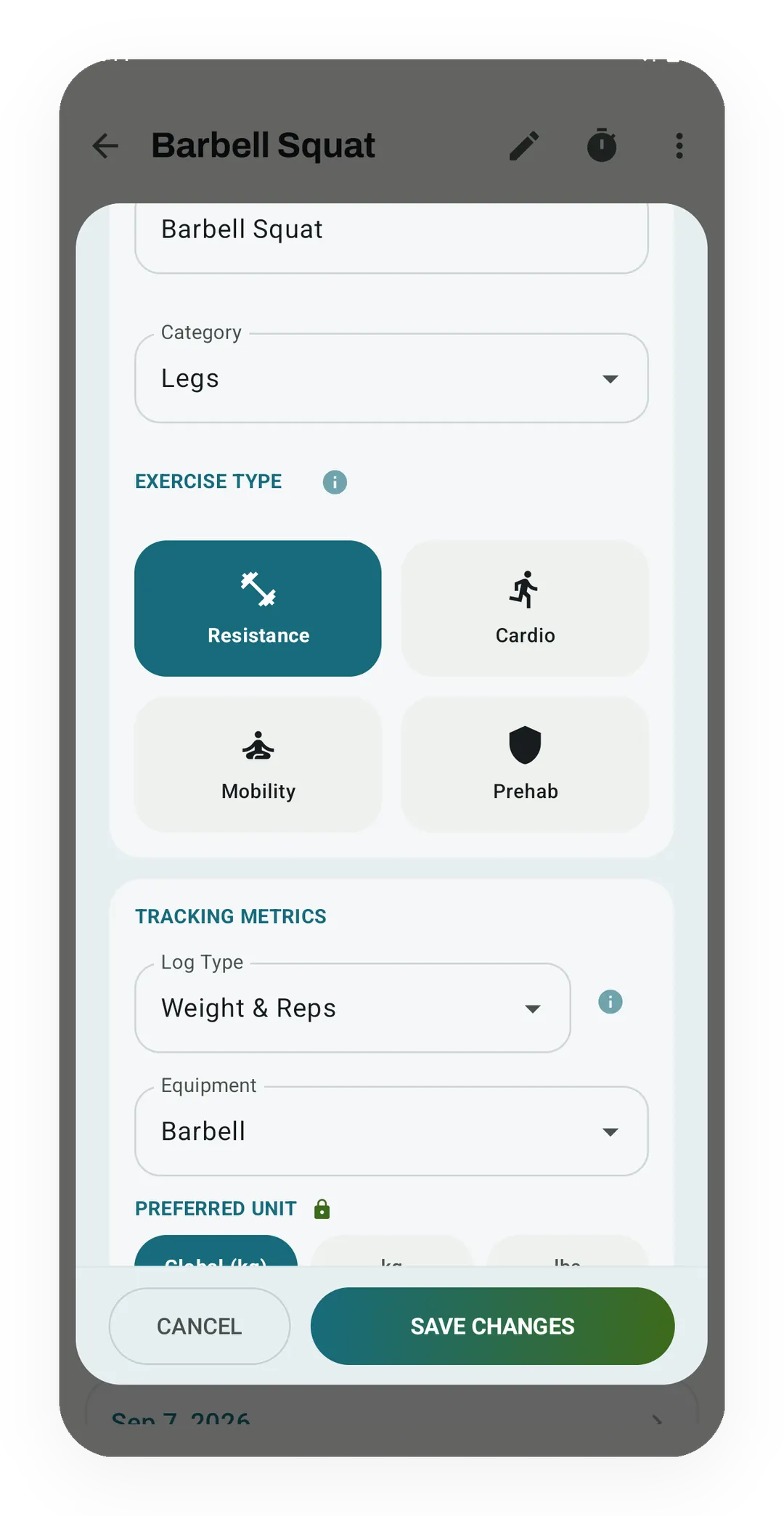
The edit sheet for Barbell Squat sets its category to Legs, its type to Resistance, its log type to Weight & Reps and its gear to Barbell.
Tier shape
How access changes by tier
1,300+ built-in exercises, search, filters, muscle data, form notes, and unlimited custom exercises.
Add your own form photos and use assisted sorting while you build an exercise.
What it is
The Exercise Library is the catalog Kinoku logs against, and it ships with 1,300+ built-in moves. The list covers barbell, dumbbell, machine, body weight, cable, band, swim, run, bike, and yoga work. Search, muscle data, and form notes all live inside the app, so the library still answers when you have no signal.
What each move carries
- Muscles it works, split into main and helper, which is the data the Muscle Map and your volume charts read.
- Gear type, so you can narrow a list down to what your gym owns.
- Move type: push, pull, hinge, squat, carry, and the rest.
- Big or small: a multi-joint lift, or a single-muscle move.
- Form notes: form cues on what to watch and common mistakes on every built-in move, plus a typical rep range and rest time on most of them.
- Form images on some moves, with Pro letting you add your own photo.
The Exercise Galaxy draws every built-in move as a star, placed by the muscles it works, so you can see which moves share a job before you pick one.
The galaxy is in the app as well, since 1.5.0, and it opens from the Exercise Library, an exercise’s info sheet or Search. Your moves lights up the exercises you have trained, by how often, by how recently or just the ones you have done. A routine can show as a constellation, and Train today on a star’s card adds that move to today’s workout. You can share the view as a picture or a video, and the galaxy is free, sharing included. The muscle figures that place each star are estimates, which the Exercise Galaxy explainer covers.
Finding a move
Take a chest day as the worked example. Browsing by gear gives you the whole barbell list, adding the push filter cuts that down to pressing work, and adding chest leaves the few moves you had in mind. Filters stack in any order, and typing part of a name is faster when you already know what you want.
Building your own
Naming a move, picking its main muscles, and setting the gear takes about a minute. Your own move then behaves like a built-in one, so it turns up in search, feeds the muscle map, and counts toward your volume charts.
The exercise editor also holds a training max for a weighted lift already in your library, which routines read when they load a set as a percent of it. A bodyweight move can be marked as assisted, so the weight box holds the help you get from a counterweight or a band, and less help reads as a harder set.
Two things make custom moves worth more than they sound. Odd machines are normal, because most gyms own a press or a row that no catalog anywhere describes well. A library that cannot hold your training also nudges you into logging the closest wrong thing, which then skews every chart downstream.
Form videos, one tap
Each move’s info sheet keeps two rows of buttons at the top, and the YouTube one searches for that move, custom moves included. When you find a video worth keeping, copy its link, come back and tap Save video, which pastes and saves it in one go. Sharing it from the YouTube app straight to Kinoku works too, and if you searched from that move in the last half hour, Kinoku offers it first so you can skip the picker. A saved video then shows as a thumbnail you can tap, both on the info sheet and under your personal best while you train.
The library itself works offline. The search, the videos and their thumbnails come from YouTube under its own service and privacy terms, and a switch in Settings turns the thumbnails and titles off. Kinoku reads a copied link only when you tap to paste it, and the half-hour reminder behind the share offer stays on your phone.
Where the catalog stops
A built-in entry carries muscle data and short cues rather than a full coaching walkthrough, so it gives you a start instead of a lesson. Like the exercise names, the cues and mistakes are in English in every language the app supports. Form images ship with some moves and not others, and adding your own photo is the Pro half of this page.
Free
The full catalog, the search, the filters, the muscle data, the form notes, and unlimited custom moves all cost nothing. Pro adds custom form photos and assisted sorting while you build a move. Whether 1,300+ is enough depends on how odd your gym is, which is why custom moves are free rather than a paid extra.
Try it for yourself.
Available on Google Play. The core here is free. Pro adds optional extras.
Get on Google PlayRelated surfaces
Every set, one tap. Track how hard each set felt, your rest timers, set types, and notes.
Frequency and training-volume maps are free. Pro adds recovery estimates, readiness context, and exercise picks.
Search like Spotlight by typing a metric, exercise, routine, or session. You can also run commands like "switch to imperial" or "apply Cyber theme".
Pool and open water swims logged by stroke, distance and time, with swim achievements. Swim volume rolls into your weekly load and Kinoku score next to your lifts and runs.