

Smart Today
Kinoku spots your training rotation and suggests what to train today. The base pick is free. Pro adds rotation groups and an easy-day override.
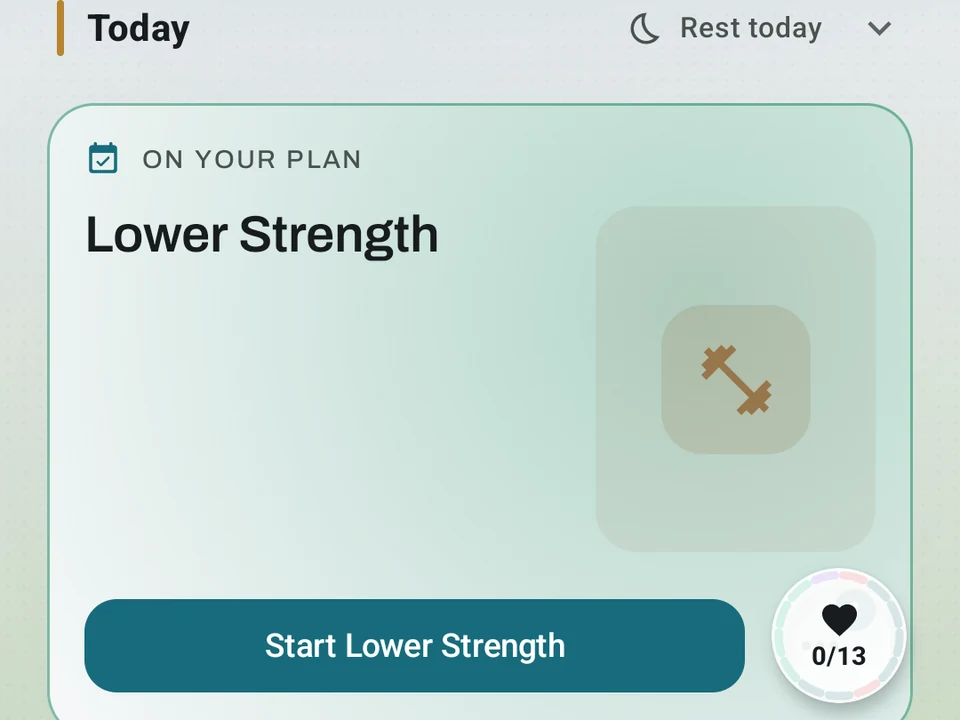
Real app capture
What this feature looks like with data
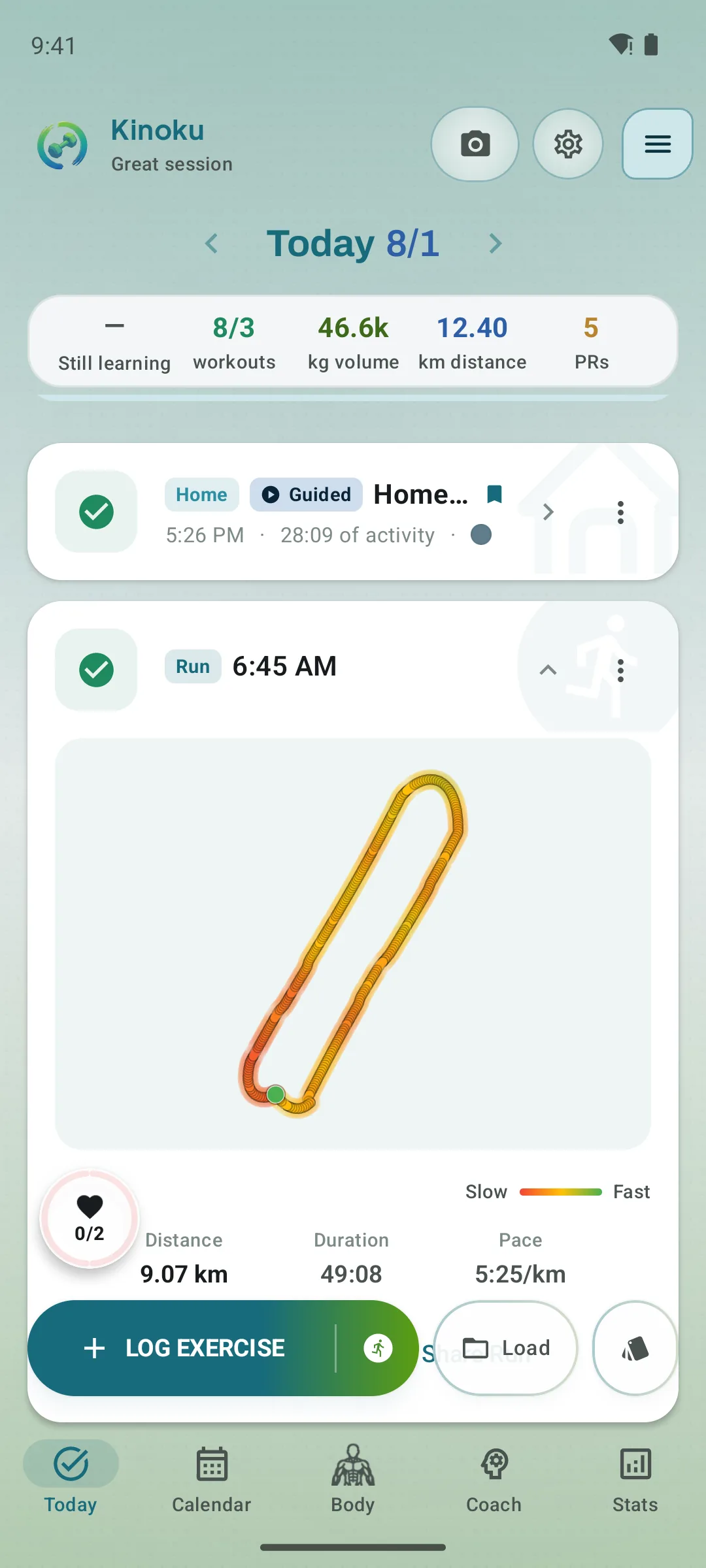 Open full-size image ↗
One clear next step
Today combines score, recent load, and the selected workout or rest recommendation into a single readable decision surface.
Tier shape
How access changes by tier
Kinoku infers your rotation from history and names the next step, with a Start button.
Build named Rotation Groups, see which muscles feel fresh, and let readiness signals pivot the pick to an easy day when sleep or HRV is low.
What it is
Smart Today is a card on the Log screen that spots the training rotation you already follow and names the day you are due for. Most people run a push, pull, legs split without ever telling the app, so Kinoku reads that pattern from your own history instead. The card names the step and adds a Start button, and one tap opens the workout set to that day.
What you see on each tier
Smart Today is a graduated feature, where the Today card shows for everyone and the depth grows with your tier.
- Free spots your A/B/C rotation on its own, names the step you are due for, and adds a Start button.
- Pro adds managed Rotation Groups and the body figure, so the pick can weigh which muscles are still tired.
- Pro also adds an easy-day override, so after a short night or low heart rate variability (HRV) the headline suggests an easier day.
How it spots your pattern
Kinoku finds an A, B, C style rotation in two ways, and the example on this page is a push, pull, legs split trained 3 times a week.
By your saved routines
Say you train those three days from the same saved routines each week. Kinoku groups your workouts by the routine you used, so three routines in a steady cycle read as one rotation, and you set up nothing.
By what each session worked
Say you skip saved routines and train on the fly instead. Kinoku then reads which muscle groups each session hit and groups the ones that look alike, so two sessions sharing 70% of their muscle groups count as one kind of day. The math behind that is called a Jaccard score, though you never have to think about it, because either way Kinoku finds the rotation on its own.
Rotation groups
Once a rotation is found you can name it, like “Push / Pull / Legs,” and the group links the routines it matches. Smart Today then picks from the group using a few rules:
- It will not push you past your week, so with A and B done and recovery low it may offer a rest day instead.
- It spreads the work out, leaning toward the day you have trained least lately.
- Sore muscles win, so a tired chest moves the pick toward a pull or legs day.
Weekly cadence header
The top of the Log screen carries a Weekly Cadence header, which tracks your pace against a routine’s goal. With those routines set to 3 times a week, you see how many of the three you have done. A row of day chips shows the past sessions and the rest days ahead.
You can set the goal per routine:
- Weekly: a set number of sessions every 7 days.
- Every N days: a fixed gap between sessions, for programs that need one.
- Not scheduled: for on-the-fly routines that should not drive the count.
The recovery body figure
Pro adds a body figure to the card, with each muscle shaded by how rested it is right now, from fresh to worked hard. The shading is the same recovery read the pick uses, so you can see the reason behind it. Hold and drag the figure to inspect any muscle, and a quick tap opens the full Muscle Map.
Training roles on routines
Each routine carries a role, one of Main, Accessory, Run, or HIIT (high-intensity interval training), and Kinoku picks the role on its own. If you mostly bench, squat, and deadlift, that reads as a Main day, while cable work reads as an Accessory day. Kinoku can guess wrong here, so you can change the role any time.
Roles feed the rotation and the cadence count, because Main days count toward your weekly goal while a core day does not use up a slot.
Where it fits
Pro adds the rotation groups, the body figure, and the easy-day override on top of the card everyone gets. You can log every workout for free, with no cap on routines or history. One limit sits beside that: Kinoku is Android only, so the card lives on the single phone holding your history.
Related
- Routines & Programs: where you build the rotation blocks.
- Training Calendar: free forward planning, with Pro scheduling shortcuts.
- AI Coach: the daily coaching screen that reads your rotation.
The free layer
Nothing about the daily pick sits behind a paywall. Free automatically spots your A/B/C rotation from your own history, names the next step, and adds a Start button. Pro adds managed Rotation Groups, the body figure showing which muscles feel fresh, and an easy-day pick when sleep or HRV is low. The rules above describe how the pick works today, and the free card stays free whatever Pro adds later.
Try it for yourself.
Available on Google Play. The core here is free. Pro adds optional extras.
Get on Google PlayRelated surfaces
Unlimited routines, Smart Sync, Starter Packs, and follow-along links are free. Pro adds managed Rotation Groups that cycle through several routines.
Plan workouts on one calendar, with no limit on how many plans you keep or how far ahead you plan. Pro adds repeating schedules (weekly, custom days, or every few weeks), drag-to-move, bring-to-today, repeat-day, and day copy.
Kinoku spots when tomorrow's planned routine hits muscles that still need rest, and offers a one-tap swap to a fresher routine.