

For Time, EMOM & AMRAP Workout Timer App (Free)
For Time, EMOM and AMRAP timers that run the clock for your conditioning work and save the score with your sets. Free.
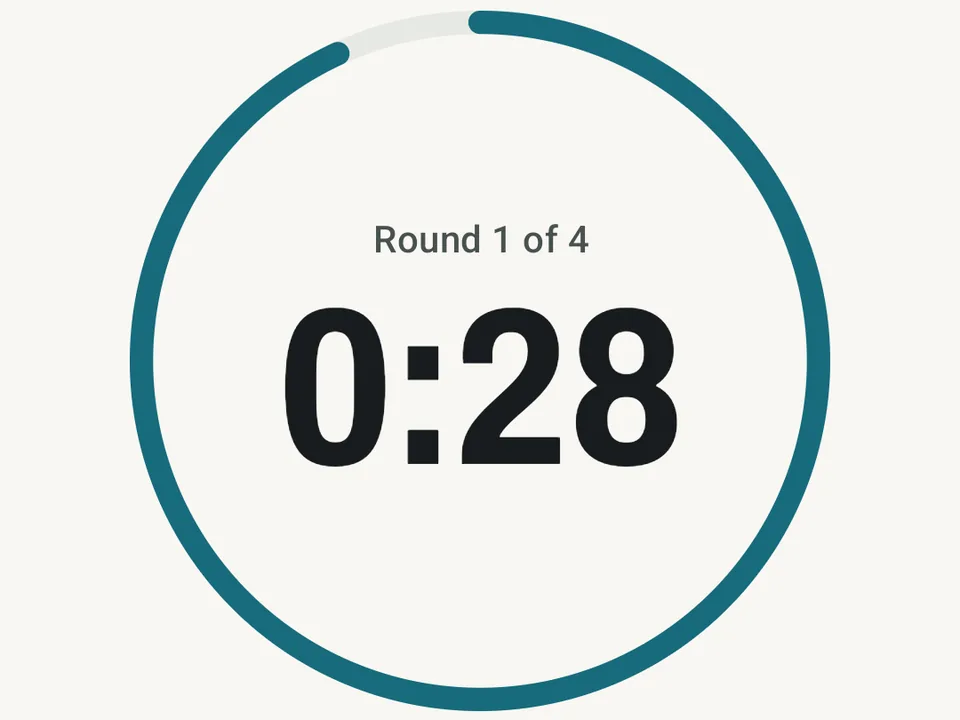
What it is
Workout timers run the clock for three kinds of conditioning work, and they save the score next to your sets. For Time counts up until you finish the work, with an optional time cap. EMOM (every minute on the minute) starts a new round at the top of each interval, and AMRAP (as many rounds as possible) counts down a cap while you fit in all the rounds you can.
How to start one
- Open a routine in the routine editor and pick For Time, EMOM or AMRAP as its mode.
- Set the time cap, or for EMOM the length of each interval and the number of rounds.
- When you start the routine, the timer screen opens with a short count-in.
For a session with no routine behind it, tap Start a timer in the Scene panel on Today and pick the mode there.
While the clock runs
The screen shows one big clock and the round you are on, and when there is an interval or a cap, a ring shows how far into it you are. In For Time and AMRAP, a tap on Round done saves a split for the round and ticks off its sets, one for each exercise. In an EMOM the tap saves no split, and instead marks the round on time and ticks off the set for that interval’s exercise. Sound cues mark the start, each new round, the last minute and the final seconds, and they keep playing while the phone is locked. If the app closes mid-session, the clock keeps counting, so you come back to the right time.
The score
An EMOM score is the number of rounds you finished inside their interval, which reads like “14 of 16 on time”. At the end of an AMRAP, Kinoku asks for the extra reps past your last full round and saves a score like “6 rounds + 9 reps”. For Time keeps your finish time. The score shows on the session, on its workout card and in the recap. When you run the same setup again, the top score at that setup gets a Best mark, so progress shows without any math.
What the timers leave out
These are plain timers rather than a race simulator, so they do not plan a race day or compare you with anyone else. A split covers a whole round, not each exercise inside it, and the timers run on the phone only, not on the watch. The live clock on the lock screen needs the workout notification, which stays off until you turn it on in Settings. Circuit mode, with its set work and rest phases, is a separate Pro feature.
Free to use
All three timers are free, with no limit on how many sessions you run with them. The free Fitness Race Prep starter pack includes one For Time session and one EMOM session, which makes it an easy way to try both.
Questions people ask
Are the For Time, EMOM, and AMRAP timers free?
Yes. All three conditioning timers are free with no limit on how many sessions you run. You can attach a timer to any saved routine or start a standalone timer from the Scene panel on the Today screen.
How does Kinoku score an EMOM or AMRAP workout?
An EMOM score counts how many rounds you finished inside their interval, such as 14 of 16 on time. At the end of an AMRAP, Kinoku asks for the extra reps past your last full round and saves a score like 6 rounds + 9 reps, while For Time records your finish time.
Does the workout timer keep running when my phone is locked?
Yes. Sound cues mark the start, each new round, the last minute, and the final seconds even while the phone is locked. If the app closes mid-session, the clock keeps counting so you return to the right time.
Try it for yourself.
Available on Google Play. Core access starts on the free tier.
Get on Google PlayRelated surfaces
Timer-driven circuits, rounds, rest phases, and safe session handling.
Unlimited routines, Smart Sync, Starter Packs, and follow-along links are free, and so are Rotation Groups that cycle through several routines for you.
Every set, one tap. Track how hard each set felt, your rest timers, set types, and notes.