

HelpLast reviewed October 21, 2026
How do I log my first workout?
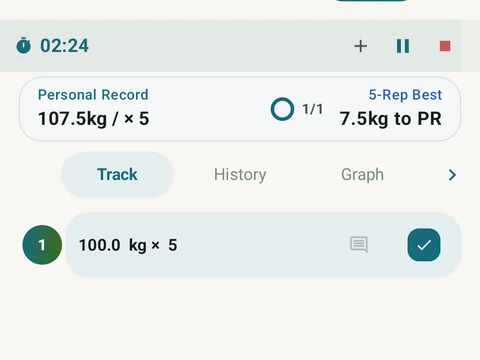
Tap Log Exercise on the main screen, pick an exercise, then add sets with a weight and reps. Tap the circle on a set to mark it complete.
Your first workout starts from the Log Exercise button near the bottom of the main screen. Tap it and pick an exercise from the list, then type the weight and the reps for each set you do.
A set can also record how hard it felt as rate of perceived exertion (RPE), but that field is optional and you can leave it blank. When a set is done, tap the circle on its row to mark it complete, then add the next set the same way.
In the app
Workout Logging
Every set, one tap. Track how hard each set felt, your rest timers, set types, and notes.