

Daily Pulse Metrics
Log almost anything next to your workouts. Track sleep, water, pain, mood, or a habit you want to keep.
Real app capture
What this feature looks like with data
 Open full-size image ↗
Your signals in one place
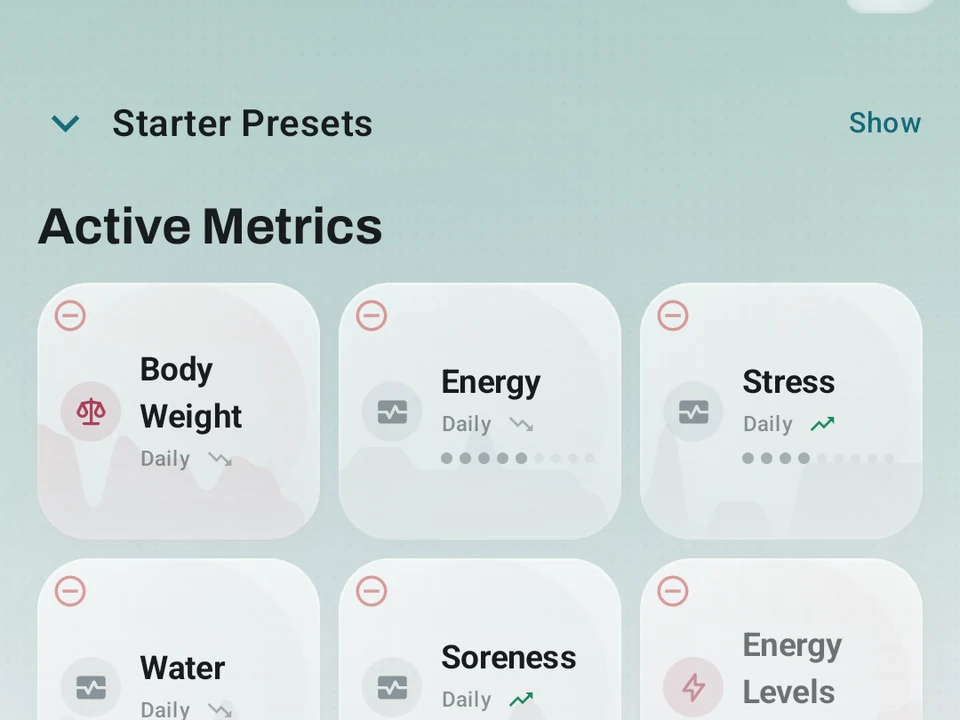
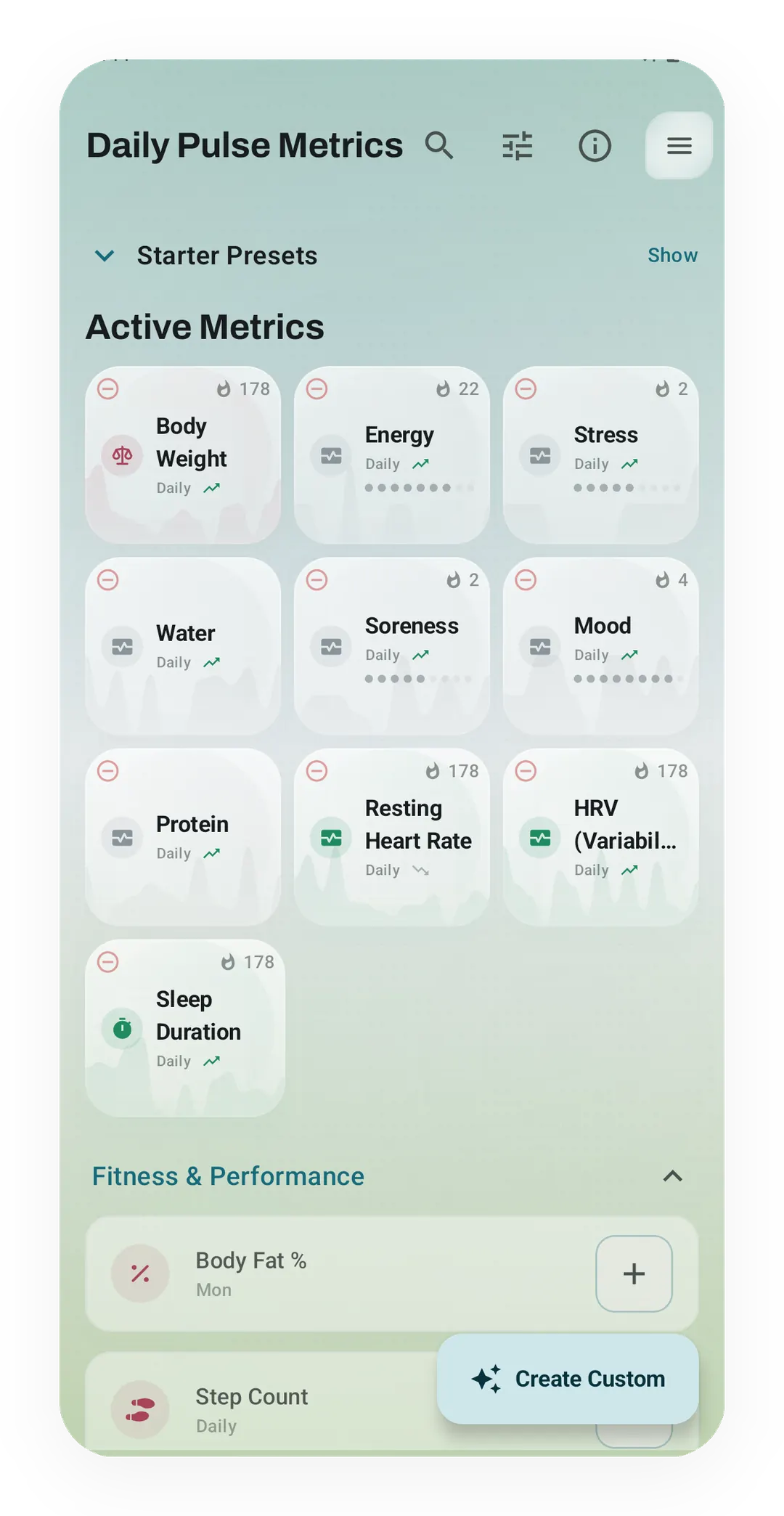
Active Metrics shows each signal you track as its own card, with a streak count such as 178 for Body Weight and Sleep Duration.
Track anything engine
Hydration, sleep, pain, fasting windows, meditation, and custom habit systems can live next to workouts.
What it is
Daily Pulse Metrics is a place to log the things around your training that a set-and-rep field has no room for. A custom metric is whatever you decide to track, whether that is sleep, water, pain, mood, or a habit you are trying to hold. Each one gets its own card in the app rather than a line buried at the bottom of a workout note.
The six kinds
You pick the shape that fits the thing you are tracking:
- A yes or no toggle, like “took my vitamins”.
- A scale, like sleep rated from 1 to 10.
- A plain number, like cups of water.
- A length of time, like 30 minutes read.
- A time range, like a fasting window from 8pm to noon.
- A combined metric, for when one field is not enough on its own.
A fasting window shows the range of these best, because it needs two clock times where the others need one value. Kinoku holds 8pm and noon as the two ends of a single entry, keeps that entry in its own history, and never asks you to flatten it into a number. A body weight in kilograms and a fast in hours can then sit side by side without being forced onto the same chart.
Why the context matters
A strong week and a flat week usually differ outside the gym, since sleep, stress, and food all shape what you can do under the bar. Logging those beside your sessions is what lets you look at both lines together. Kinoku keeps them inside the training record instead of turning itself into a separate habit diary.
Every metric carries its own history, units, and rhythm, so a daily entry and an occasional measurement never have to pretend they are the same thing. You decide which ones sit on the quick logging surface and which stay out of the way until you go looking for them.
No cap, on any plan
There is no limit on how many custom metrics you keep active, and every type is free, the combined ones included. The advanced shapes are not held back for a paid tier, because a tracker that meters how much of your own life you may record is a worse tracker.
What it will not tell you
Kinoku can put two of your lines next to each other, and it stops there deliberately. A handful of entries that happen to move together is not evidence of cause, and none of this is medical advice. The reading stays yours to make, which is the honest limit of any log kept by hand.
Free, forever
Custom metrics cost nothing at any tier, whatever number you keep and whichever of the six kinds you pick. Your entries live in the same local record as your sets and runs, so they travel with your backups and your exports. That is where the line sits today, and the metrics you build stay yours whatever Pro gains later.
Try it for yourself.
Available on Google Play. Core access starts on the free tier.
Get on Google PlayRelated surfaces
Once Kinoku has enough data, the Kinoku Score sums up your recent training, recovery, and health signals. Until then, it shows a learning state instead of a made-up number.
Full cycle, fertility, and pregnancy tracking, with phase context and training links. Dedicated raw records and generated cycle state are excluded from future Android automatic cloud backup, standard exports, share cards, and Kinoku servers. Your Cycle Tracking configuration lives in that same excluded database, while user-created metrics remain eligible for Android system backup in your Google account. A manual ZIP or user-initiated device transfer can carry the dedicated database.
Daily steps, streaks, brisk minutes, and an hour-by-hour view of how you moved.