

Cycle Tracking in a Workout App, Free and Private by Design
Track cycle, fertility, pregnancy. Dedicated records and configuration are excluded from Android automatic cloud backup; user-created metrics remain eligible.
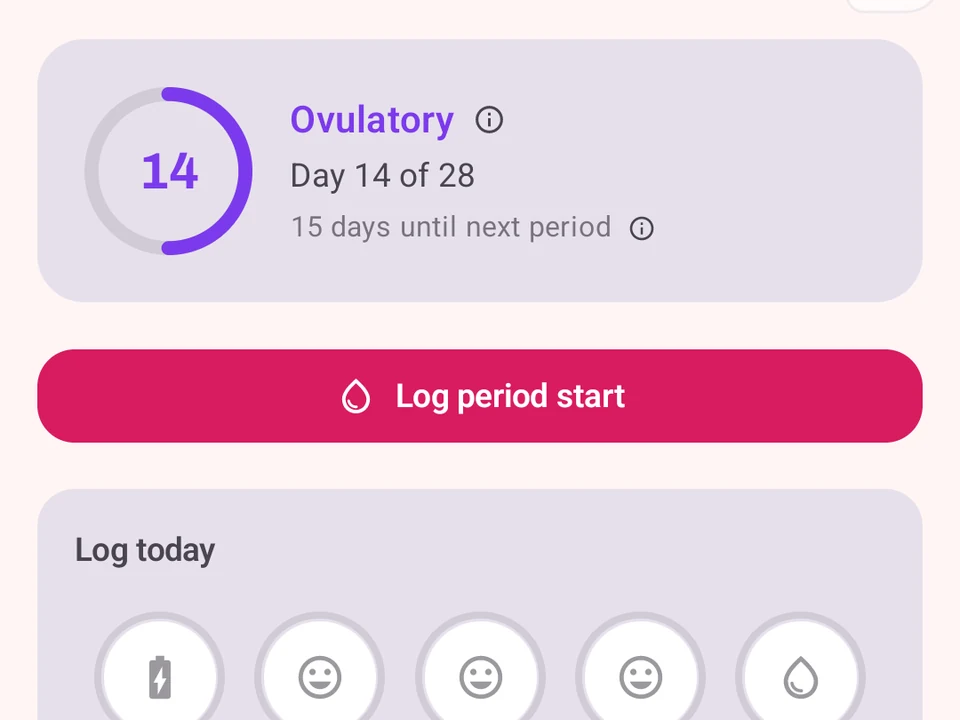
Real app capture
What this feature looks like with data
 Open full-size image ↗
Where you are in your cycle
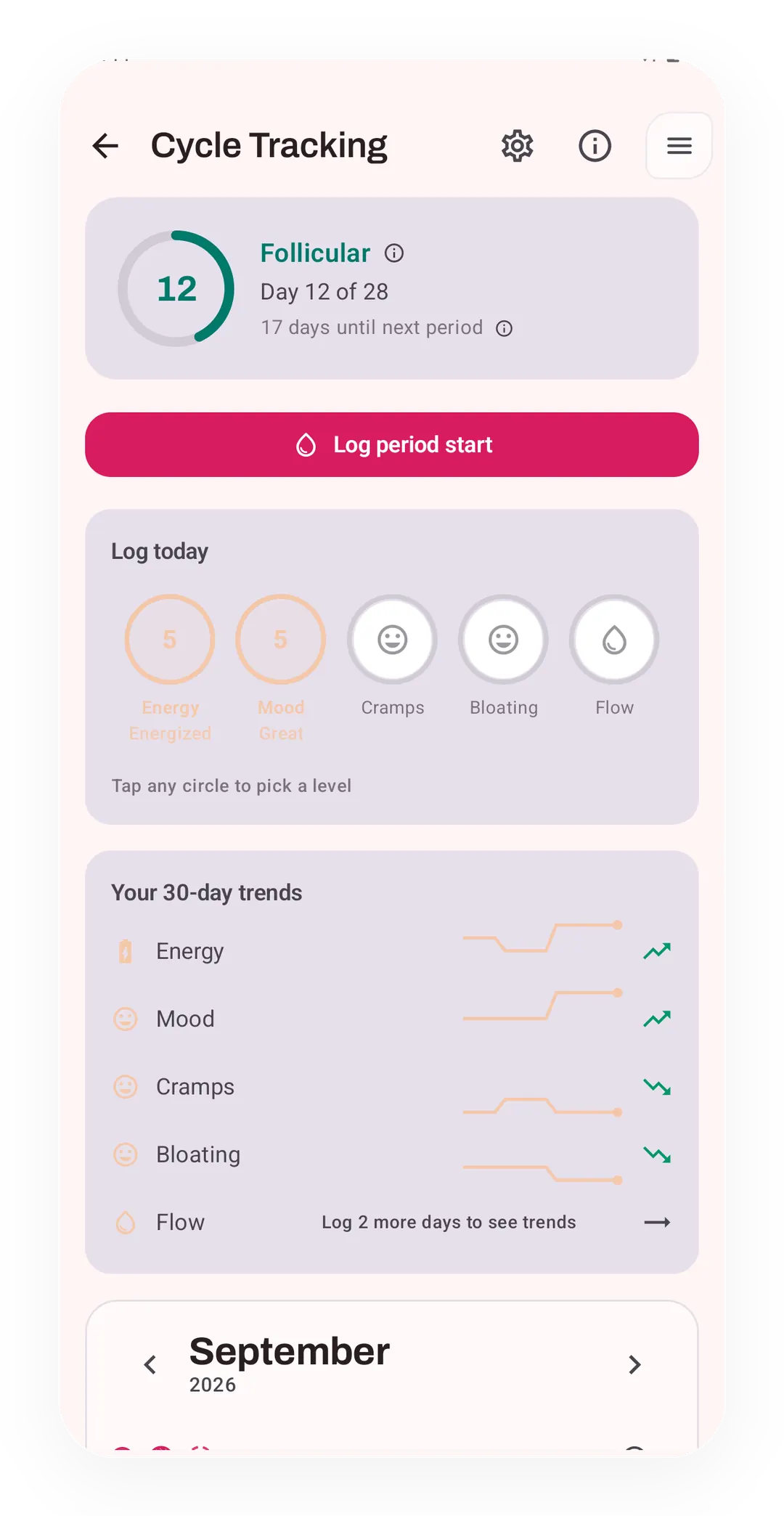
The Cycle Tracking screen shows the follicular phase on day 12 of 28, with 17 days to the next period. Circles for logging today and 30-day trends sit below.
Private by architecture
Dedicated raw cycle records, generated cycle state, and Cycle Tracking configuration are excluded from future Android automatic cloud backup; user-created metrics remain eligible.
Tier shape
How access changes by tier
Log periods and symptoms; track body temperature and pregnancy; use next-period and ovulation predictions, TTC mode, and the phase calendar.
Read period entries from Health Connect and compare training with cycle phases after three full cycles.
What it is
Cycle Tracking is where you log periods, symptoms, fertility signs, and a pregnancy, so your cycle and your training sit in one app rather than two. The tracking stays plain, and none of it is medical advice.
Private by design. Dedicated raw cycle and pregnancy records, generated cycle state, and your Cycle Tracking configuration live in
kinoku_cycle_db, which is excluded from future Android automatic cloud backup. User-created metrics remain in the eligible main database and may enter Android system backup in your Google account. A manual ZIP or user-initiated device transfer can carry the dedicated database. No Kinoku server stores these records, and Kinoku never writes menstruation data to Health Connect.
What it covers
- Fertility signs. One tap logs how you feel, and you can add your waking body heat, which rises a little the day after you ovulate. Other body signs and test results go in the same place.
- What comes next. Kinoku reads up to five body signs to work out your fertile window, and a mode for people trying to conceive (TTC) is there when you want it.
- Pregnancy. A plain mode follows your due date and names which of the 40 weeks you are in.
- Training in context. Your Coach screen, your plan, and your stats know which phase you are in, and Pro lines your cycle up against your lifts.
Health Connect
If you already log your cycle in another app, Pro can read period entries from Health Connect to help its tips. This is read-only. Kinoku never writes your cycle data back to Health Connect.
Why it matters
Whether your cycle changes how you train is a question your own history answers better than a general rule. Kinoku keeps both records side by side so you can look for yourself. Say three full cycles are logged: Pro lines your sessions up against your phases, so a run of heavy days in one phase reads as your own pattern. The biggest review of this work, a 2020 paper by McNulty and colleagues, found small mixed effects and asked for that personal approach. Kinoku keeps the dedicated raw record out of automatic cloud backup and off Kinoku servers, while user-controlled ZIP backup or device transfer can carry it. The screen reports what your data says instead of telling you what to do.
Where it stops
One limit sits beside all of this. Kinoku is a tracker rather than a medical tool, so a guess here is a pattern read from the cycles you already logged. A cycle that runs long or short can throw that guess off.
For other apps that put your cycle next to your training, see Workout apps that track your menstrual cycle.
The free layer
Period and symptom logging, body heat, pregnancy, next-period and ovulation predictions, TTC mode, and the phase calendar are all free. Pro adds read-only Health Connect period import, and it links your training to your cycle phases after three full cycles. What is free here stays free, and the phase rules can still change as we tune them.
Try it for yourself.
Available on Google Play. The core here is free. Pro adds optional extras.
Get on Google PlayRelated surfaces
Once Kinoku has enough data, the Kinoku Score sums up your recent training, recovery, and health signals. Until then, it shows a learning state instead of a made-up number.
Plan workouts on one calendar, with no limit on how many plans you keep or how far ahead you plan. Pro adds repeating schedules (weekly, custom days, or every few weeks), drag-to-move, bring-to-today, repeat-day, and day copy.
Coaching screens that run on your phone and explain what changed in your training and why it matters.