

Share Cards
Fifteen selectable share looks plus Sticker export, 22 caption templates, and session-aware suggestions.
The Momentum page puts this next to the other ways Kinoku shows your training adding up.
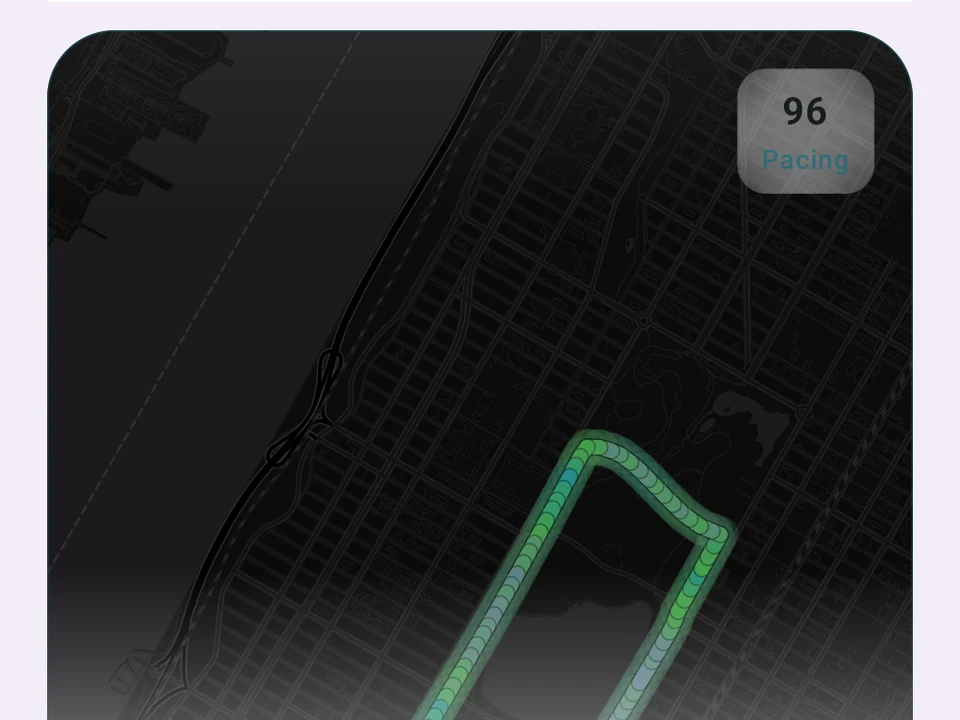
Real captures
Seven of the 16 card types
Auto-detected from the same workout. Swipe to browse. Every card is a real screenshot from the app.


Real app capture
What this feature looks like with data
 Open full-size image ↗
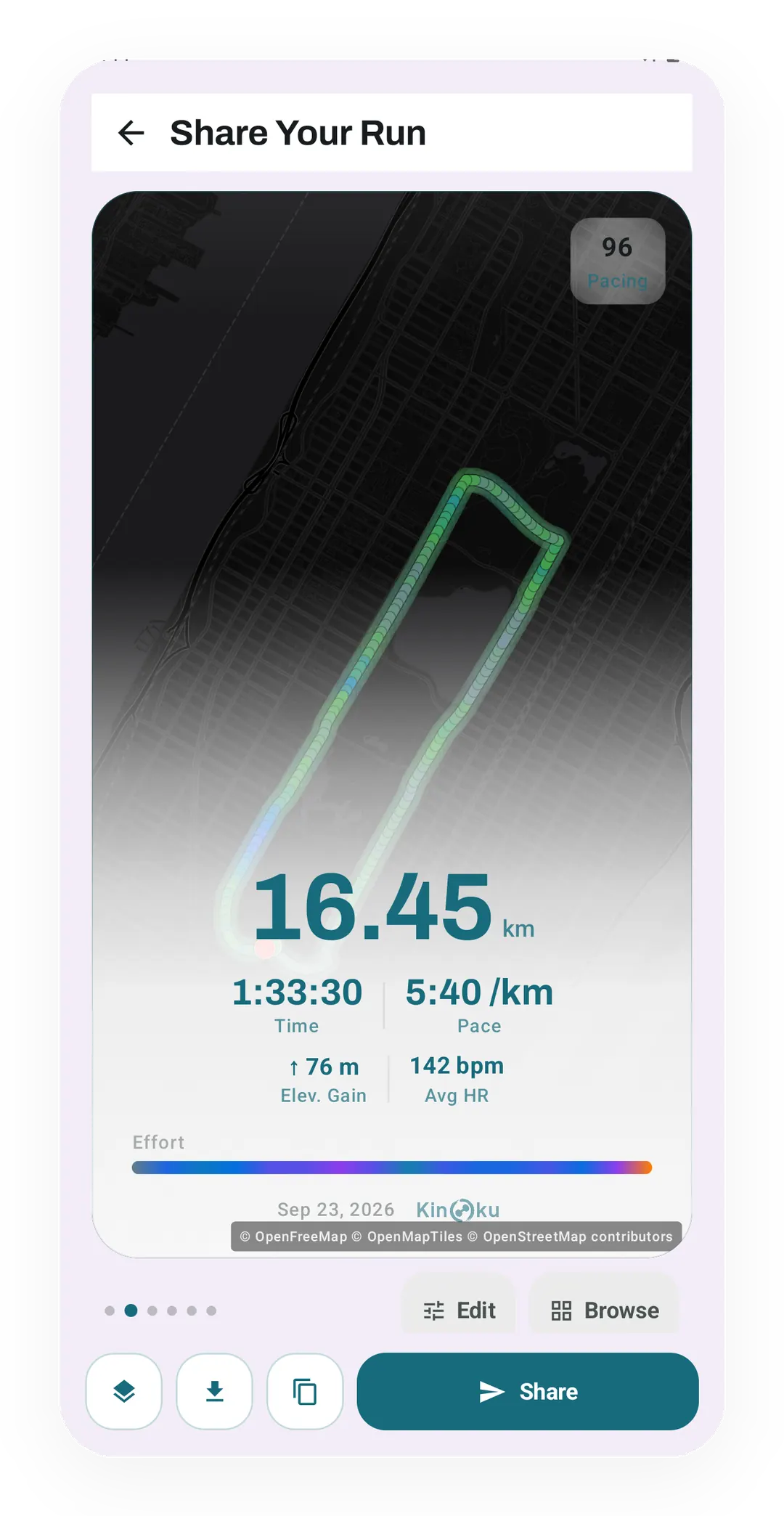
A run share card
A run share card with 16.45 km, 1:33:30, a 5:40 /km pace and 76 m of climb, laid over the route on a dark map.
What it is
A share card is an image Kinoku builds on your phone from a workout, a run, an achievement, a streak, or a challenge result. The editor reads data that is already there, and you choose the look, the shape, the stats, and the words before anything leaves the app.
Fifteen looks, plus Sticker
You pick from fifteen looks:
- Core layouts: Card, Trading, Receipt, Ensō, Kamon, and Photo.
- Data-art layouts: Topographic, Magazine, Landscape, Pulse, Split Bars, Neon Sign, Polaroid, Passport, and Horizon.
Sticker is a see-through export rather than a card look, so counting it as well gives sixteen ways to make an image. Some looks serve workouts and runs equally, while Topographic, Landscape, and Horizon draw the route and so show up for runs. Photo opens the image picker, and Kamon holds its paper and seal colors whatever theme the app is in.
Suggestions that fit the session
After a session Kinoku looks for the clearest high point in it. That might be a personal record (PR), a streak, a hilly run, a jump in volume, a first workout back, or a big step day. Kinoku can find up to five matching moments and rank them by how well they fit. Those picks then help fill a featured row of six looks.
Picture a hilly run that also carries your streak past its old best. Topographic moves near the front of that row of six, because the route art has something worth drawing. The remaining slots go to looks that suit the streak instead. None of it is locked in, so you can change the look, crop, shape, colors, stats, or words before you share.
Captions
There are 22 caption templates, covering records, volume, streaks, milestones, motivation, jokes, and steps. A template can pull the exercise, the load, the volume, the distance, the pace, or the streak out of that session. You edit the words yourself before you copy or share them.
Privacy and branding
Kinoku draws the image on your device and does not send the card to a Kinoku server. When you tap Share or Save, Android hands the finished file to the app you picked, and that app then applies its own privacy terms. Sharing is free on every plan, and each export carries a small Kinoku mark.
After the file leaves
Once the file leaves the share sheet it is out of Kinoku’s hands. What happens to that image next is set by the app you sent it to, not by us. The mark on the card is the only thing that follows it.
Related
- GPS Run Tracking: the route and split data behind run cards.
- Today’s Muscle Impact: post-workout muscle context a card can carry.
- Challenges: progress and completion moments worth sharing.
The look and caption counts above describe what ships today, and both lists have grown before. What holds steady is that the whole editor sits on the free plan.
Try it for yourself.
Available on Google Play. Core access starts on the free tier.
Get on Google PlayRelated surfaces
Live pace, splits, a route map, and audio cues. Your run record is not uploaded to Kinoku; map tiles load when you view maps, and weather is a clear opt-in.
A body shape colored by this session's effort per muscle, with the top 3 muscles shown as pills.
41 templates across many data sources, with deeper detail as your tier goes up.