

Themes
Twenty-six themes with their own colors and motion feel. Twenty are free, and six come with Pro.
Real app capture
What this feature looks like with data
 Open full-size image ↗
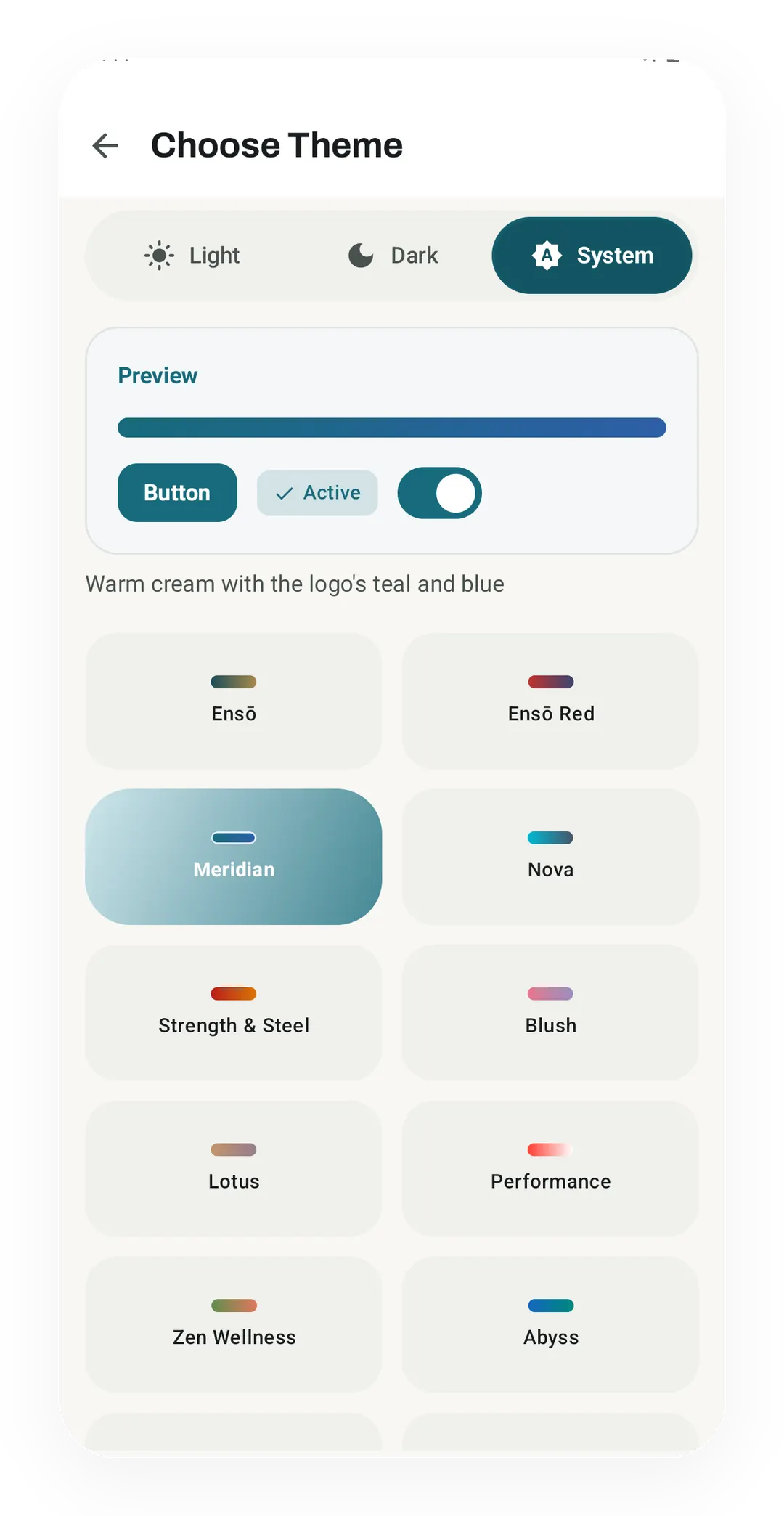
Choose Theme: picker grid
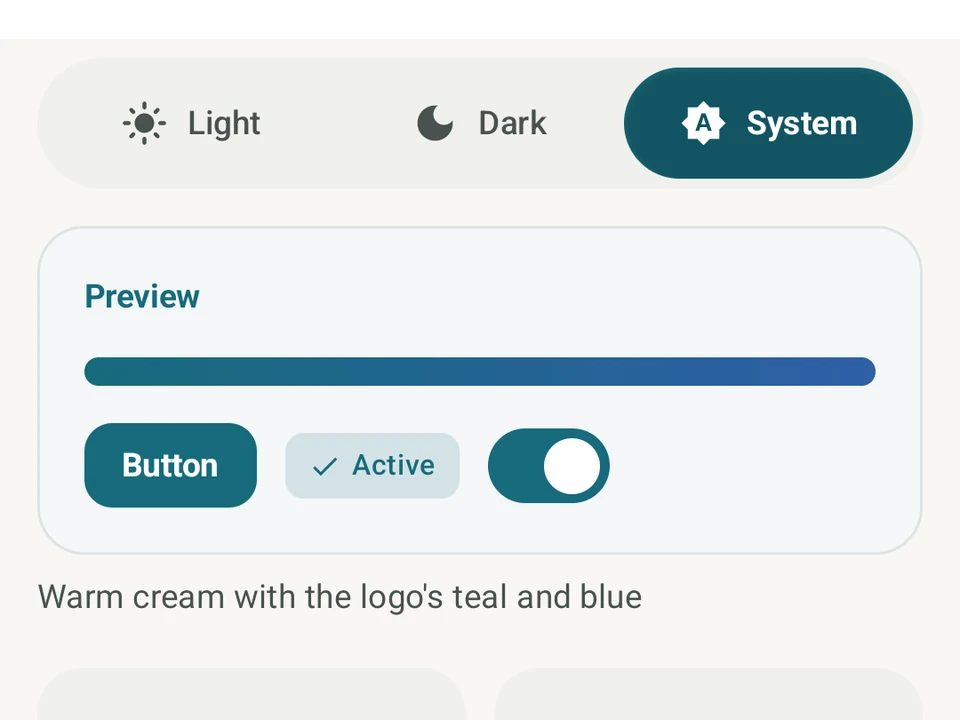
The theme picker with Meridian selected shows a Light, Dark or System switch, a live preview, and a card with a color stroke for each theme.
 Open full-size image ↗
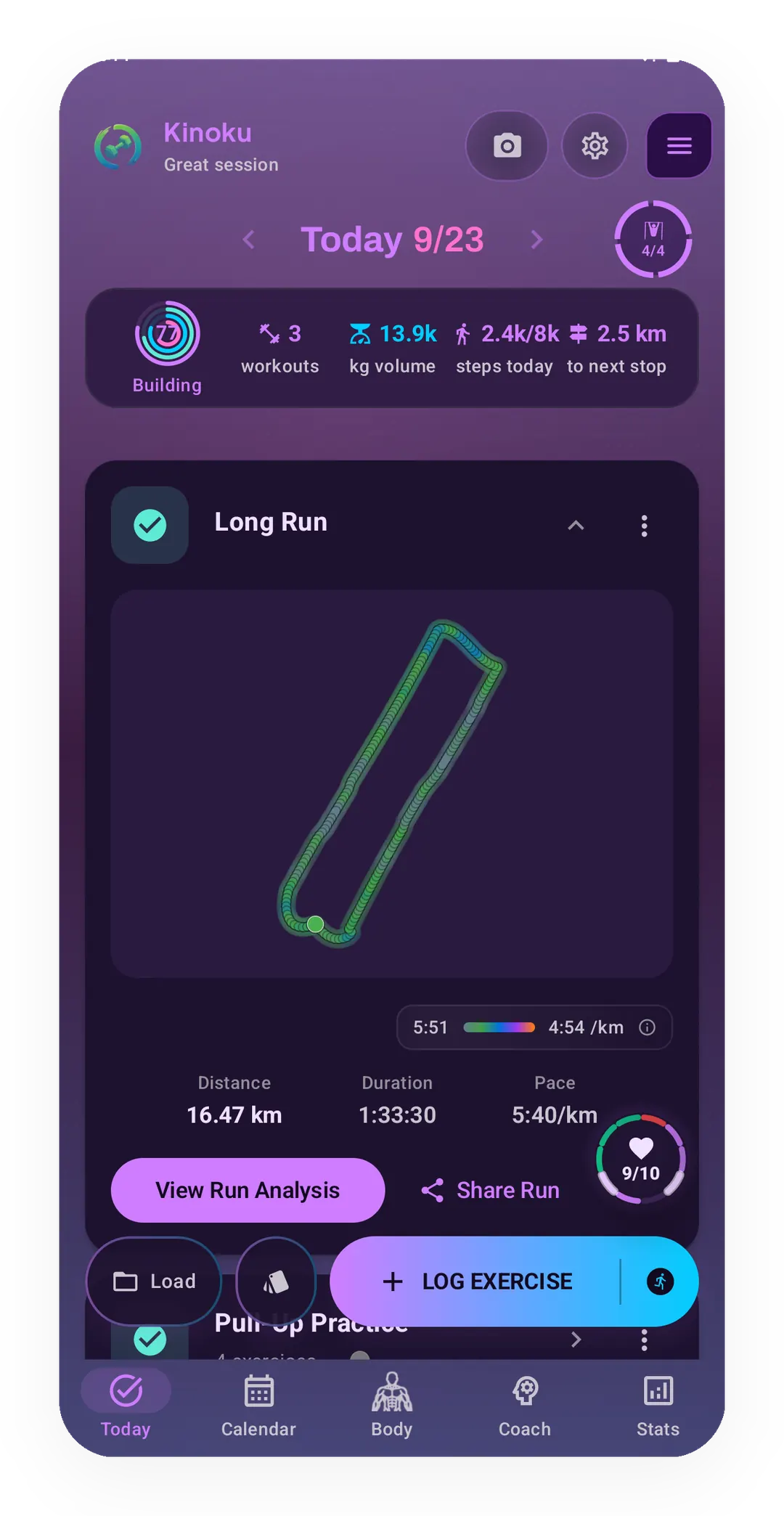
Vaporwave theme on the Today screen
The Today screen in Vaporwave, one of the free themes, shows the same 16.47 km Long Run in purple and cyan.
Tier shape
How access changes by tier
20 themes come with the free tier.
Ironwood, Sakura, Emerald Foil, Kamon, Obsidian, and Aurora come with Pro.
What it is
A theme in Kinoku is a whole look for the app, which means a color set and a motion feel rather than a palette swap. There are twenty-six of them, and switching one changes how the app behaves under your thumb as well as how it reads.
What a theme carries
The three parts below travel together, so picking a theme sets all of them at once:
- A light and dark color set, so your choice survives the switch at sunset.
- Extra colors that mark the wins: personal records (PRs), streaks, and recovery.
- A motion feel that sets how a tap springs back, how a card settles, and how the glass looks.
The motion feel is the part that never shows up in a screenshot. Two themes can share an accent color and still feel unalike, because one springs back sharply under a tap while the other settles.
Say you have been using Ensō and you switch to Vaporwave one evening. The palette turns purple and the markers on your wins pick up their own colors. The springs under your taps change with them, without a single screen moving.
Why there are twenty-six
One dark mode is not really a choice. Most fitness apps ship a light theme and a dark theme, which is a setting rather than a decision. Kinoku treats the look as something you pick on purpose.
Your mood changes, and the app can change with it. The screen you open before a heavy session does not have to match the one you open on a rest day.
A free set has to be a real set. Twenty of the twenty-six are free, which is enough range to live inside for years. The six on Pro are finishes rather than the only good ones.
How access works
Twenty of the themes are free, and six come with Pro: Ironwood, Sakura, Emerald Foil, Kamon, Obsidian, and Aurora.
What a theme does not touch
A theme changes color, shape details, and motion rather than where things sit, so none of them moves a control or adds a screen. If a screen is hard for you to read, the theme picker is the wrong tool for it. We would rather say so than sell the picker as an accessibility feature.
The free layer
Most of the range is free, and those are whole themes rather than previews. Each carries its own colors and its own motion, while six finishes sit on Pro. Twenty-six is the count that ships today and it has gone up before, so what is free now stays free either way.
Try it for yourself.
Available on Google Play. The core here is free. Pro adds optional extras.
Get on Google PlayRelated surfaces
15 selectable looks plus Sticker export and 22 captions. After a session, Kinoku surfaces up to 6 looks that fit what happened.
Workout contexts with built-in presets, quick-start feel, and custom scenes on Pro.
26 themes with color and motion: 20 free and 6 Pro (Ironwood, Sakura, Emerald Foil, Kamon, Obsidian, Aurora).