

Rep Tempo
Set how fast to move each rep of an exercise. Kinoku shows the tempo as a light hint on every set.
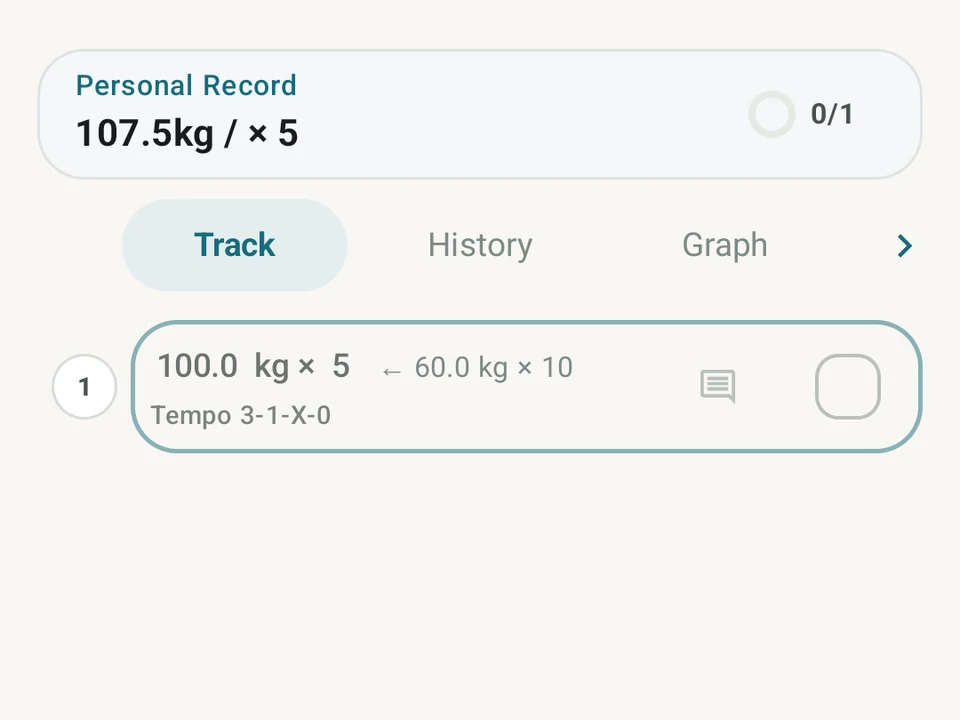
Real app capture
What this feature looks like with data
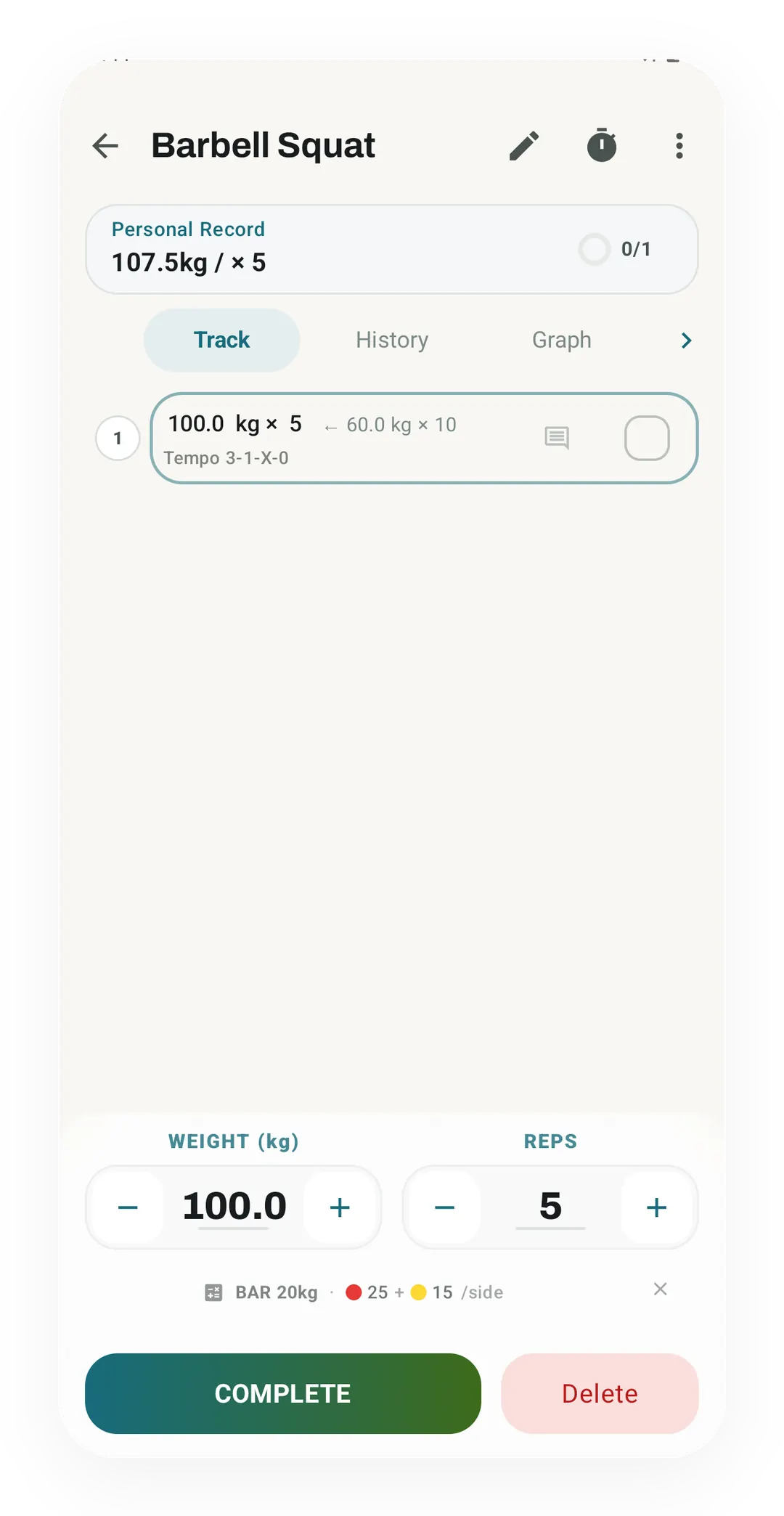 Open full-size image ↗
Tempo beside real set logging
The squat's tempo, 3-1-X-0, sits under the 100 kg x 5 set, in the same row as the weight and reps.
Four boxes, one code
Set the seconds for lowering, pausing, lifting, then pausing again. Type X for a part you want to move as fast as you can.
What it is
Rep tempo is the speed of each rep, written as four numbers and set once for an exercise inside a routine. The four small boxes hold the seconds for lowering, pausing at the bottom, lifting, and pausing at the top.
How to read the code
Read the code 3-0-1-0 and you have the whole idea: a 3 second lower, no pause at the bottom, a 1 second lift, then no pause at the top. Type a number in each box, or type X for a part you want to move as fast as you can. Once the routine is saved, every set of that exercise carries the tempo as a light hint while you train.
The four parts always run in the same order, whatever the movement is. A code you wrote in March still means one thing when you open the routine again in June. Lowering is always the first number, and the top pause is always the last.
What a tempo buys you
Tempo makes a lift harder without adding a plate. A slower lower keeps the muscle under load for longer, so the same weight does more work on the way down.
Control is the other half of it. A 3 second lower is hard to fake, so a lift that had started riding on momentum has to be lifted again.
Writing the tempo into the routine also means writing it once. The number sits on the exercise rather than on each set, so an exercise with several sets takes one decision instead of one per set.
Where the hint stops
Kinoku shows the tempo beside the set and leaves it there. Nothing times your reps or checks them, and nothing blocks a set for moving too fast. The code is a target you aim at rather than a rule the app enforces.
Free, forever
Rep tempo costs nothing, on every exercise in every routine. Four boxes on a routine exercise is not the sort of thing to put behind a subscription, and the hint stays free as the rest of the routine builder grows.
Try it for yourself.
Available on Google Play. Core access starts on the free tier.
Get on Google PlayRelated surfaces
Unlimited routines, Smart Sync, Starter Packs, and follow-along links are free, and so are Rotation Groups that cycle through several routines for you.
Warmup sets built from your working weight, bar weight, and unit system.
Every set, one tap. Track how hard each set felt, your rest timers, set types, and notes.