

How do I change the app theme?
Open Settings, then Customize Kinoku, then Theme. Kinoku has 26 themes, and 20 of them are free.
Themes live in Settings, under Customize Kinoku. Tap Theme to open the Choose Theme screen, then tap any theme to apply it across the whole app. Each of the 26 themes changes more than color, because it also sets how buttons spring back when you press them and how the frosted glass panels look.
Twenty of the themes come with the free plan. The other six, Ironwood, Sakura, Emerald Foil, Kamon, Obsidian and Aurora, are part of Pro, and on the free plan they show a lock in the picker and cannot be applied.
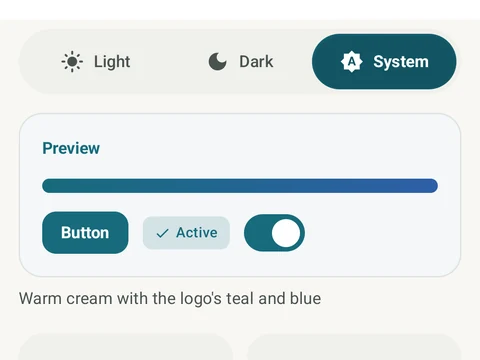
Light or dark mode is a separate choice from the theme. The Light & dark control sits just above the Theme row, with Light, Dark and System options, and System follows your phone’s own setting. If the motion feels like too much, the Reduced Motion switch on the same screen tones down the animations and press effects in every theme.
In the app
Themes
26 themes with color and motion: 20 free and 6 Pro (Ironwood, Sakura, Emerald Foil, Kamon, Obsidian, Aurora).