

What is the Pulse Orb?
The Pulse Orb is the round button in a bottom corner of the Today screen. Its rings show how many of your Daily Pulse Metrics you have logged today.
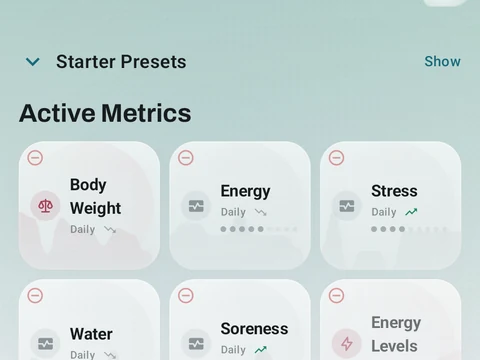
The Pulse Orb is the small round button that floats in a bottom corner of the Today screen. It belongs to your Daily Pulse Metrics, the habits you choose to track each day, such as body weight or glasses of water. Each metric adds a colored ring around the orb, and the number in the middle, such as 3/5, counts how many you have logged so far today.
A tap on the orb fans your metrics out around it, so you can log one with a single tap, or long-press one to edit its value. When every metric is logged for the day, the orb fills with your theme’s main color and a soft glow plays around it. A long-press on the orb itself opens the Daily Pulse Metrics screen, where you add, edit or archive metrics.
The orb appears once you have at least one metric, and it steps aside while Focus Mode is on. If you would rather not see it, the Daily Pulse Orb switch in Settings, under Customize Kinoku, turns it off. Daily Pulse Metrics are free, and there is no limit on how many you keep.
In the app
Daily Pulse Metrics
Track anything with toggle, scale, value, duration, time-range, and combined metrics. Every type is free, and there is no limit on how many you keep active.