

How does Circuit or HIIT mode work?
Circuit mode turns a routine into a timed workout with work, rest and round rest phases. Starting a circuit session needs Pro.
Circuit mode turns a routine into a workout led by a timer, the kind people use for Tabata or for high-intensity interval training (HIIT), where hard work and short rests take turns. Circuit mode is part of Pro. In the routine editor, pick Circuit under Workout Mode, then set the Work Time, Exercise Rest, Round Rest and the number of Rounds. Presets such as Tabata 20/10×8, 30/30×4 and 45/15×3 fill those in for you.
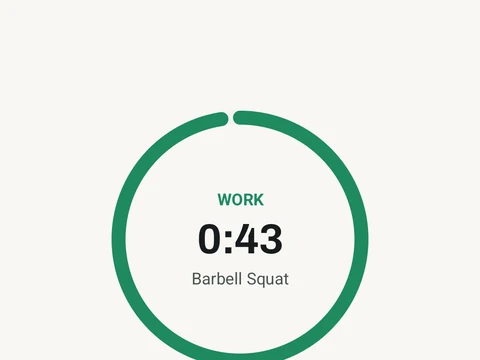
During the session, a countdown takes you through each phase. You get a short get-ready, then work, a rest between moves and a longer rest between rounds. You can still log weights and reps while you work, and the screen shows which move is up next. If you end early, the sets you finished are saved.
The other timers under the same Workout Mode picker are a separate feature, and they do not need Pro. They are For Time, EMOM (every minute on the minute) and AMRAP (as many rounds as possible).
In the app
Circuit & HIIT
Timer-driven circuits, rounds, rest phases, and safe session handling.