

How do routines work in Kinoku?
A routine is a saved workout plan. Start one and every exercise loads with the numbers from your last session, then Smart Sync offers to save what changed.
A routine is a saved workout plan: a list of exercises in the order you do them, each with its own sets. To make one, open Routines from the side menu and tap Create Routine, then add your exercises. If you use routines every day, you can also put Routines on the bottom bar.
When you start a routine, every exercise loads at once, and each set begins with the weight and reps from the last time you did that routine. If you changed a set in the routine editor after that session, Kinoku uses your edit instead of the old numbers.
When you finish, Smart Sync compares the workout with the routine and shows what changed, so you can save the new numbers to the routine with one tap. You can turn that off, or let it save on its own, under Settings, then Workout Experience, then Auto-update Routines. Routines are free, and there is no cap on how many you keep.
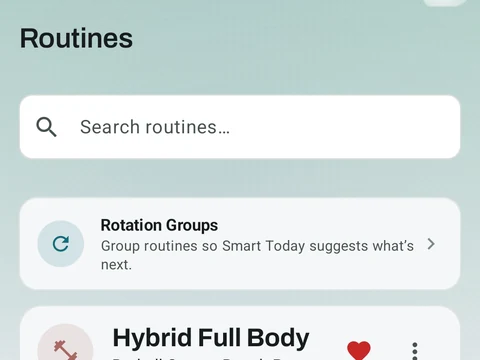
In the app
Routines & Programs
Unlimited routines, Smart Sync, Starter Packs, and follow-along links are free, and so are Rotation Groups that cycle through several routines for you.