

HelpLast reviewed October 21, 2026
How do I share a routine or see its stats?
On the Routines screen, open a routine's ⋮ menu. Share Routine sends it as a link or a file, and Stats shows how its volume and strength have moved.
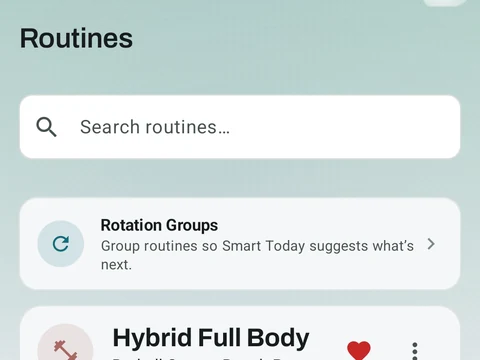
Every card on the Routines screen has a heart and a ⋮ menu. The heart marks that routine as a favorite, and the heart at the top of the screen narrows the list down to your favorites.
The ⋮ menu holds four actions:
- Edit opens the routine in its editor.
- Stats opens the routine in the Analysis tab of the Stats screen, where you can see how its volume and strength have changed over time.
- Share Routine opens your phone’s share menu. A short routine, up to eight exercises, usually goes out as a link, but a longer one goes out as a file. Anyone with Kinoku can open either one to add the routine to their own list.
- Delete removes the routine once you confirm.
The sort button at the top puts the list in order by A-Z, Recently Added, Most Completed, Next Up or Custom. Custom adds arrows to each card, so you can arrange the list by hand.
In the app
Routines & Programs
Unlimited routines, Smart Sync, Starter Packs, and follow-along links are free, and so are Rotation Groups that cycle through several routines for you.