

How do I change the maxes or days of a program like 5/3/1?
Open the program in Programs and tap the pencil. For a named program, Program settings changes its days, one-rep maxes, and its start date before it begins.
Open Programs from the side menu, open the program you are running, and tap the pencil at the top of its screen. What opens next depends on the kind of program.
A named program with its own progression, such as 5/3/1, GZCLP (a beginner barbell plan) or Classic 5x5, opens Program settings. There you can change its name and notes, its training days, and the one-rep max for each lift, which is the most you could lift once. The start date can change only before the program begins, so once you have trained a session or the start day has come, it stays fixed. The max sets the weights the program asks for, and when your logged sets point to a different number, the screen shows that estimate next to the field.
Before anything saves, Kinoku lists what stays and what changes. Sessions you already trained, and every day before today, stay as they are. A new max becomes the new starting point for that lift, which restarts from tomorrow. If some weeks of the program were edited by hand, the days and start date are locked and cannot change here.
A program you built yourself opens the builder instead, where you edit its blocks and routines.
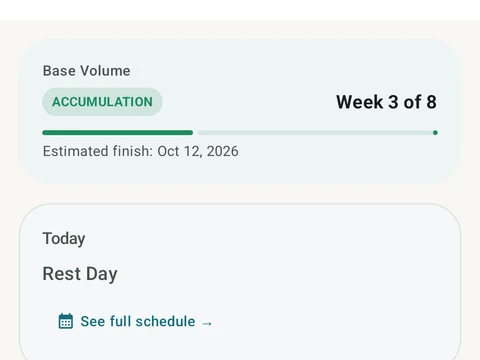
In the app
Periodization
A 4-phase planning stack. The builder, all 25 templates, named programs with auto-progression, the custom model, and unlimited active programs are free. Pro adds volume targets, readiness tuning, and auto set changes.