

What are training programs?
A training program plans your weeks in blocks, such as a strength phase and a deload, with routines set on each day. Building and running one is free.
A training program lays out several weeks of training ahead of time. Coaches call the whole plan a macrocycle. In Kinoku it is split into training blocks, also called mesocycles. Each block has a phase such as a build phase or a deload, a length in weeks, and routines placed on set days.
You can build one yourself: add blocks, give each block its routines for each day, then tap Activate to fill your calendar. You can also start from Program Templates, which hold 25 ready-made plans. These include named programs such as 5/3/1, GZCLP (a beginner barbell program) and Classic 5x5, which set their own weights from what you log.
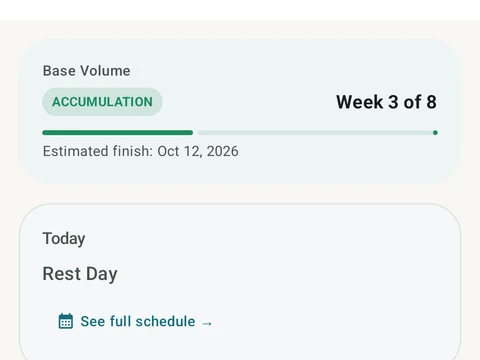
The program you are running has its own screen with the current week and how many of the planned workouts you completed. You find all of your programs under Programs in the side menu.
Building and running programs is free, with no limit on how many you keep. Three layers that tune a program for you are part of Pro: Volume Landmarks, set changes based on reps in reserve (RIR), and changes based on your readiness.
In the app
Periodization
A 4-phase planning stack. The builder, all 25 templates, named programs with auto-progression, the custom model, and unlimited active programs are free. Pro adds volume targets, readiness tuning, and auto set changes.