

How do rotation groups work?
A rotation group is a set of routines you cycle through, such as Push, Pull and Legs. Smart Today suggests the next one, and groups are free on every plan.
A rotation group is a small set of routines you train in turn, such as Push, Pull and Legs. Smart Today, the suggestion card on the Today screen, uses the group to pick what comes next. Groups are free on every plan, but a few details differ.
A group runs in one of two modes. An Ordered cycle goes in a fixed order, A then B then C. A Free pool lets you train the members in any order, and Smart Today suggests the one whose training role is furthest behind its weekly target. On the free plan a pool picks by that weekly gap alone, while with Pro it can also weigh how recovered the muscles are.
Each group also has a weekly target, which works as a cap. Say a group holds three routines with a target of two: once you train two of them, the Today card can show the week as done and stops picking from that group. Its next pick then comes from your other groups or your history, which can still name a routine from the capped group.
To make a group, open a routine, go to its Training role card and tap Add to rotation, then choose a group or create a new one. Rotation Groups in the side menu lists every group you have, where you can edit or delete each one.
In the app
Smart Today
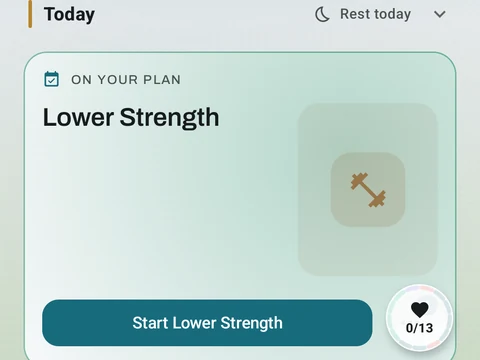
A Today card shows the workout you are due for, the muscles it trains and a Start button. Free automatically spots your A/B/C rotation, follows the Rotation Groups you build, and lists routines that are due. Pro shades that body by how fresh each muscle is, and adds an easy-day pick when your sleep or HRV is low.