

What does Every N days scheduling do?
Every N days ties a routine to the last time you did it instead of the calendar week, so it comes due again after a gap you choose, from 2 to 30 days.
A routine’s schedule can be Weekly, Every N days or Not scheduled. Every N days ties the routine to the last time you finished it, so it comes due again after a set gap rather than on a weekly count. That suits sessions with their own rhythm, such as a long run every 10 days or a heavy lower-body day every 3 days.
Kinoku counts the next due date from your last completed session of that routine. If you have never done it, the count starts from the day you switched it to this mode. When the routine is due, it shows under Other options on the Today card with a label such as Due today or Overdue.
To switch, open the routine, go to its Training role card, and under Schedule pick Every N days. Then set the interval anywhere from 2 to 30 days. A routine that belongs to a rotation group follows the group’s weekly target, so this choice is hidden for it.
In the app
Smart Today
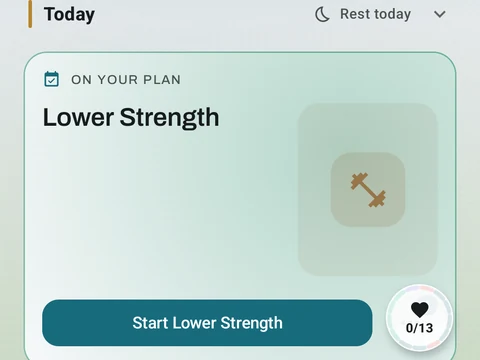
A Today card shows the workout you are due for, the muscles it trains and a Start button. Free automatically spots your A/B/C rotation, follows the Rotation Groups you build, and lists routines that are due. Pro shades that body by how fresh each muscle is, and adds an easy-day pick when your sleep or HRV is low.