

What do Main, Accessory, Run and HIIT mean on my routine?
They are training roles. Kinoku uses them to count each routine in your weekly tracker and in Smart Today's picks, and you can override the tag.
Each routine carries a training role. The role tells Kinoku how to count the routine in your weekly tracker, and how Smart Today should treat it when it suggests what to train next.
- Main is your core strength work: four or more strength exercises, or any routine with a big barbell lift such as a squat, deadlift, bench press or overhead press.
- Accessory covers short blocks that work one muscle at a time, plus mobility or warm-up routines.
- Run is a routine of one or two exercises that are all cardio.
- HIIT, short for high-intensity interval training, covers hard mixed work, such as short blends of cardio and strength or rounds of a circuit.
Kinoku picks the role from what the routine holds, and the routine shows it as Auto with the role name beside it. If the pick looks wrong, open the routine, scroll to its Training role card, and tap Override to choose one yourself. The ⓘ icon on that card explains how the role was picked, and your own choice always wins over the one Kinoku picked. A tag does not change the routine itself, only how it is counted.
In the app
Smart Today
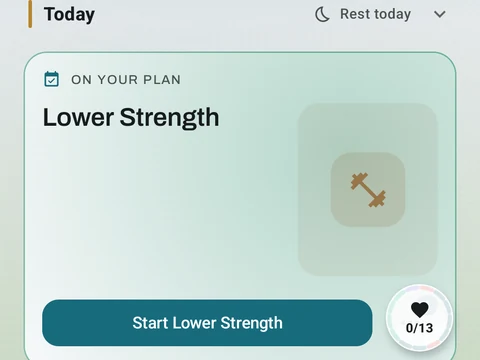
A Today card shows the workout you are due for, the muscles it trains and a Start button. Free automatically spots your A/B/C rotation, follows the Rotation Groups you build, and lists routines that are due. Pro shades that body by how fresh each muscle is, and adds an easy-day pick when your sleep or HRV is low.