

Do Kinoku's AI features need the internet?
No. Smart Suggestions, Training Insights, weight tips and Smart Import all run on your phone and work offline. Two optional extras touch the network.
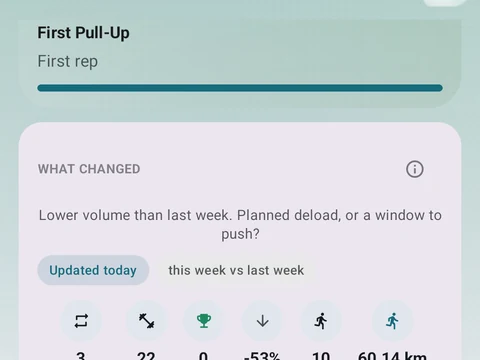
No, Kinoku’s AI features run on your phone, so they keep working in a gym basement or in airplane mode. Smart Suggestions, Training Insights, weight tips for your next session, and Smart Import reading a pasted plan all work this way. The AI Coach builds its signals from the training history stored on your phone, and none of it waits for a server to answer.
Two optional extras do touch the network. Scan a plan has an optional switch called AI help for photo scan, meant for messy or handwritten plans, and the first time you use it your phone may download a model through Google Play services. After that download, the scan help runs on the phone as well.
The other extra sits outside Kinoku, where Copy plan prompt and Copy log prompt give you a prompt for an assistant such as ChatGPT, Claude or Gemini. That chat happens online in the assistant’s own app, under its own privacy terms. Kinoku does not see the chat, and it only reads the reply you paste back.
In the app
AI Coach
Coaching screens that run on your phone and explain what changed in your training and why it matters.