

Can I hide where my runs start and finish on images I share?
Yes. Hide route start and finish, in Settings under Import & Export, leaves out the part of a shared route within 200 m, 500 m or 1 km of each end.
Yes. Open Settings, then Import & Export, and find Hide route start and finish in the Network & Privacy group. The setting stays off until you pick a distance: 200 m, 500 m or 1 km, which is about 0.1, 0.3 or 0.6 miles.
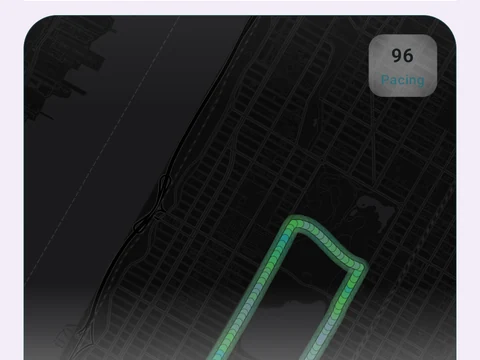
With it on, every route image you share leaves out the parts of the route close to where the run began and ended. The rule covers the run share cards, the Route Heatmap image, the Run Studio video and the run print. Each hidden circle sits a little away from the true point, by an offset your phone picks once and keeps. So many images laid side by side point to the middle of the circle, not to where you started.
Your saved runs and the maps inside the app stay whole, because the setting does not change what is stored. The map around a shared route can still show the area, which makes a start point hard to find, though not impossible.
In the app
Share Cards
15 selectable looks plus Sticker export and 22 captions. After a session, Kinoku surfaces up to 6 looks that fit what happened.