

Can I import my history from Strava?
Yes. Request your archive from Strava, then pick the ZIP under Settings, Import & Export, Import from CSV. Each activity becomes a cardio workout.
Yes. Strava calls this a bulk export of your data. On the Strava website it sits under Settings, then My Account, then Download or Delete Your Account, then Request Your Archive, and Strava emails you a ZIP file when it is ready.
In Kinoku, open Settings, then Import & Export, then Import from CSV. Tap Choose File and pick that ZIP as it is, with no need to unzip it, and a preview shows what will come in before anything is saved.
Each activity becomes a cardio workout with its name, date, distance, time, max heart rate and notes. When an activity has a GPS track saved as a .gpx file, or a packed .gpx.gz file, Kinoku reads the route points so the run shows on the map. Tracks saved as .tcx come in without the route for now, though the workout itself still imports. Kinoku reads the distance column as kilometers, which is Strava’s default unit.
Bringing in a Strava archive costs nothing on the free plan, whatever the number of activities in it.
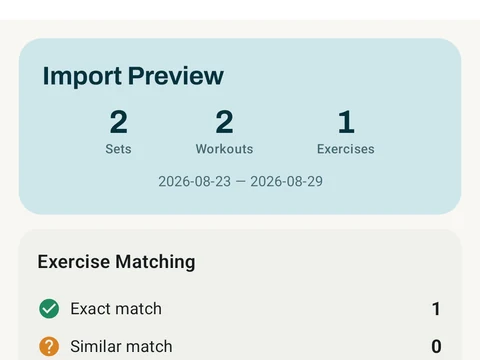
In the app
Strava Import
Bring your Strava history with no login token. Choose the Strava archive ZIP once; Kinoku reads activities.csv and supported route files from it on your phone. Kinoku never touches Strava's servers.