

How do share cards and photo overlays work?
After a workout or run, tap Share to make an image of it. Pick a card style, put your stats over your own photo, or make a sticker.
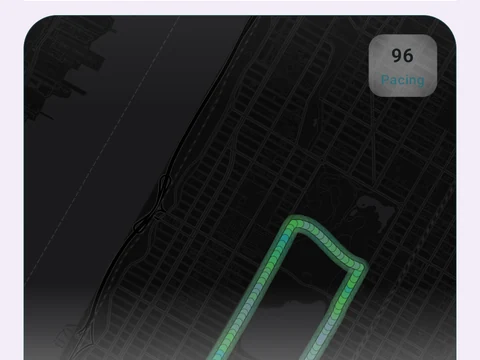
After you finish a workout or a run, tap Share Workout or Share Run to make an image of it. You can pick a card style from the deck, put your stats over a photo from your gallery or camera, or make a sticker with a clear background to lay over a story on social media. A photo card comes in four looks: Glass, Neon, Gradient and Minimal.
You choose which stats show and pick a shape, either Story, Square or 4:5. On a run card you can also hide the map or the date.
When a workout has a standout moment, such as a new personal record (PR), a long streak or a big volume day, the share sheet opens on a matching preset like PR Hunter or Streak Flame. You can still switch to any other style before you share.
The image is a fresh picture of the card, so the location and camera details stored in your own photo do not come along. Share cards, photo cards and stickers are free.
In the app
Share Cards
15 selectable looks plus Sticker export and 22 captions. After a session, Kinoku surfaces up to 6 looks that fit what happened.