

Zone Training
See how hard each run was, not just how far. Pace zones, an easy-vs-hard balance, and an effort score.
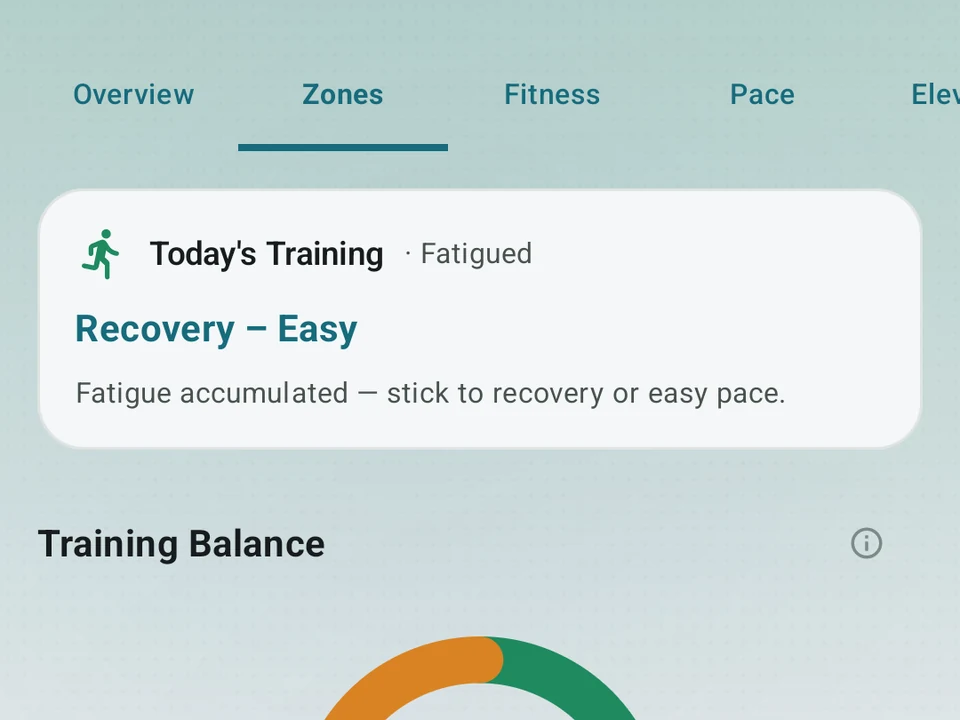
Real app capture
What this feature looks like with data
 Open full-size image ↗
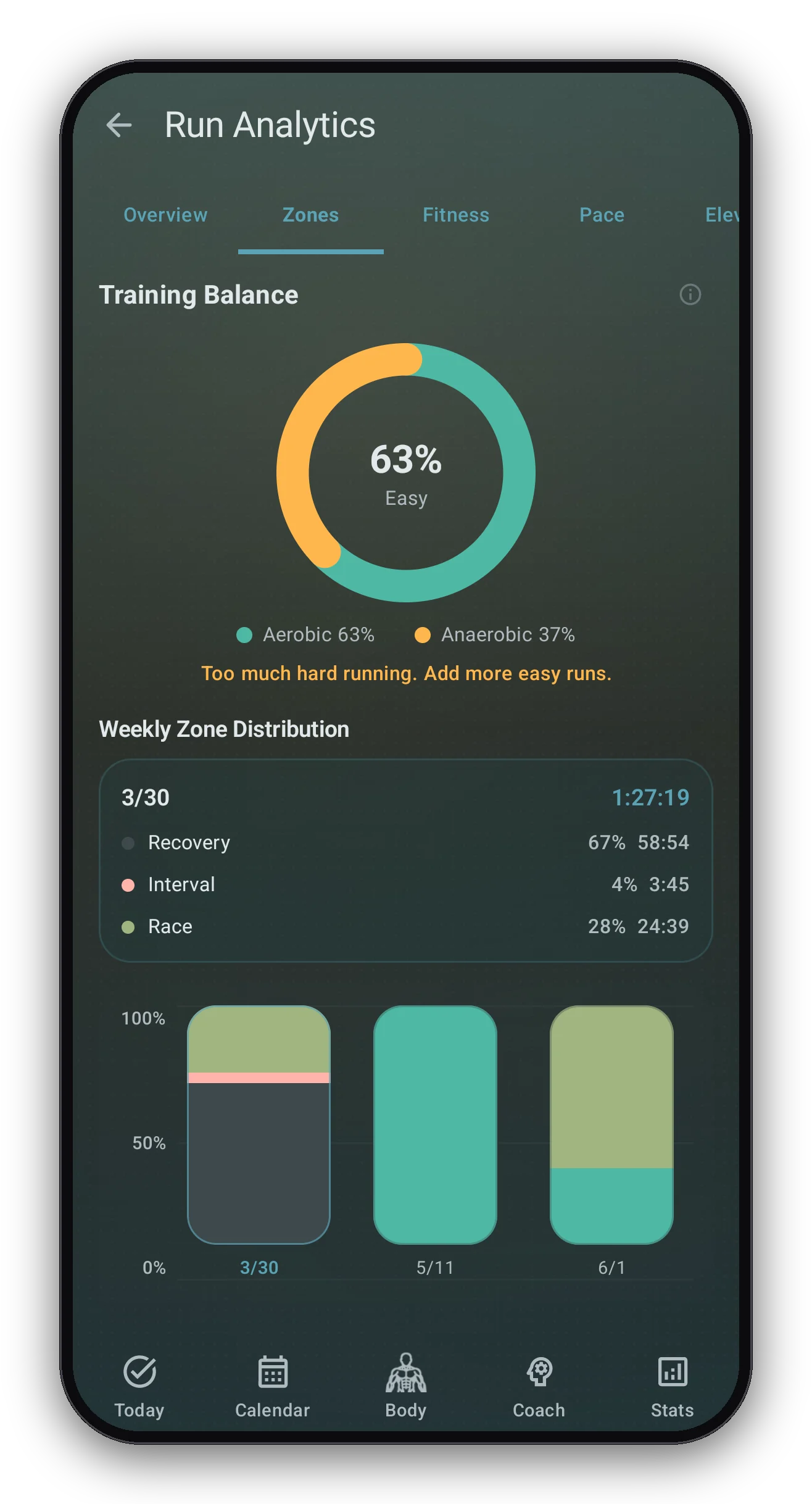
Zone balance and time in zones
Real capture. Your easy and hard split shown as a ring, with time in each zone below.
What it is
Zone Training reads how hard each run was, rather than only how far you went. Kinoku sorts your pace into zones on its own, running from Recovery through Easy, Tempo, Threshold, Interval, and Race, then shows how long you spent in each one. Every run also picks up an effort score from 0 to 5, where a higher number means a harder run. Consider a week with four runs, three of them easy and one hard.
Easy days easy, hard days hard
The 80/20 idea holds that most of your week stays easy while a smaller share goes hard. Seiler’s 2010 paper on training intensity in endurance athletes is where the number comes from, and it reports that elite endurance athletes keep about 80% of their sessions easy. It is a rule of thumb drawn from that research, not a plan written for every runner or every phase of a season.
Kinoku puts your week into one balance chart, so the four-run week above shows its split at a glance and you can hold that against the split you meant to run.
Your week, rolled up
Every Monday, Kinoku sums up the week that just ended:
- Time spent in each zone.
- Your easy-versus-hard split.
- Your average effort score for the week.
- A tip for the week ahead.
You find the summary on the Run Analytics Dashboard, next to Run Analytics and your fitness trend.
What the zones cannot know
Zones come from your pace, so they read the run and not the state you were in when you ran it. An Easy run on tired legs and the same run on fresh legs land in the same zone, which is why the chart describes your week rather than judging it.
Why it matters
The most common note a coach gives a new runner is to make the easy days easier. Kinoku draws the chart so you can weigh the mix yourself, and weighing it is the part no split can do for you.
Part of Pro
Zone Training is Pro, while logging a run with its pace and distance stays free. Pro adds the read on how hard each run was. Whether that read changes anything depends on how much of your week already runs easy.
Related surfaces
Offline run breakdown with splits, a fitness score from your runs, a pacing score, best efforts, race forecasts, and a compare card that stacks each run against your similar past runs.
Live pace, splits, a route map, and audio cues. Your run record is not uploaded to Kinoku; map tiles load when you view maps, and weather is a clear opt-in.
Build custom interval workouts step by step: warm-up, work, recovery, and repeats. Or copy a built-in one and tune it.