

How do I back up my data?
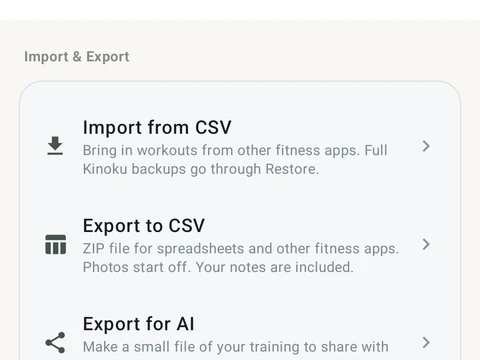
Open Settings, then Import & Export, then Backup & Restore, and tap Create Backup. You get one ZIP file that restores on this phone or a new one.
Open Settings, then Import & Export, then Backup & Restore, and tap Create Backup. Kinoku writes one ZIP file and lets you choose where to save it. The file holds your workouts, exercises, routines, metrics, challenges, progress photos and settings. On the same screen, Restore from Backup reads that file back on this phone or on a new one.
A restore replaces everything that is in the app now, and it has no undo, so the screen asks you to confirm first. Kinoku also checks the file before it restores, and warns you if it looks damaged or came from an old version that cannot be checked.
Android system backup is a separate copy. When it is on, it may save eligible app data, photos, files and settings to your Google account. Android’s backup leaves out your cycle and pregnancy records, with the settings and insights that go with them, though a manual ZIP or a phone transfer you start yourself does carry them.
Kinoku does not sync between phones, so a backup you make is how your history moves to a new one.
In the app
Backup & Import
Lossless backup, open CSV and JSON import, Strava import, and a scoped Export for AI handoff.