

What are Daily Pulse Metrics?
Daily Pulse Metrics are trackers you make for things like sleep, energy or water. Making and logging them is free, with no cap on how many.
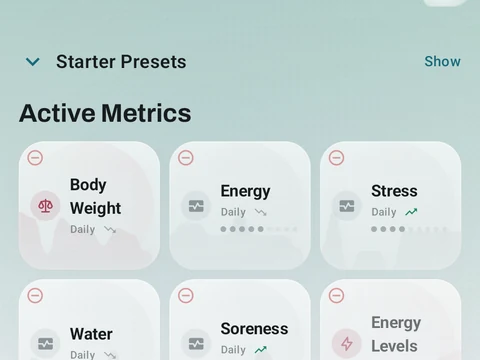
Daily Pulse Metrics are trackers you make yourself for anything outside your workouts, such as sleep quality, energy, soreness or water. You set them up from Daily Pulse Metrics in the side menu.
The main types are Yes/No, Scale and Number. There are three more under the advanced types: Duration, Window (a span of time) and Composite. A schedule sets when a metric is due, from every day or once per workout to set weekdays, every few days or once a month.
On the Today screen, each metric shows as a pill on a ribbon, and a tap logs it fast. A yes or no metric just flips with each tap. A number you add to through the day, like glasses of water, goes up by its set step. A one-off reading, like body weight, opens a box for the exact value, and a long-press opens that box for any metric. The Pulse Orb on the same screen shows how many of today’s metrics you have logged.
Making and logging metrics is free, with no limit on how many you keep. The chart for each metric in Stats, under Body Metrics, is free too, but the cards that compare a metric with your training are part of Pro.
In the app
Daily Pulse Metrics
Track anything with toggle, scale, value, duration, time-range, and combined metrics. Every type is free, and there is no limit on how many you keep active.