

How do I edit an exercise, like its equipment or muscles?
Open the exercise editor with the pencil on the exercise screen, or tap the move in the Exercise Library. It holds the type, equipment and muscles.
The editor that sets the log type holds every other detail of an exercise too. Open it with the pencil on the exercise screen during a workout, or tap the exercise in the Exercise Library.
- The top has the name, the category and the type: Resistance, Cardio, Mobility or Prehab.
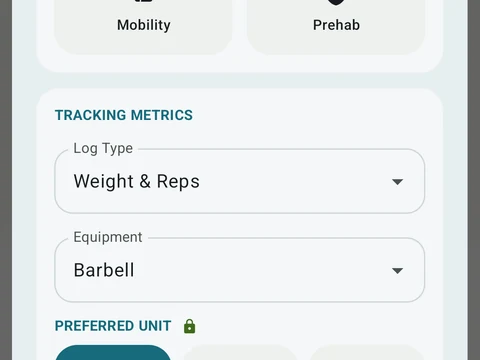
- Tracking metrics holds the equipment next to the log type.
- The muscle list sets which muscles the move works, for every type except Cardio.
- Appearance picks a muscle map, an icon or a photo, plus a color.
- Advanced holds the instructions and the chips for difficulty, mechanic, force and movement pattern.
- Advanced also has switches for Unilateral (one side at a time), Bodyweight and Assisted movement.
- With Bodyweight on, a field called Body weight used per rep sets how much of your body weight each rep moves.
Some edits reach past workouts, like a new name or new muscles. In that case a review called Before you save gives you two choices. Update this exercise changes it in every workout you have. Save as a new exercise keeps the original in past workouts and saves your edit as a copy with its own name, and when you do this during a workout, that workout moves to the new copy.
In the app
Exercise Library
1,300+ built-in exercises with muscle data and unlimited custom moves are free. Pro adds custom form photos and assisted sorting.