

Can I import runs from GPX files?
Yes, for free. Pick one GPX file, several at once, or a ZIP of them under Settings, Import & Export, and each recorded track comes in as a workout with its map.
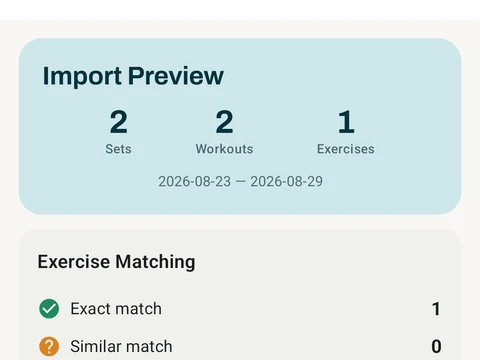
Yes, and it is free. In Kinoku, open Settings, then Import & Export, then Import from CSV. Tap I already have the file and pick one .gpx file, several at once, or a ZIP that holds nothing but GPX files. A preview shows what will come in before anything is saved.
Each recorded track becomes a workout of its own, with the route on the map, the distance and the time. The activity type written in the file decides the exercise, so a track lands as a run, a walk, a ride or another activity such as a swim. A track with no type comes in as a run, and you can change the exercise in the preview before you import.
Runs and walks get their splits and pace from the route, and imported runs count on the Running screen next to the ones you record in Kinoku. A ride or any other activity keeps its map, distance and time, and it stays out of your running records.
When the file holds a heart rate for each point, Kinoku keeps those readings and works out the average and top heart rate of the run from them.
A planned route from a route planner has no times on its points, so it holds no activity and does not import. If you import the same file a second time, each activity comes in only once.
Kinoku does not read a TCX or FIT file on its own, so a watch app that saves only those formats has to offer a GPX export before its runs can come in this way.
In the app
Strava Import
Bring your Strava history with no login token. Choose the Strava archive ZIP once; Kinoku reads activities.csv and supported route files from it on your phone. Kinoku never touches Strava's servers.