

Why does my watch go back to the watch face during a workout?
Your watch returns to the watch face to save battery. Two switches on the phone's Watch Companion screen keep it on or wake it when a rest ends.
To save battery, your watch dims its screen after a short time, and a little later it may go back to the watch face. While a workout runs, the Kinoku icon on the watch face brings you back with one tap, as long as you let Kinoku post alerts on the watch.
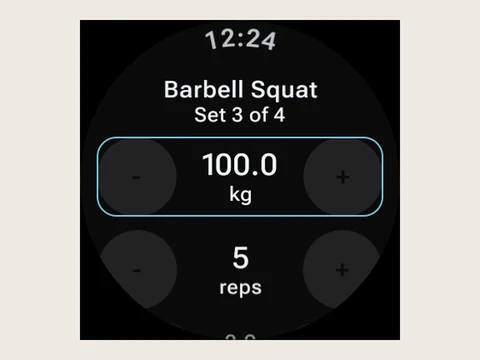
To keep the screen on, open Watch Companion in Kinoku on your phone and turn on Keep Screen On During Workouts. The watch then stays awake on your workout screens and goes to sleep after 10 minutes without a tap. The switch starts out off, because a screen that stays on uses more battery.
The second switch, Wake Watch When Rest Ends, lights up the screen at the end of each rest, and it starts out on. When Kinoku is not in front at that moment, a Rest over note opens your next set. During a rest, the watch also shows the time left in a notification with +30s and Skip.
If you turn on Always On Display in your watch settings, Kinoku also stays in view, dimmed, between taps. Both switches are free, and they arrived in Kinoku 1.6.
In the app
Wear OS
A real watch app for workouts, runs, steps, tiles, and watch face data.