

How do I add sets and reps?
Pick an exercise, type the weight and reps into the set row, then tap the circle to complete the set. Voice logging is a Pro option.
Sets live on the exercise screen, where each set row has a box for the weight and a box for the reps. Type your numbers there, then tap the circle at the end of the row to mark the set complete.
The boxes follow the exercise’s log type, which means a stretch shows a time box and a run shows distance and time in place of weight and reps. You can change what an exercise tracks in its editor if the boxes do not fit the way you train it.
With Pro, a Speak button on the exercise screen lets you say a set out loud, such as “225 for 5 reps”. Kinoku then fills in the boxes for you to check before you save, while typing your sets by hand stays free for everyone with no limit.
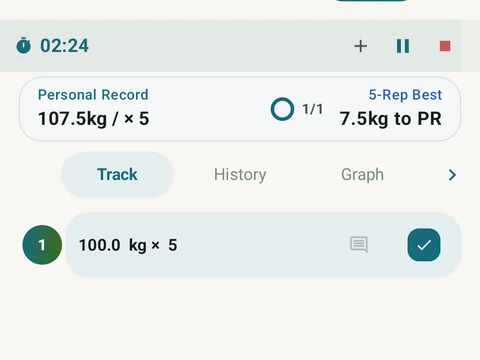
In the app
Workout Logging
Every set, one tap. Track how hard each set felt, your rest timers, set types, and notes.