

What is the Route Heatmap?
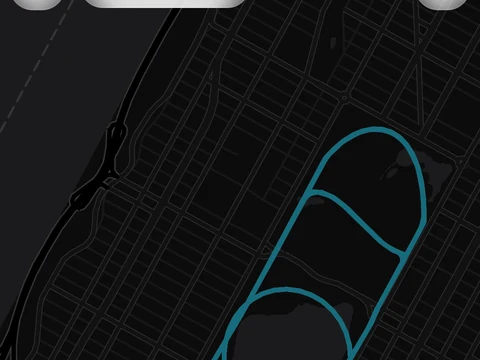
The Route Heatmap is a Pro map that lays all your GPS runs on top of each other, so the routes you run most glow brightest. You can filter it and share it.
The Route Heatmap draws every GPS run you have recorded on one map, so the streets and paths you use most stand out. Open it from Route Heatmap in the side menu.
A time filter narrows the map to 30 Days, 90 Days, 1 Year or All Time. You can switch between five map styles: Standard, Dark, Voyager, Topo and Light. The screen also adds up the runs in view, with the number of runs mapped, total distance, total time, total climb and average pace.
Share Heatmap turns the map into an image in a square or story shape. You choose whether it shows pace, time and climb, and you can move the parts around before you save or share it.
The Route Heatmap is part of Pro. On the free plan it does not open, and Kinoku takes you to the plans page instead. Your runs and their routes stay saved either way, so the heatmap fills in with your full history if you upgrade later.
In the app
Route Heatmap
A multi-run map with All Time, 30 Days, 90 Days, and 1 Year filters, five basemap styles, whole-route average-pace colors, and snapshots to share.