

What is the Run Analytics dashboard?
Run Analytics breaks down your running across six tabs. The Overview tab is free, and Zones, Fitness, Pace, Elevation and Predictions are part of Pro.
Run Analytics is where your GPS runs add up over time. Open it from Run Analytics in the side menu, and swipe across its six tabs.
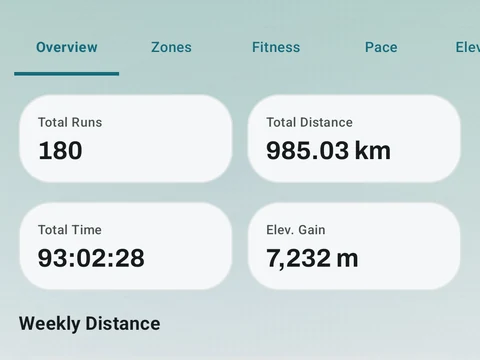
- Overview shows your totals for runs, distance, time and elevation, your weekly distance and your recent runs.
- Zones shows how your training splits across easy and hard effort, and the training effect of each run.
- Fitness tracks your estimated VO2 max (a measure of how well your body uses oxygen) and a chart of training load, fatigue and form.
- Pace shows your typical and fastest pace, plus pace zones that Kinoku sets from your runs in the last eight weeks.
- Elevation charts the climbing you do, run by run.
- Predictions estimates your 5K, 10K, half marathon and marathon times with the Riegel formula, which scales a best time at one distance up to a longer one.
Trends on the dashboard use your last 90 days of runs. Pace zones need at least three qualifying runs, and a race prediction appears only when you have already run at least half of that distance.
The Overview tab is free. The other five tabs are part of Pro, so on the free plan they show a lock over the content.
In the app
Run Analytics
Offline run breakdown with splits, a fitness score from your runs, a pacing score, best efforts, race forecasts, and a compare card that stacks each run against your similar past runs.