

Where are my Wilks and DOTS scores?
They are on the Strength tab of Pro Analytics, which is part of Pro. They need your biological sex and body weight in Profile.
Your strength scores live on the Strength tab of Pro Analytics, below the charts at the top of the tab. Each one is a powerlifting formula that compares what you lift with your body weight, so lifters of different sizes can be compared fairly. Wilks is the oldest, and Kinoku shows its 2020 version. DOTS (a newer points formula) sits next to it, along with the GoodLift (GL) points of the International Powerlifting Federation (IPF), shown as IPF GL.
Each score needs your biological sex and body weight, which you set in Profile, plus at least one logged squat, bench press or deadlift. Until then, a card names what is missing. Fat-free mass index (FFMI), which compares your lean mass with your height, sits with them and also needs your height and body fat percent.
Open Pro Analytics from the side menu. The whole area is part of Pro, so the free plan does not show these scores.
In the app
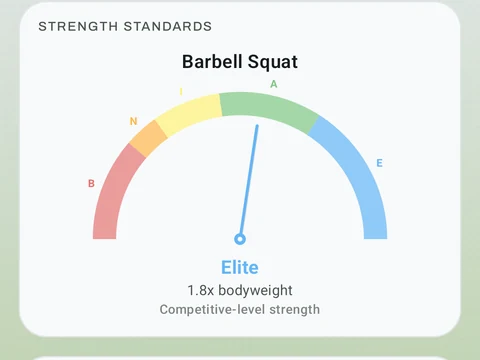
Strength Standards
DOTS, IPF GoodLift, Wilks 2, and FFMI with offline percentile tables. Published tools widely used in strength sport.