

How do Journeys work?
Pick a famous road like Hadrian's Wall, and the runs, walks, steps and classes you log from that day on move you along it, stop by stop.
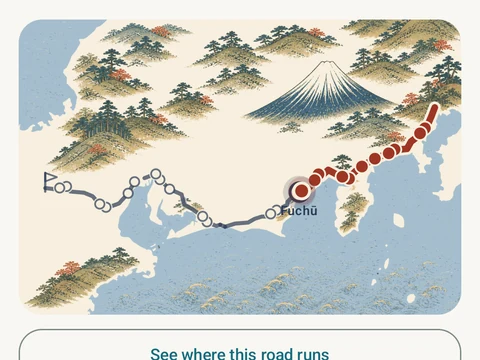
A journey is a famous road, such as Hadrian’s Wall, the Tōkaidō or the Odyssey. Once you start one, the distance you already cover moves a marker along it. Runs and walks you track count, and so do the steps you take outside them. Classes you log count as an estimate and start switched on for a new road, while gym work counts only if you switch it on.
A road starts at zero on the day you tap Start, so older workouts stay out. You walk one road at a time, though you can pause one and switch to another. There is no end date, and the road never locks.
Every stop’s name and distance are listed from the start, and its picture and story uncover when your marker gets there. Kinoku sends no notifications about a road, so a new stop waits for you the next time you open it. The What counts switches on the road’s page turn each source on or off from that day forward.
All three roads are free with every stop. Pro adds the Sandstone Relief Edition, a second set of art for Hadrian’s Wall. The full list of rules is on the How Journeys work page inside the app.
In the app
Journeys
Walk Hadrian's Wall, the Tōkaidō or the Odyssey with your everyday distance. Reach a stop and uncover its picture.