

What if Kinoku tracks my walk as a run?
Tap Reclassify after the session, or pick Reclassify… in the run's ⋮ menu, then choose Run, Walk or Mistracking. Kinoku keeps your choice.
Kinoku sorts each GPS session by itself as a run, a walk or mistracking. Mistracking is for a session that was not a real run or walk, like a GPS glitch. When the guess is wrong, you can change it in three places:
- On the screen right after the session, tap the Reclassify link.
- On the run’s own screen, open the ⋮ menu and tap Reclassify….
- When Kinoku is not sure of its guess, the session’s card on Today asks you, with Keep and Change buttons. Change opens the same choices.
The Reclassify session box lists Run, Walk and Mistracking. Pick one and tap Save. Your choice replaces the automatic one, and Kinoku will not change it again later.
The choice matters for your records. Run achievements, like the ones for total running distance, count only sessions marked Run, while walks earn their own walking achievements.
In the app
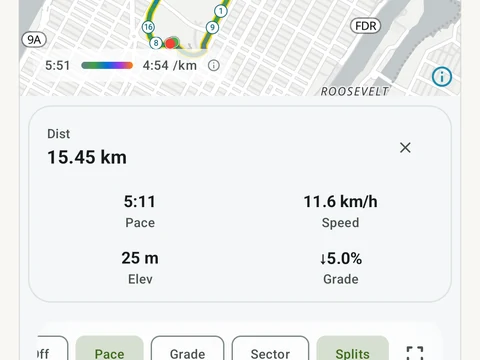
GPS Run Tracking
Live pace, splits, a route map, and audio cues. Your run record is not uploaded to Kinoku; map tiles load when you view maps, and weather is a clear opt-in.