

Classic 5x5 Workout: Free Full-Body App Template
Kinoku runs Classic 5x5 for free: two barbell workouts that take turns on three days, five sets of five, and more weight after every session you finish.
Weekly Training Schedule
These are the sessions the Kinoku template builds when you start it, and the same sessions sit in the file below. The program has two different weeks, which take turns until the plan ends. The rep counts are each routine's starting targets. For the back squat, bench press, barbell row, overhead press and deadlift, the template works out the first weights from your one-rep max and moves the weight or reps after each session.
Weeks 1, 3, 5, 7, 9 and 11
- Squat (Barbell)5 x 5
- Bench Press (Barbell)5 x 5
- Bent Over Row (Barbell)5 x 5
- Squat (Barbell)5 x 5
- Overhead Press (Barbell)5 x 5
- Deadlift (Barbell)1 x 5
- Squat (Barbell)5 x 5
- Bench Press (Barbell)5 x 5
- Bent Over Row (Barbell)5 x 5
Weeks 2, 4, 6, 8, 10 and 12
- Squat (Barbell)5 x 5
- Overhead Press (Barbell)5 x 5
- Deadlift (Barbell)1 x 5
- Squat (Barbell)5 x 5
- Bench Press (Barbell)5 x 5
- Bent Over Row (Barbell)5 x 5
- Squat (Barbell)5 x 5
- Overhead Press (Barbell)5 x 5
- Deadlift (Barbell)1 x 5
Ready to lift?
Start Classic 5x5 in Kinoku
Classic 5x5 is a free template in the app. When you start it there, Kinoku builds the 2 routines and puts 12 weeks on your calendar. It also works out the first weights for the back squat, bench press, barbell row, overhead press and deadlift from your one-rep maxes.
Any time, from the menu
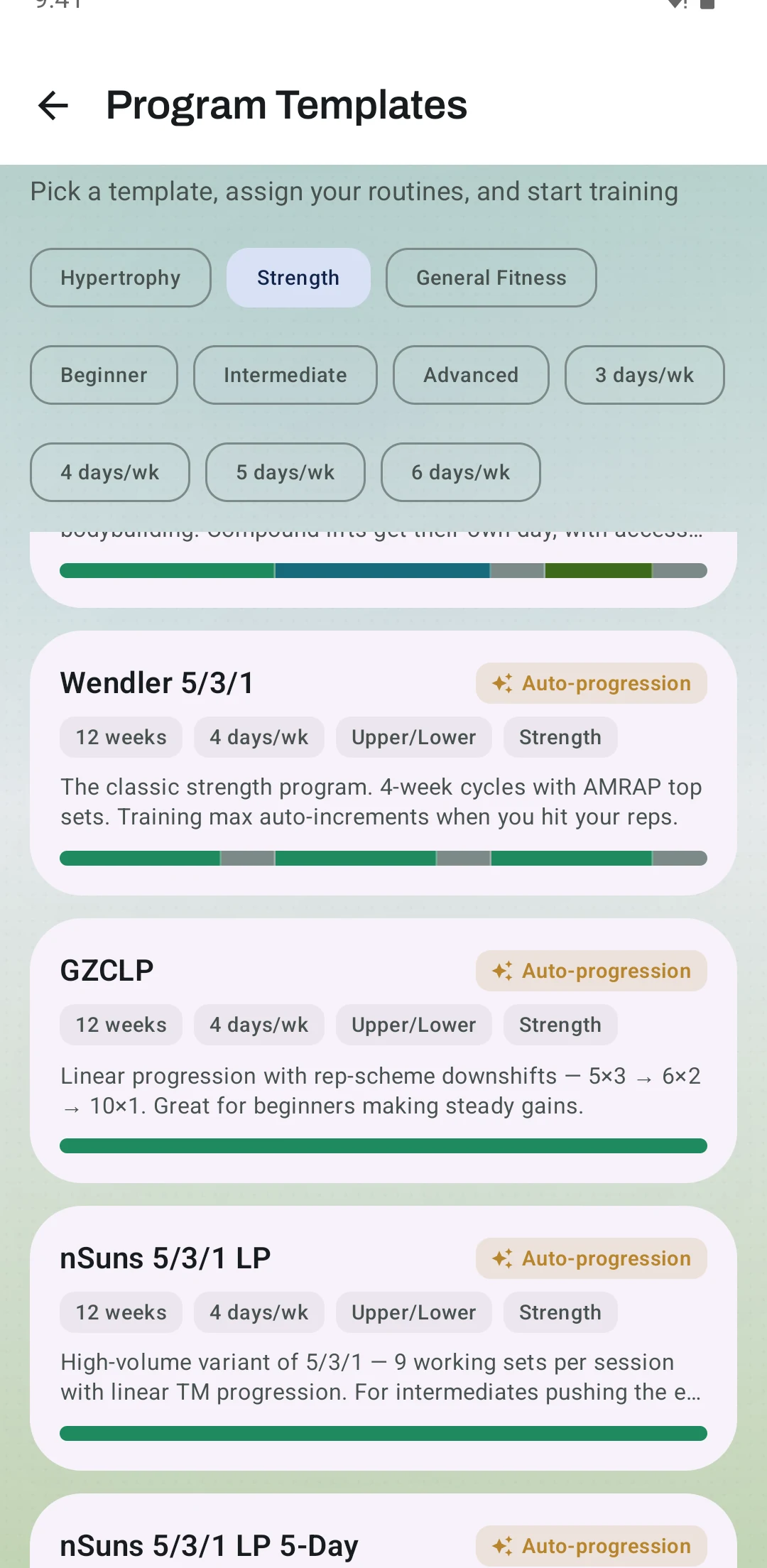
- Open the menu, tap Search Kinoku at the top, type templates and tap Program templates.
- Tap the Strength filter to shorten the list, then tap Classic 5x5 Full Body and Start This Program.
- Choose a start date, tap Next, and tap Create the program routines so Kinoku builds the routines for you.
- Tap Next, then Activate Program, and enter your one-rep max for each lift it lists before you tap Start program.
On your first launch, from the welcome screen
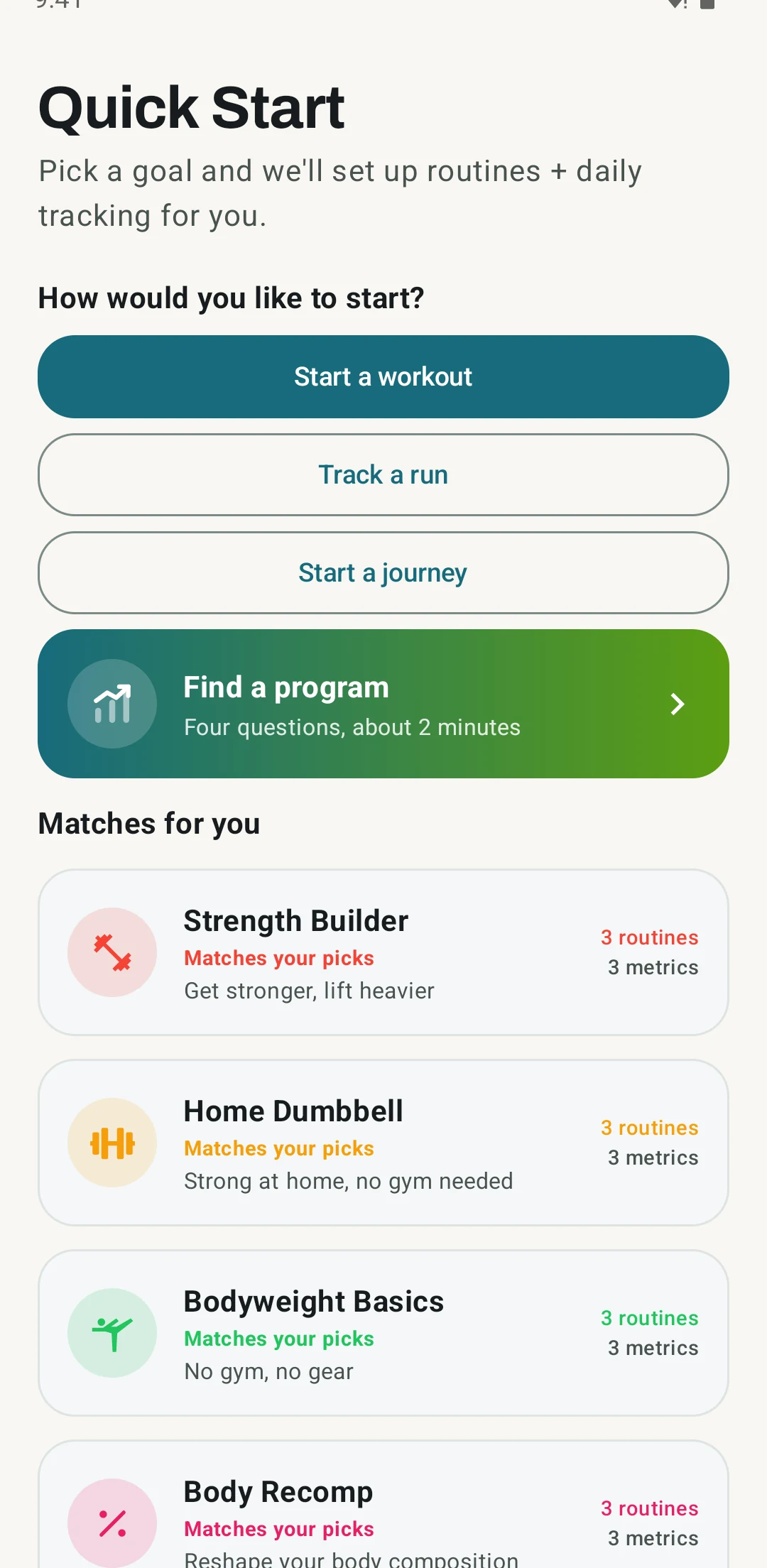
- Pick Strength as a focus, because the finder card only shows for people who lift.
- Tap Find a program on the welcome screen, right under the three start choices.
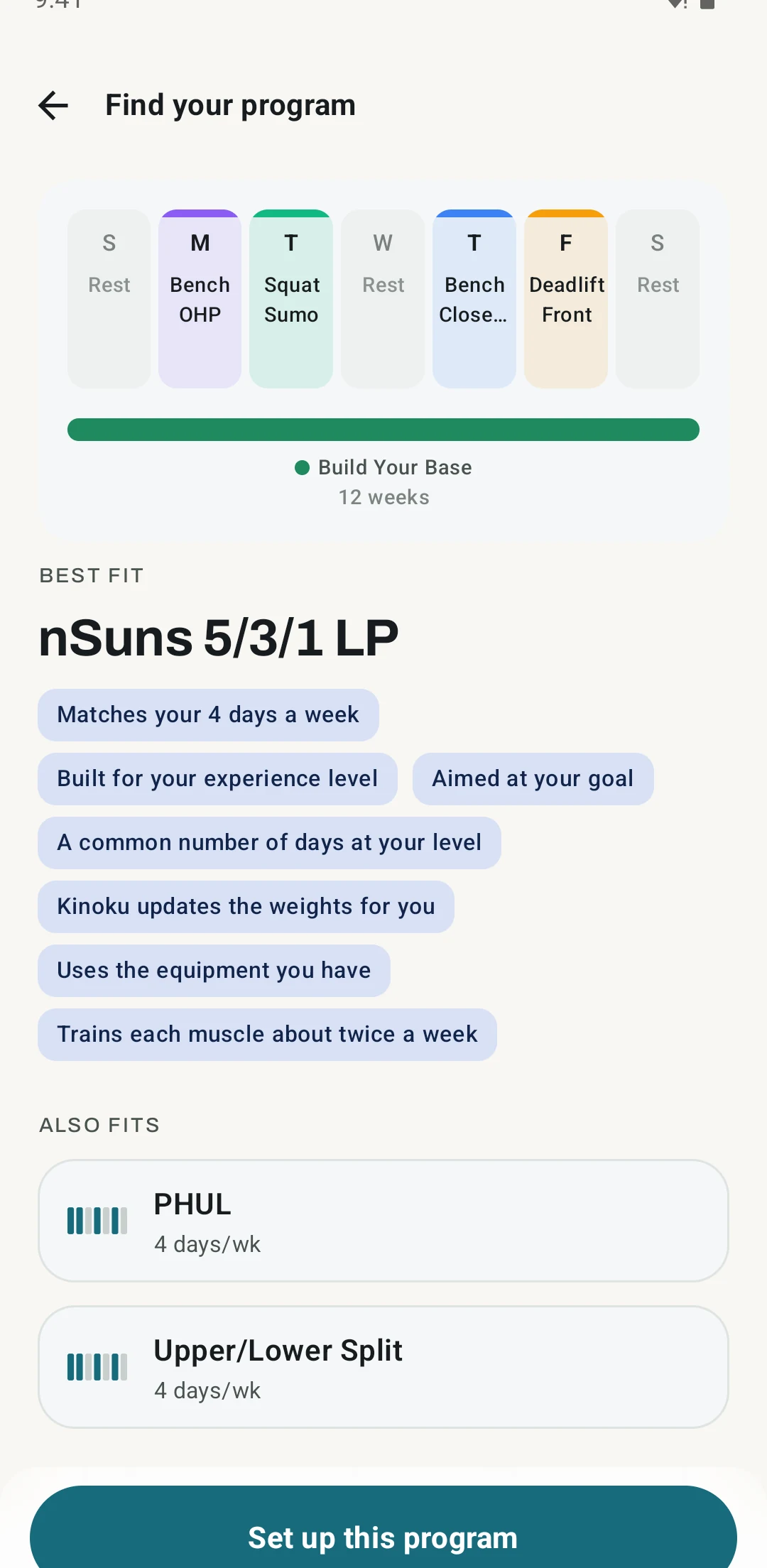
- Answer four questions about your week, and the finder sets up the match for you.
The finder picks the program that fits your answers, so it can suggest a different one, while the menu path above reaches Classic 5x5 every time.
Opens the template in the app when Kinoku is installed, and opens Google Play when it is not.
Prefer a file?
Save the file, then open it with Kinoku, and you get 2 routines and a 12-week calendar that starts on the Monday after you download it. No workouts are added to your history, and the file does not work out loads from your one-rep max.
Kinoku in practice
Track this program on your phone
 Open full-size image ↗
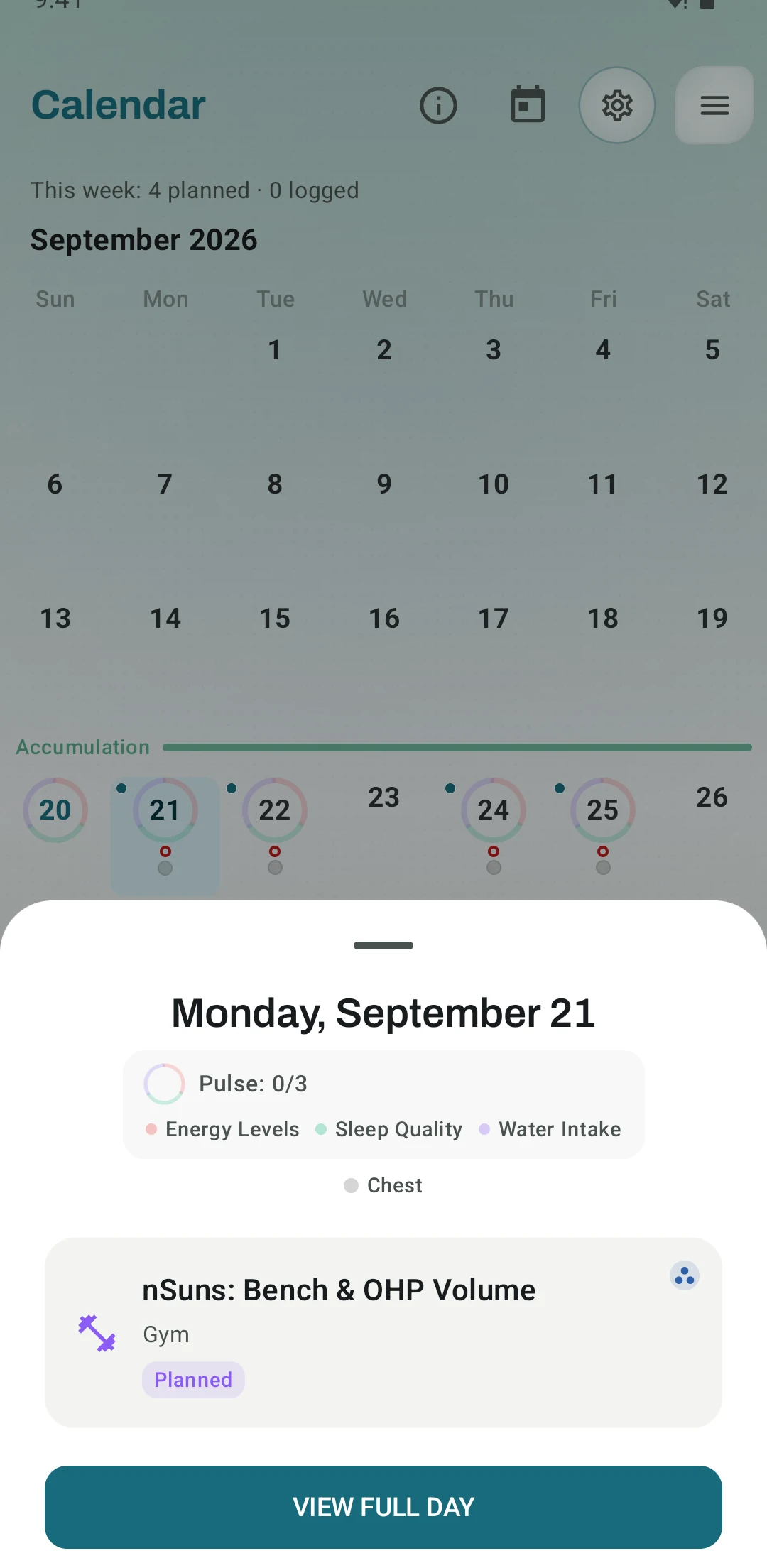
Your weeks land on the calendar
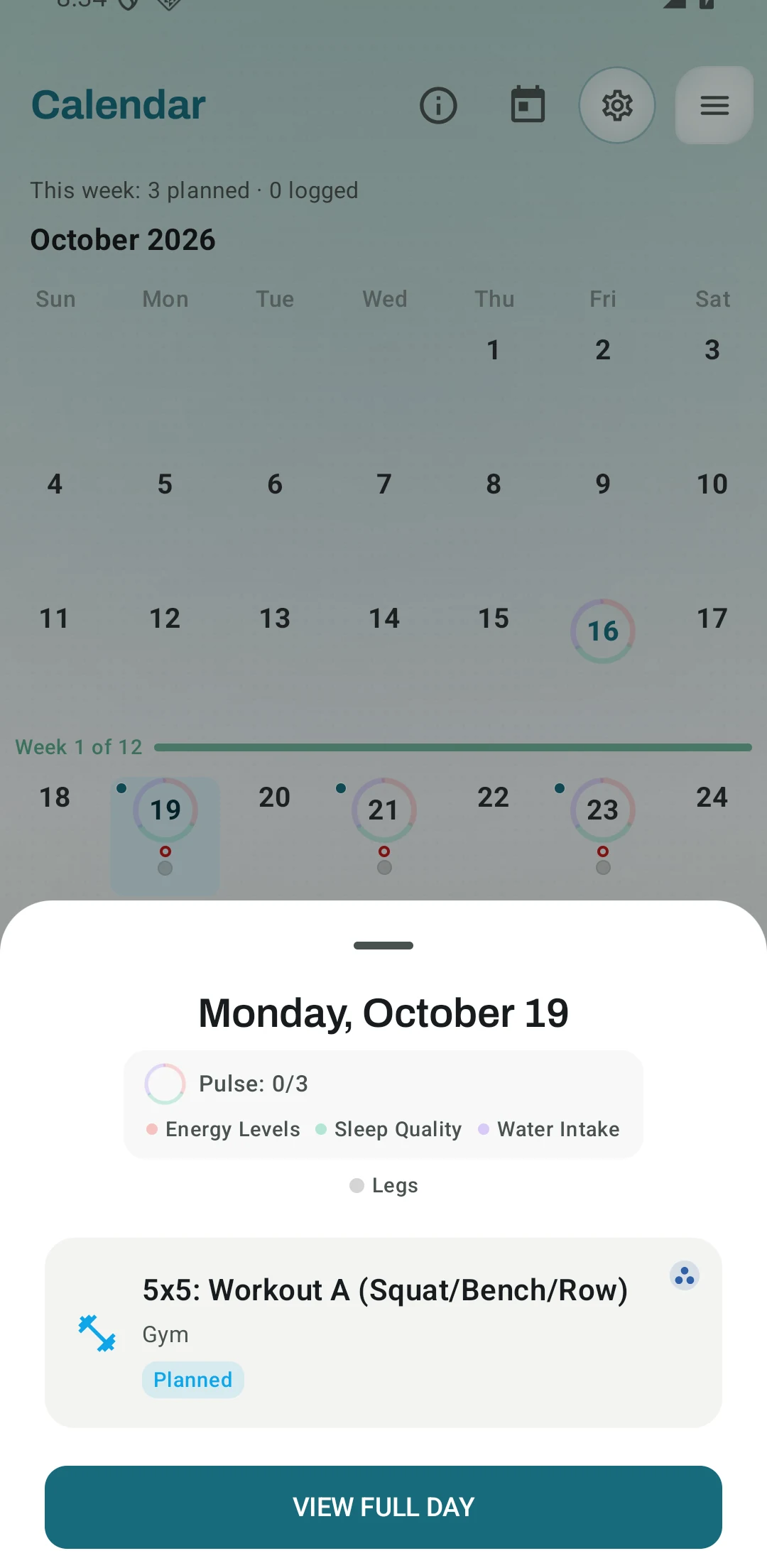
Real Android app capture of Classic 5x5 set to start on a Monday. Workout A takes Monday and Friday of the first week with Workout B on Wednesday, and the second week swaps them.
 Open full-size image ↗
Your week in the program
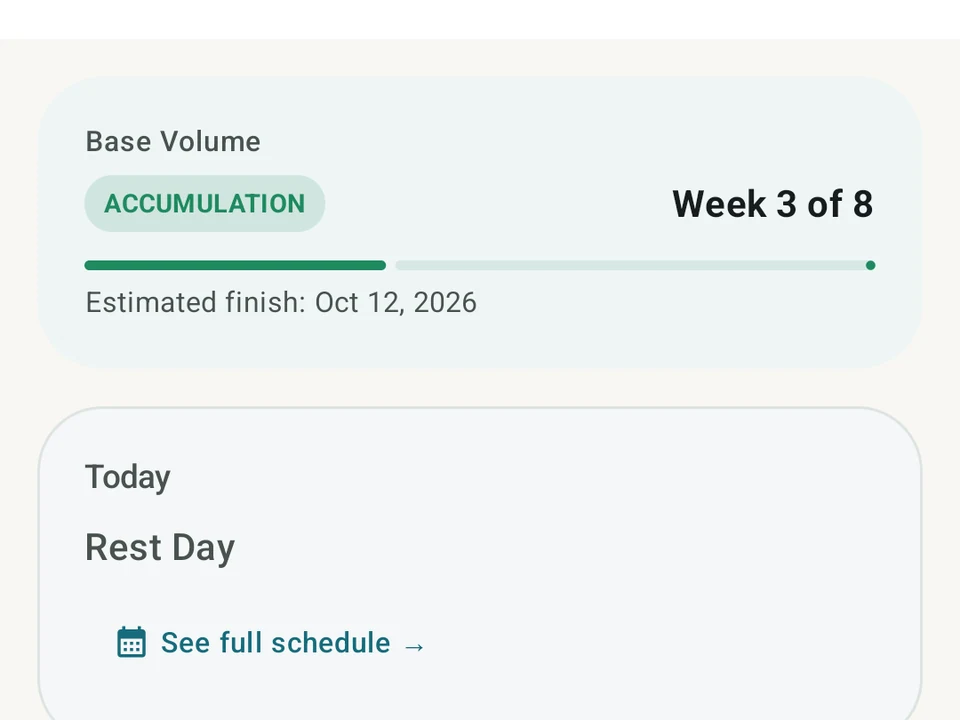
Real Android app capture of the program dashboard, from an 8-week template. Classic 5x5 counts its own weeks on the same card, out of 12.
Classic 5x5 is a three-day barbell program built from two short workouts that take turns. Workout A is the squat, bench press and barbell row, and Workout B is the squat, overhead press and deadlift. Every lift gets five sets of five reps except the deadlift, which gets a single set of five, and the bar gets heavier after each session where you finish every rep.
Two workouts across three days
The two workouts alternate, so one week holds two A days and the next week holds two B days. Kinoku plans Workout A on Monday and Friday of the first week with Workout B on Wednesday, then swaps them in the second week. Across any two weeks, each workout comes up three times.
The squat opens both workouts, so you squat three times every week. The bench press and row come up twice in one week and once in the next, while the overhead press and deadlift follow the opposite pattern. Every lift gets rest days between its sessions, and the squat gets the most practice of the five.
Kinoku’s template names no author, and the app calls it a classic 5x5 full-body plan. The Greyskull-style plan and the Basic Beginner Routine in Kinoku use the same A and B rhythm with other lifts and rep schemes.
How the weight goes up
A session where every set reaches five reps raises the weight for the next one. The squat, bench press, row and overhead press go up 2.5 kg at a time, and the deadlift goes up 5 kg. No set is taken past five reps, so a strong day earns the same jump as an ordinary one.
Take a squat that starts at 60 kg as an example. Three good sessions in the first week put it at 67.5 kg by the next Monday, and twelve good sessions in a row add 30 kg. A pace like that runs out sooner or later, which is why the program also needs a rule for the day the bar stops moving.
When a session falls short
A session where any set stops short of five reps keeps the same weight for next time. Each lift keeps its own count, so a missed bench press does not hold back the squat. The third missed session in a row on one lift takes 10 percent off it, rounded to the nearest 2.5 kg, and a good session clears the count.
So a squat that misses at 100 kg three times in a row comes back at 90 kg. Four good squat sessions after that bring it back to 100 kg.
What Kinoku works out for you
When you start the template, Kinoku asks for a one-rep max on each of the five lifts. It plans your first working weight at 80 percent of that number, rounded to the nearest 2.5 kg. A field left blank starts that lift on the empty bar at 20 kg, which suits a lift you have not tested yet.
From then on the app plans the sets and the weight for every session. If a first weight feels wrong, a new one-rep max under Lift maxes in Program settings becomes a new working weight from the next day.
What the template leaves to you
The 2.5 kg and 5 kg jumps come with the template, and picking Smaller under Weight jumps in Program settings leaves them alone. For smaller steps, the Greyskull-style plan halves its jumps when you choose Smaller. The routines hold the work sets only, and Kinoku’s warmup generator can build the lighter sets before them from your working weight.
The program has no accessory work, and Kinoku sets weights only for the five main lifts. Your routines stay editable, so you can add extra exercises at the end of a session and pick their weights yourself.
Where to go after 12 weeks
Kinoku plans 12 weeks of Classic 5x5, and after the last week the plan stops adding sessions while your history stays. Cody Lefever’s GZCLP (a program built on three tiers of lifts) mixes heavy and lighter work in each session, as the GZCLP page explains. Jim Wendler’s 5/3/1 Boring But Big changes the reps from week to week. If you are moving from the StrongLifts app, the roundup of StrongLifts alternatives compares the apps that plan a 5x5 weight for you.
Frequently asked questions
Which app tracks Classic 5x5 and adds the weight for me?
Kinoku runs it for free on Android. Starting the template asks for a one rep max on each of the five lifts and plans your first working weight at 80 percent of it. From then on the app plans the sets and the weight for every session, and a lift you have not tested yet can start on the empty 20 kg bar.
How many days a week is Classic 5x5?
Classic 5x5 trains three days a week with a rest day between sessions. Kinoku plans Monday, Wednesday and Friday, with Workout A twice in the first week and Workout B twice in the second. The two-week pattern repeats until the 12 weeks end.
How much weight does Kinoku add in Classic 5x5?
After a session where every set reaches five reps, Kinoku adds 2.5 kg to the squat, bench press, barbell row or overhead press and 5 kg to the deadlift. These jumps belong to the template, so the Weight jumps choice in Program settings does not change them.
What happens when I miss reps?
The weight stays the same for the next session of that lift. Each lift counts its own missed sessions, and the third miss in a row takes 10 percent off, rounded to the nearest 2.5 kg. Any good session clears the count.
Do I need to know my one-rep max to start?
No, because a lift you leave blank starts on the empty 20 kg bar. When you enter a one-rep max, Kinoku plans the first working weight at 80 percent of it. A light start costs only a few sessions, since the bar climbs every time you get all your reps.
Calculators & tools
Compare Epley and Brzycki estimates, then print percentage and rep-max charts in kilograms or pounds.
A strength score that adjusts for your sex and weight. Written for the German federation in 2019, now the cross-federation standard.
Wilks 1 from 1994 and Wilks 2 from 2020. An older score that many groups still keep on record.
Track this in the app
Run Classic 5x5 in Kinoku
Kinoku works out the weights and the jumps for the lifts it tracks, offline on your phone.
100% free with no mandatory account and no cloud tracking.
Related app features
A 4-phase planning stack. The builder, all 25 templates, named programs with auto-progression, the custom model, and unlimited active programs are free. Pro adds volume targets, readiness tuning, and auto set changes.
Warmup sets built from your working weight, bar weight, and unit system.
Load the bar fast with a visual plate layout. The calculator and bar-weight setting are free; Pro adds custom plate inventory settings.
Open a lift in Stats and a plain label says if it is progressing, holding steady, or slipping, with a flat-zone band on the chart. The label is free. Pro adds ideas for a stuck lift (options, never orders), an all-lifts dashboard, and a Coach card. It stays quiet when the data is thin.